The main screen on QGC has 2 main pages. Switch back and forth between them by
clicking on the corresponding icon in the top left corner of the screen.
1. Plan
This screen is used to plan and upload autonomous missions to the UAV.
Individual waypoints can be added and configured to plan a mission. There are
automatic tools to create various patterns such as surveys and corridor scans. A
mission command list will be on the right hand of the screen and will provide the
user the ability to adjust all waypoints and planned actions. It is highly
recommended that users read through the QGC documentation and/or find the
available training videos on the software to understand all aspects of planning
and uploading an autonomous mission.
2. Fly
Monitors the vehicle during operation, providing telemetry readouts and any
video streaming overlay. This screen can toggle between a map view of the
vehicle currently flying and video streaming if the vehicle is equipped with that
capability. All in-flight actions, emergency and otherwise, can be accessed
through the Fly view. It is again encouraged that users read through QGC
documentation.
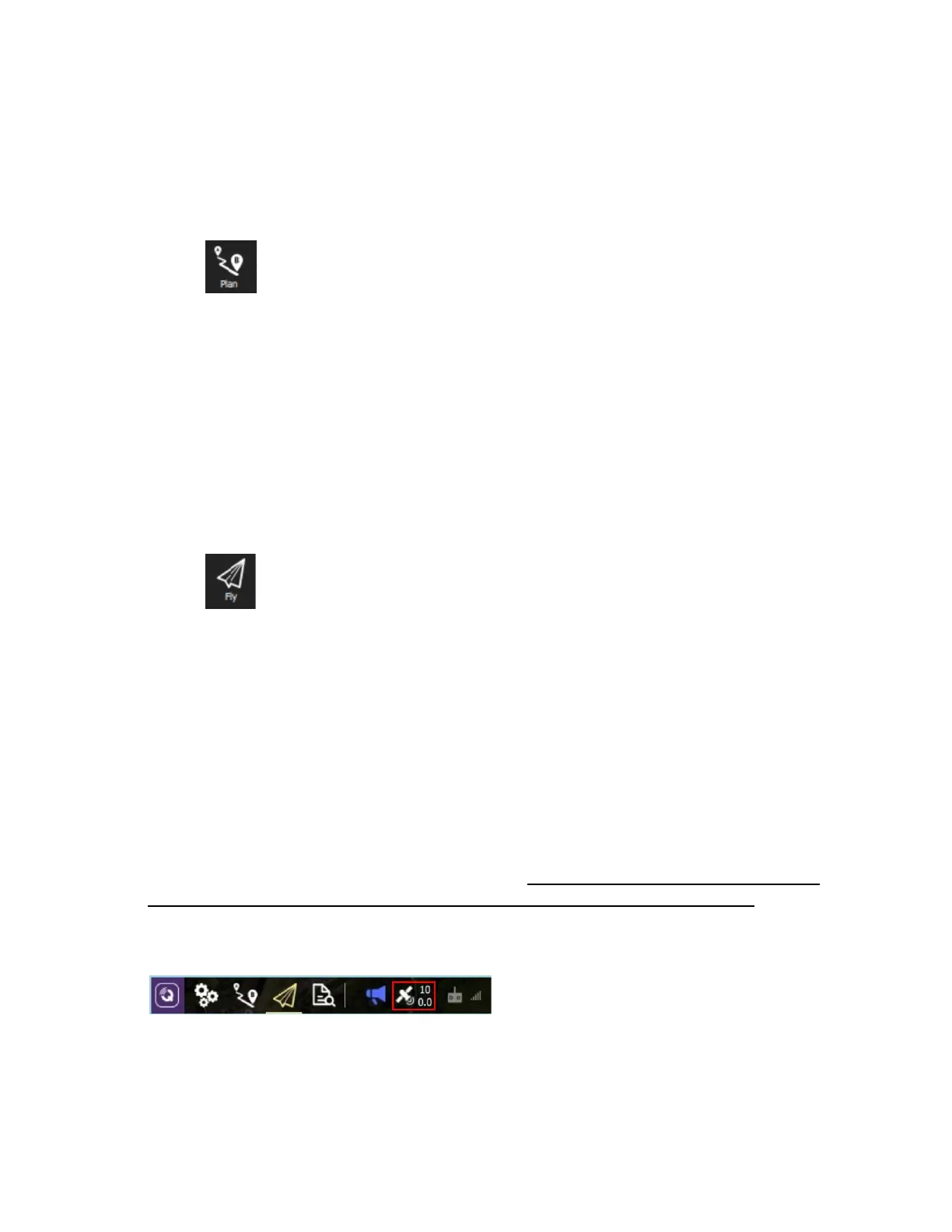
GPS Satellite Count
GPS status is one of the native readouts on QGC. It is not recommended to fly with any
fewer than 10 connected satellites, as it is unlikely a GPS lock will be obtained. The
satellite count can be found to the right of the main toolbar in QGroundControl, as seen
in the image below.



 To Next Page