IFT1200A Pilot Operating Handbook 13. Set Up the Long Range Telemetry Radio
13. Set Up the Long Range Telemetry Radio
Note: IF1200A LRT Only
Note: The IF1200A LRT can be flown in Loiter, Position Hold, or Return to Launch modes using
only the Jeti DS-12 transmitter. For Altitude mode and autonomous missions that require
location information (GNSS) and aircraft information, a ground station (laptop or tablet) with the
RFD900x-US connected to it is required.
NOTE: Before performing this procedure, your Ground Control Station software must be
Installed on the device (laptop or tablet) that will be used as the ground control station.
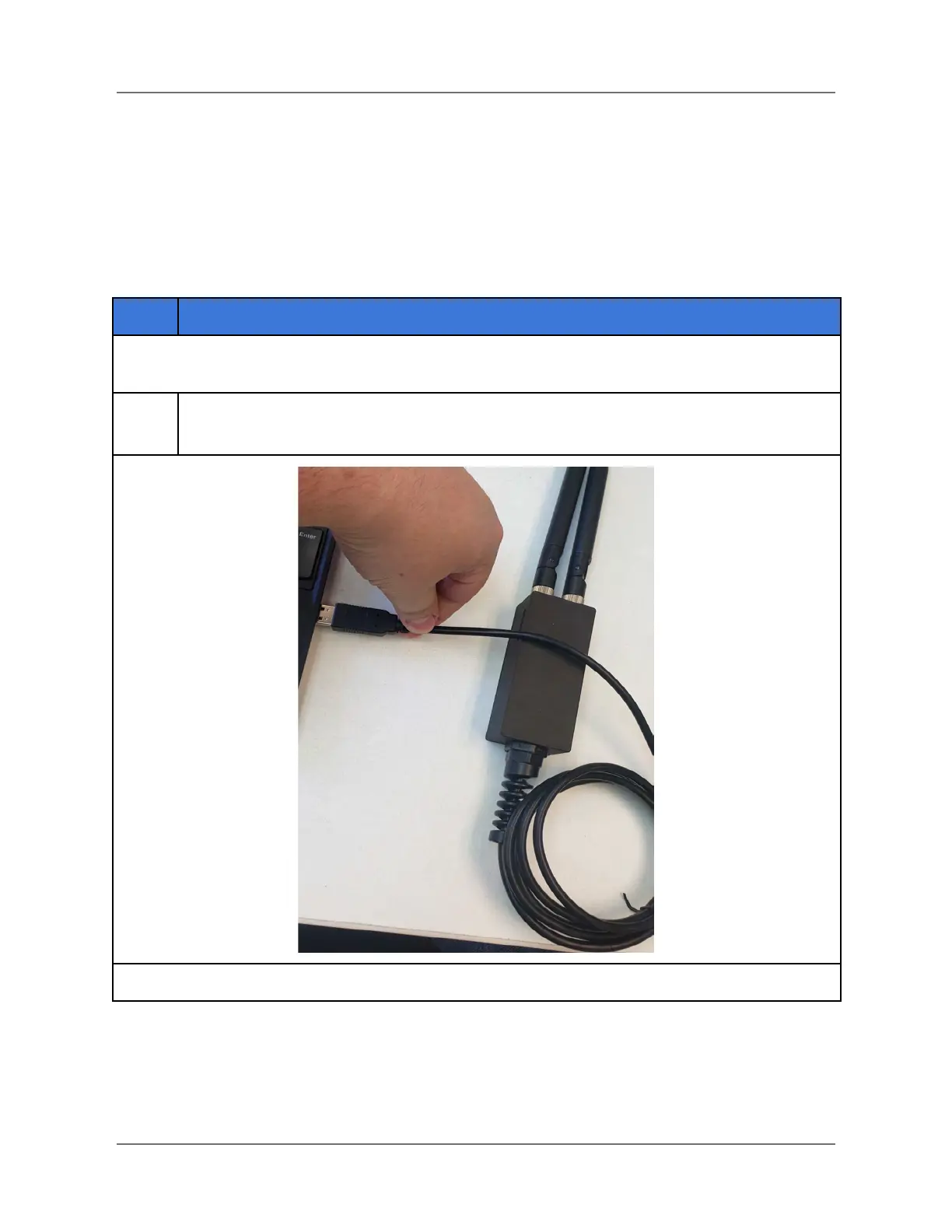
Plug the Long Range Telemetry (LRT) radio into an open USB port on the ground
control station (see below).
IFT Doc Num 102094, Rev 1.02 Page 31



 To Next Page