IF1200A Pilot Operating Handbook Appendix
Upgrade the Aircraft Firmware
Note: Firmware upgrades are only necessary if advised by Inspired Flight. The aircraft comes
with firmware installed at the factory.
Open QGroundControl on a PC.
Open the Settings tab, then Vehicle Setup.
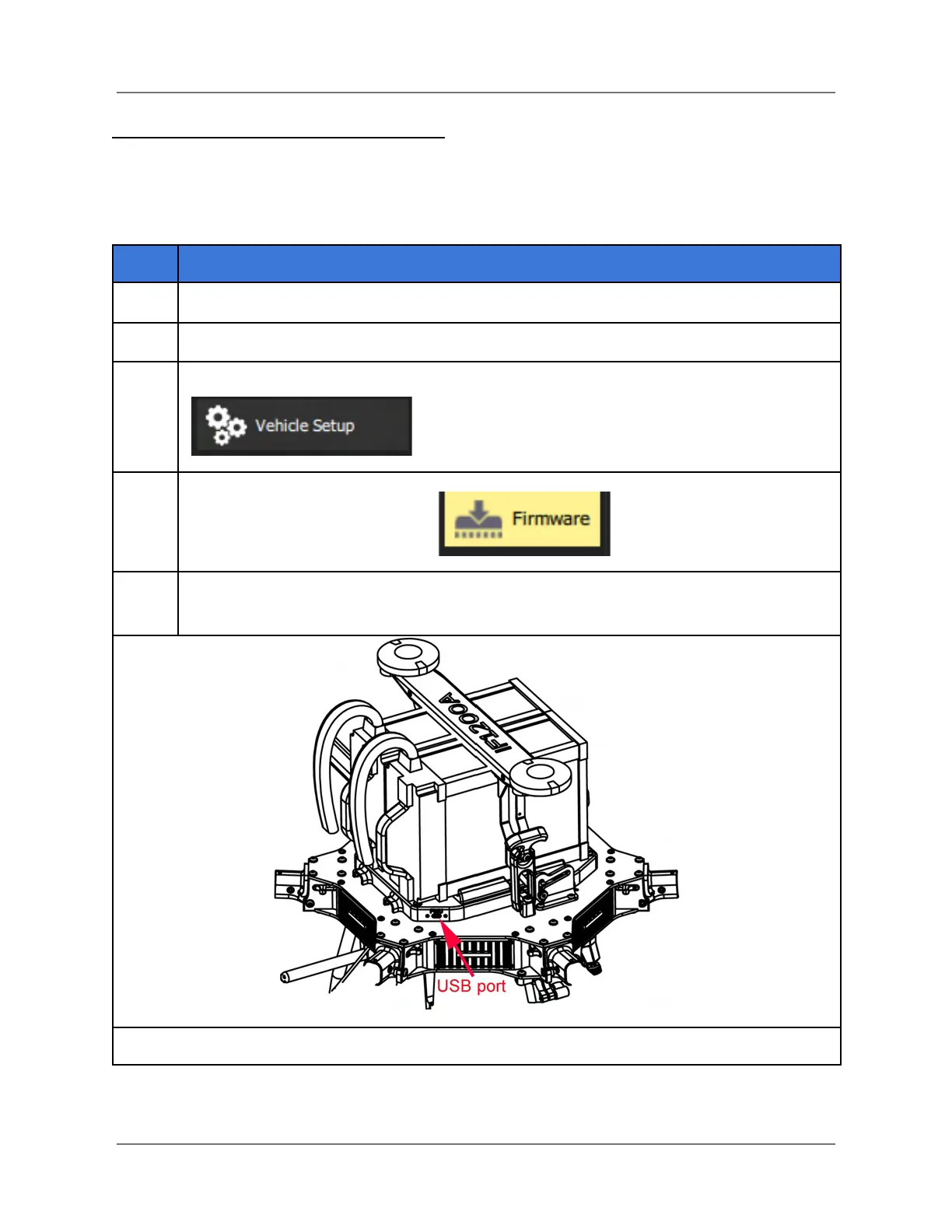
Connect a USB-C to USB-A cable between the aircraft’s USB port (see below), and
the device with QGC.
IFT Doc Num 102094, Rev 1.02 Page 63



 To Next Page