Need help?
Do you have a question about the Inspur NP5540M3 and is the answer not in the manual?
Provides essential safety guidelines and precautions for server operation and handling.
Details the technical specifications of the server, including processors, memory, and interfaces.
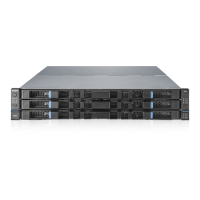
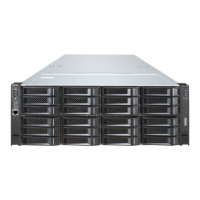
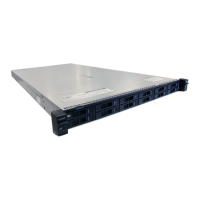
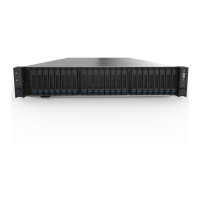
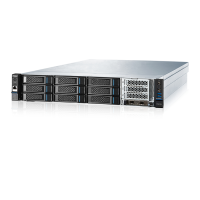
Illustrates and describes the components and indicators on the front panel of the server.
Details the components and interfaces located on the back panel of the server.
Guides on accessing and configuring the system's BIOS settings.
Introduces the main menus and operational keys within the BIOS setup utility.
Explains motherboard jumper settings and their functions.
Provides steps to access the SATA HostRAID configuration utility during boot.
Details the keyboard keys used for navigating the SATA HostRAID configuration interface.
Guides on creating, deleting, and resetting RAID volumes using SATA HostRAID.
Explains how to access the SAS RAID configuration utility during system boot.
Lists the keyboard keys used for navigating the SAS RAID configuration interface.
Guides on creating, deleting, and resetting RAID volumes using SAS RAID.
Details the use of Inspur driver U disk for installing operating systems and drivers.
Provides step-by-step instructions for manually installing Windows Server 2008.
Guides on manually installing Red Hat Enterprise Linux 6.1 on the server.
Describes methods for restarting the server to resolve issues.
Troubleshoots common issues encountered during the machine startup process.
Offers solutions for system crashes, freezes, or unexpected restarts.
Explains how to diagnose and resolve machine alarms.
Details how to check and set the BMC IP address for server management.
Guides on connecting to the server remotely via its management interface.
Introduces the main menus and functions available in the management interface.
Explains how to use the remote control functions, including console redirection.
Covers essential preparation steps for installing the server in a cabinet.
Provides instructions for installing the server chassis handles.
Details the components of the slide rail suite and their purpose.
Guides on how to install the inner rail of the server slide rail.
Explains the process of installing the outer rail into the server cabinet.
Provides steps for physically mounting the server into the cabinet.
 General
| Processor | Intel Xeon E5-2600 v3/v4 series |
|---|---|
| Number of Processors | Up to 2 |
| Memory Slots | 24 DIMM slots |
| Expansion Slots | Up to 7 PCIe 3.0 slots |
| Form Factor | 2U |
| Memory | DDR4 |
| Storage | Up to 24 x 2.5" or 12 x 3.5" SAS/SATA HDD/SSD |
| Network Interface | 2 x 1GbE |
| Power Supply | Redundant power supplies |

 To Next Page