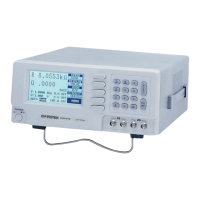
LCR-800 Series User Manual
20
Steps of “BIAS” voltage selection (Figure 4-8):
z Press compound key 7 to selects the “INTERNAL BIAS” or “EXTERNAL
BIAS” on the main menu. (If this key function is switched to “INTERNAL
BIAS”, the bottom of LCD monitor will display the “INT.B” message. If the
external DC bias is selected, the bottom of LCD monitor will display the
“EXT.B” message.
z Press compound key 8 to turn either “INTERNAL BIAS” or “EXTERNAL
BIAS” mode “ON” or “OFF” on the main menu.
4-5-2. Test Frequency
The numerical input of test frequency accepts up to 5 digits with decimal. User
can input any desired frequencies, however, the actual frequency executed for the
LCR Meters is always the closest one of the 504 available frequencies. The 504
frequencies can be calculated by the following formulas:
3kHz/n, where n range is from 13 to 250 (freq. 0.012 to 0.23077kHz)
60kHz/n, where n range is from 4 to 256 (freq. 0.23438 to 15kHz)
200kHz/n, where n range is from 1 to 13 (freq. 15.385 to 200kHz)
The “nominal value” of an available frequency can be calculated from the proper
one of the three formulas.
The range of test frequency between 12Hz and 10kHz is for LCR-817/827,
between 12Hz and 100kHz for LCR-819/829, between 100Hz and 2kHz for
LCR-816/826, and between 12Hz and 200kHz for LCR-821. To select the test
frequency, just key in the desired frequency via these numerical keys, the LCR
Meters will take the nearest available test frequency from the 504 available test
frequencies automatically.
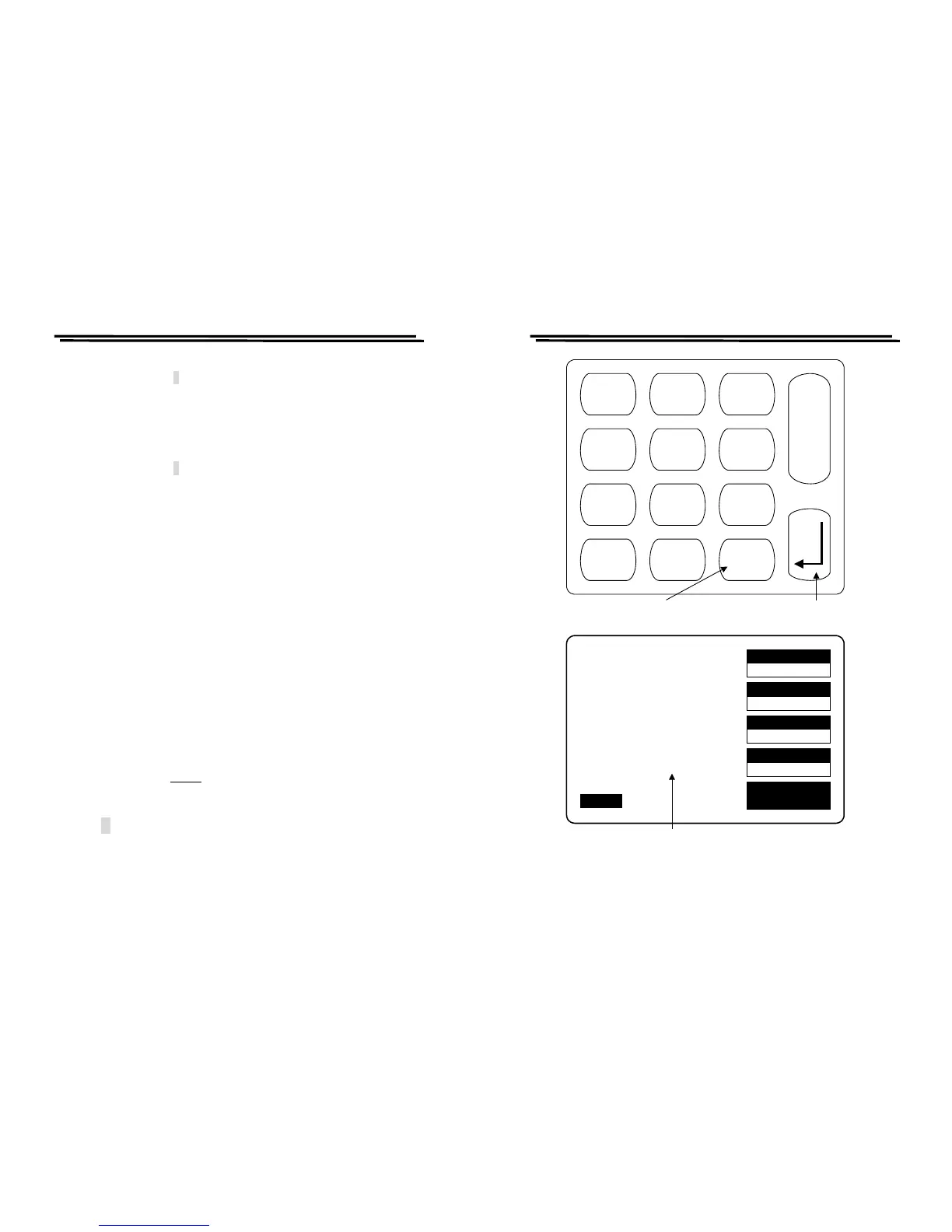
Steps of “Test Frequency” selection (Figure 4-9):
z Press compound key FREQ .
z Input the desired frequency in kilohertz.
z Press ↵ key.
Note: After test frequency has been changed, the zeroing of “Open/Short
circuit” must be done again for the best accuracy.
LCR-800 Series User Manual
21
SPEED
SLOW
DISPLAY
VALUE
MODE
L/Q
CIRCUIT
SERIES
MENU
L 1.2345H
Q 0.6789
TESTING
F : 1.000 kHz
V : 1.000 V
AUTO MANU INT.B OFF
R.H OFF
C.V OFF
Press - key to input test
frequency
Press enter key to confirm the
inputs.
0
R.H
.
_
FREQ
1
C.V
2 3
4
PPM
5 6
7
BIAS
8
ON/OFF
9
S
T
A
R
T
test frequency
Figure 4-9. Inputs of test frequency



 To Next Page