LCR-800 Series User Manual
64
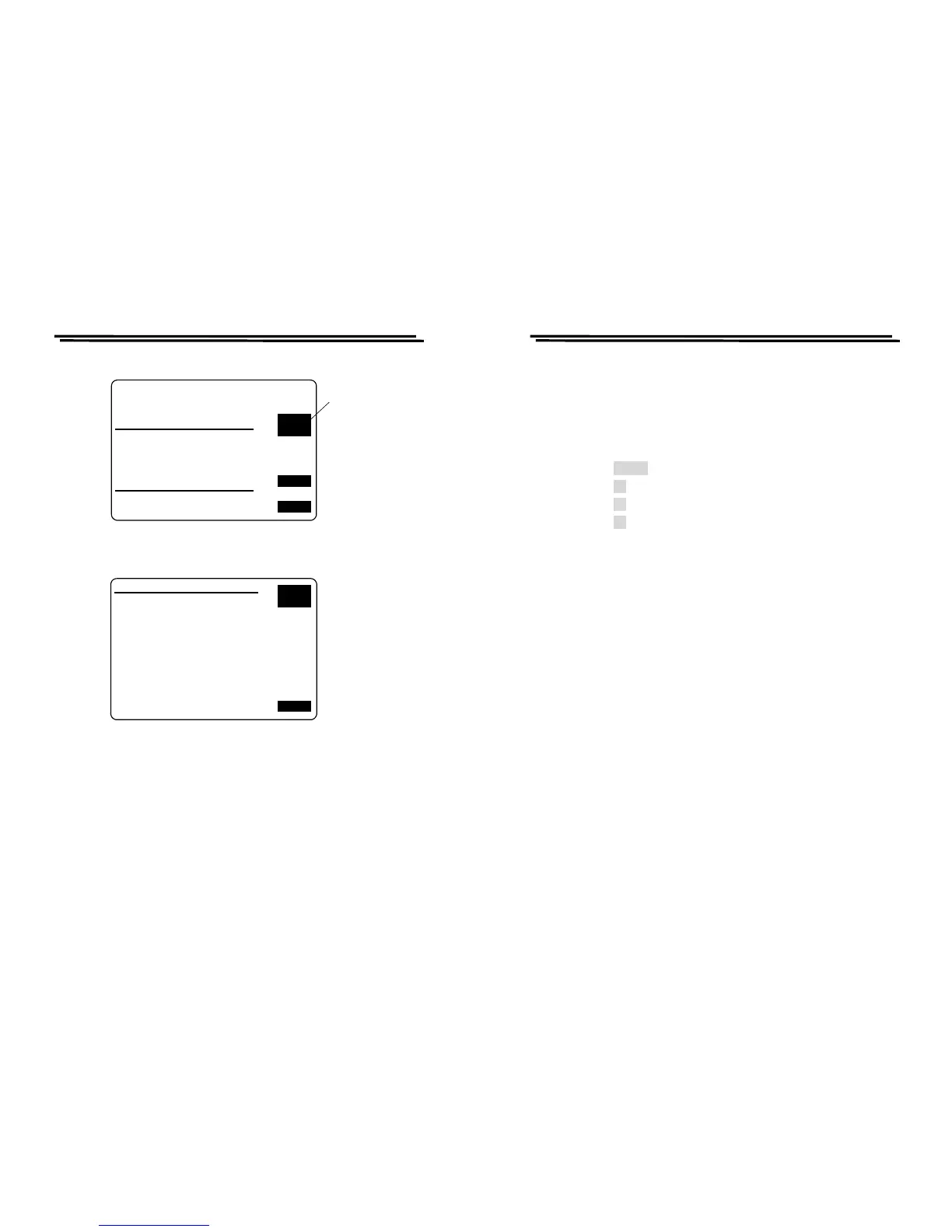
SORT BY C NOM_VAL:15.000pF
D_MIN: .0010 D_MAX: 1.000
TEST RESULT
FAIL_ITEM TOTAL
PHI ( C >MAX )
PLO ( C <MIN )
SREJ( D NG ) 2
TOTAL 2
PASS_ITEM
BIN 1 - BIN 13
NEXT
PAGE
EXIT
Press F2 to
next page
CLR.
Figure 8-27
BIN MIN pF MAX pF TOTAL
1 13.500 16.500 999999
2 12.750 17.250 999999
3 12.000 18.000 999999
4 11.250 18.750 999999
5 10.500 19.500 999999
6 9.750 20.250 999999
7 9.000 21.000 999999
8 8.250 21.750 999999
9 7.500 22.500 999999
10 6.750 23.250 999999
11 6.000 24.000 999999
12 5.250 24.750 999999
13 4.500 25.500 999999
LAST
PAGE
EXIT
Figure 8-28
LCR-800 Series User Manual
65
9. OPTION 2 (RS-232C: option for LCR-816/817/819, standard
for LCR-821)
9-1. On-line Procedure
1) Power on the LCR METER.
2)
Power on the RS232 function of LCR METER. With the steps as
follows (Figure 1):
z Press MENU key.
z Press F2 key to select “SORT” function.
z Press F3 key to select “OPTION 2” function.
z Press F1 key to select “RS232” ON.
3)
Run PC LCR-VIEWER Program.
4)
Check the contents of the Message area under the LCR-VIEWER to
make sure the Online Procedure has been well done. If not, select the
setting items above the LCR-VIEWER to change the Com port and
make connection again until it is online. Please refer to Figure 9-2, 9-
3, 9-4.



 To Next Page