31
Installing the Spacers and Side Plates
Product Support: www.instron.com
3. Using a 2.5 mm hex wrench, secure the spacer using two M4 x 8 screws (same
screws removed in Step 1).
4. Repeat Step 1 through Step 3 for the remaining three spacers.
5. Proceed with installing the jaw faces. Refer to “Installing the Jaw Faces” on
page 27.
Installing the Side Plates
To install the side plates:
1. If necessary, remove the spacers. Using a 2.5 mm hex wrench, loosen and remove
the two M4 x 8 screws and then remove the spacer.
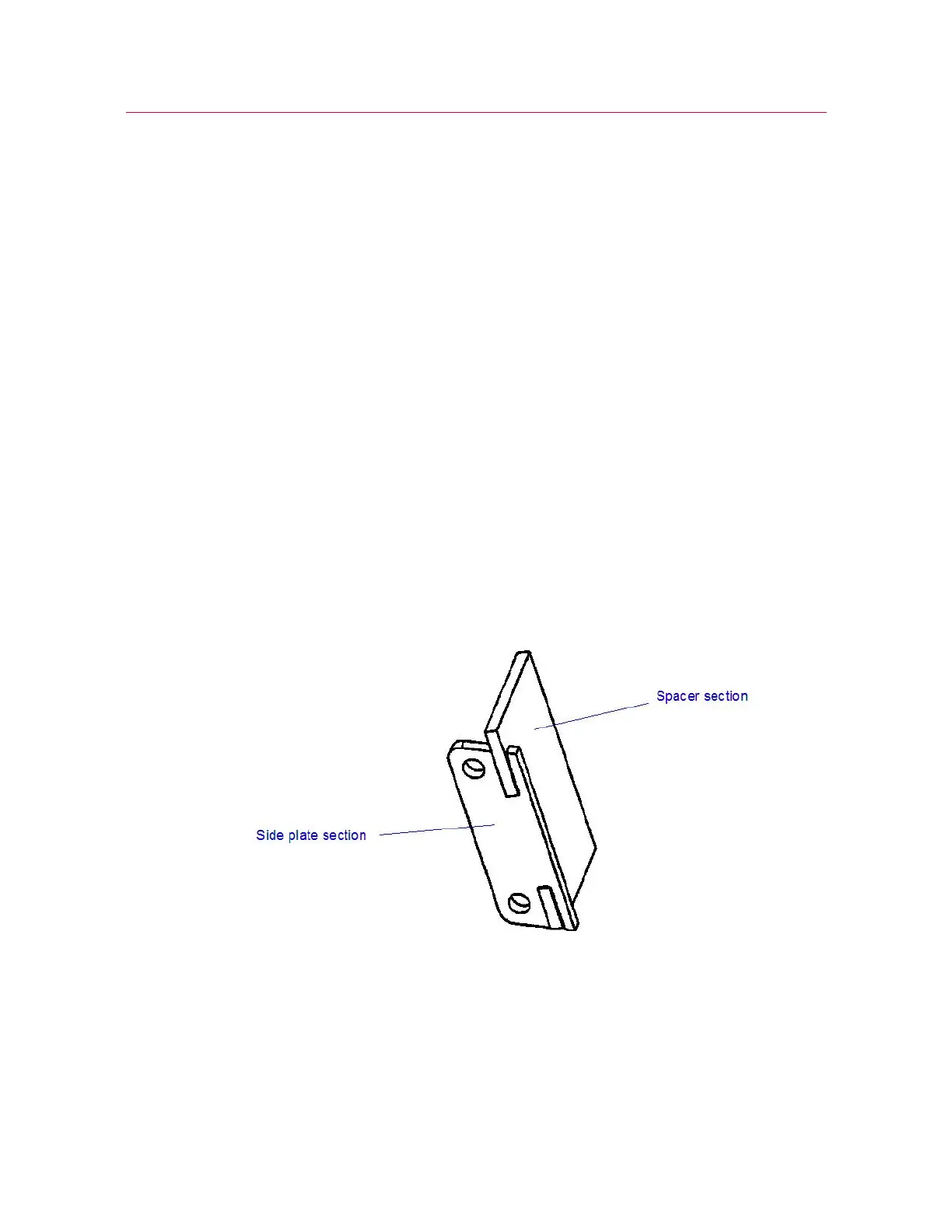
2. Orient the side plate so that the two screw holes on the side plate fit over the two
mounting holes in the grip. See Figure 9 on page 32.
3. Using a 2.5 mm hex wrench, secure the side plate using two M4 x 8 screws (same
screws removed in Step 1).
4. Repeat Step 1 through Step 3 for the remaining three side plates.
5. Proceed with installing the jaw faces. Refer to “Installing the Jaw Faces” on
page 27.
Figure 8. Spacer in Detail


 To Next Page