1-981-2180-GB, 2021-03-16 BCR-SD G2 Page: 17
SystemHouse Solutions
6 Service routines
6.1 Periodical service check
Periodical service check consist of from several steps.
• When approaching keypad intensity of display must be increased and keypad light must
be activated
Minimum distance for activation is 25 cm
• Visual inspection - check mechanical damage of the box
There shall be no visible damage on the box.
• Visual inspection - check scratches on display glass
There shall be no visible scratches on display glass.
• Evaluate every key on keypad
Press every key and you must feel tactile feedback while pressing and beep from
internal buzzer.
•
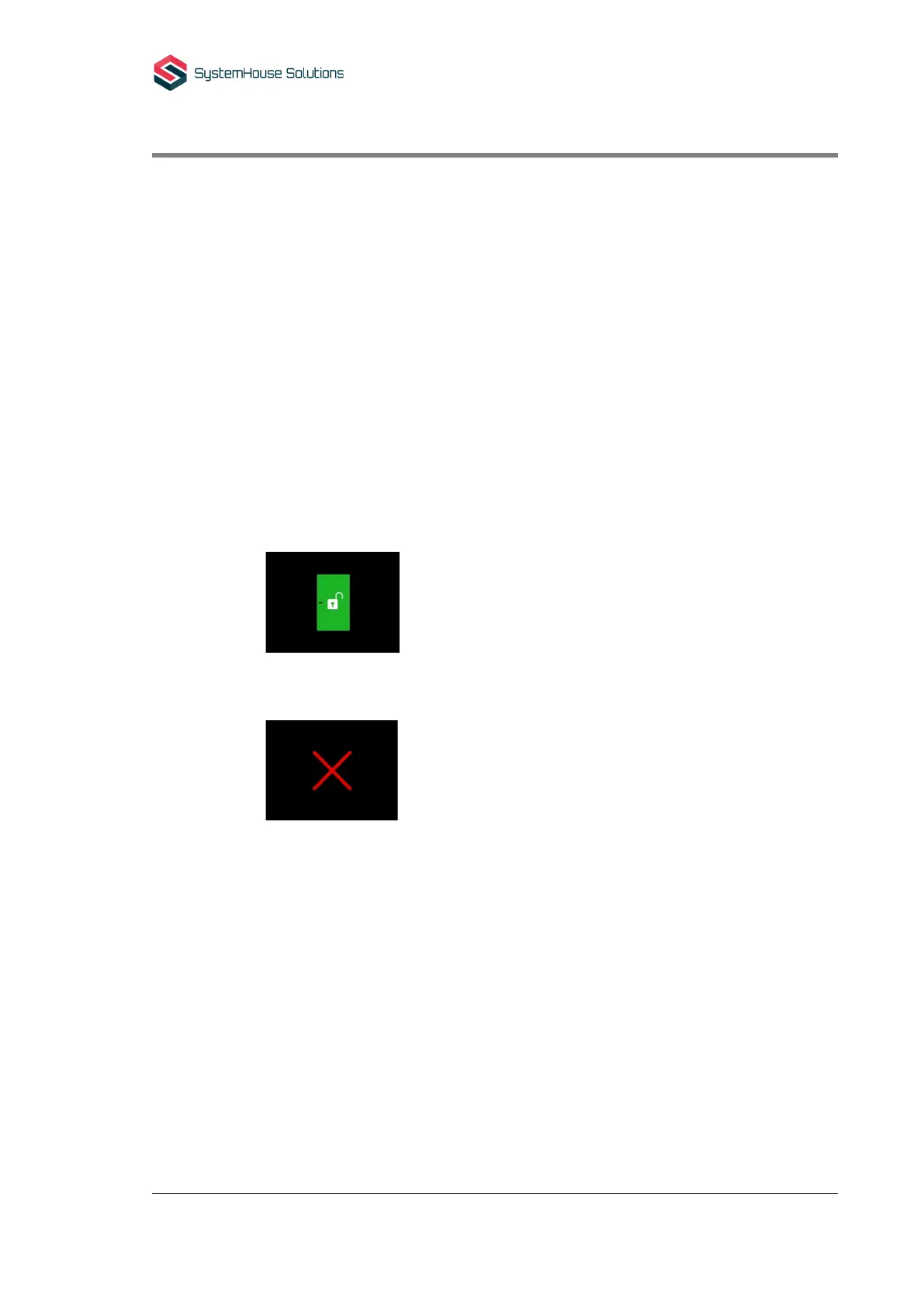
Apply valid card
Green light stripe must be activated together with single beep from buzzer. The
screen shall present this picture:
• Apply not valid card
Red light stripe must be activated together with two beeps from buzzer. The
screen shall present this picture:
• Open box and check wiring
Every wire must be properly inserted and fixed in screw terminal.
• Check visually electronics for any possible damages.
There shall be no damage on electronics.
• Check both parts – bottom and lid for traces of water or humidity.
There shall be no water drops or signs of humidity. If there are any signs device
must be evaluated for possible source of water leakage. In most of cases cable is
not properly sealed inside back sealing and its leading water inside device. In this
case bottom part must be exchanged.
• Measure voltage on screw terminal and compare it against level on used power supply.
Voltage must be within range 20-30 V DC.



 To Next Page