corresponds to the back speaker spacing. This will
reoptimize the surround sound field. ASA is used in four
modes: THX Select2 Cinema, THX Select2 Music, THX
Select2 Games and Dolby Pro Logic II + THX Select2
Games.
Checking the Input Format
You can check the audio format of the input signals. While
audio from the player is being input, press Display on the
remote controller several times to switch the information
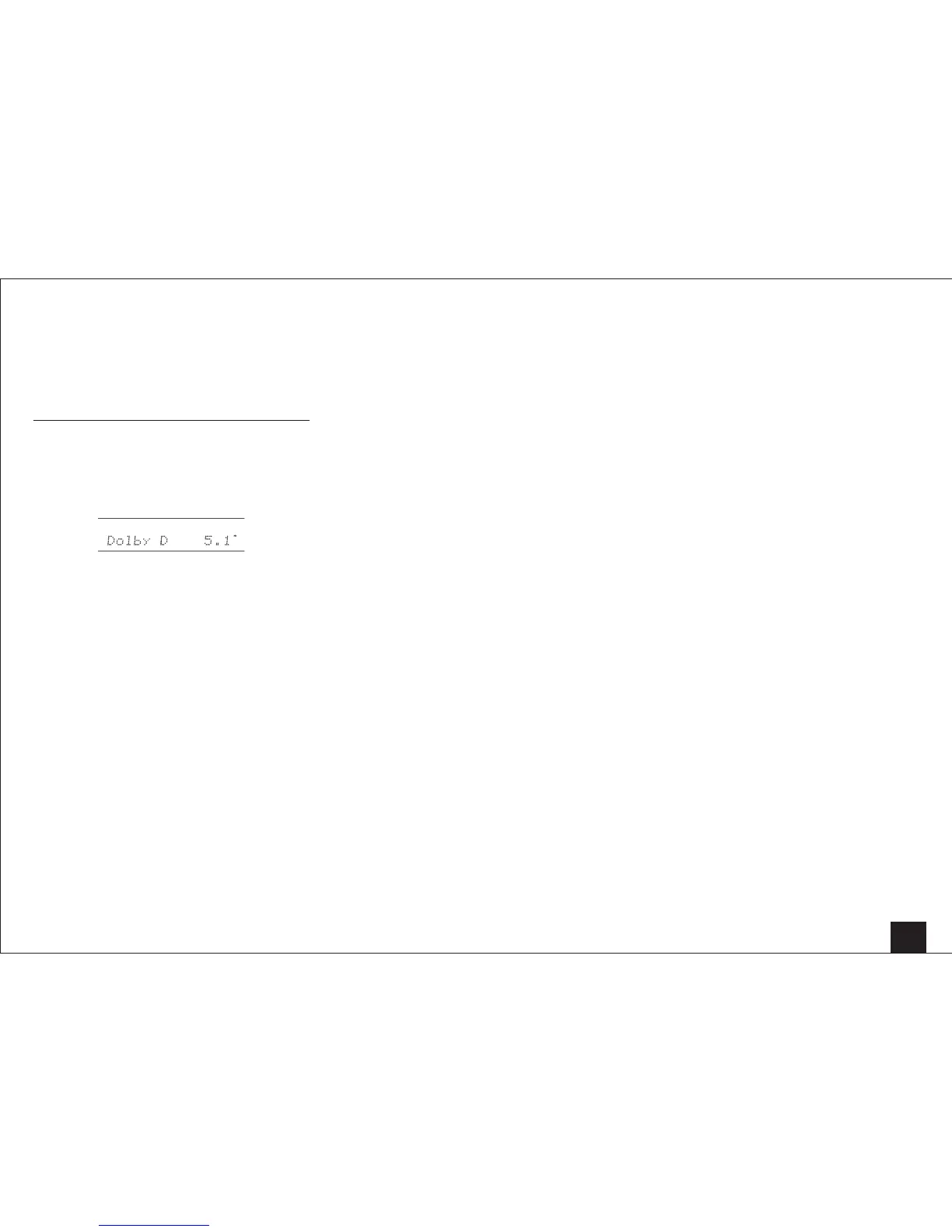
shown on the main unit display. If "Dolby D 5.1" is displayed
in Signal format, the Dolby Digital 5.1 ch signals are being
input.



 To Next Page