Intel Desktop Board DG41TX Technical Product Specification
24
1.9.2 PS/2 Interfaces
The PS/2 connectors are located on the back panel.
NOTE
Power to the computer should be turned off before a keyboard or mouse is connected
or disconnected.
For information about Refer to
The location of the PS/2 connectors Figure 9, page 43
1.10 Audio Subsystem
The onboard audio subsystem consists of the following:
• Intel 82801GB (ICH7)
• Realtek ALC888VC audio codec
• Back panel audio connectors
• Component-side audio headers/connectors:
⎯ Intel
High Definition Audio front panel header/AC ‘97
⎯ Intel High Definition Audio Link header
⎯ S/PDIF Audio out header
The audio subsystem supports the following features:
• A signal-to-noise (S/N) ratio of 95 dB
• Independent 5.1 audio playback from back panel connectors and stereo playback
from the Intel High Definition Audio front panel header
NOTE
Systems built with an AC ‘97 front panel will not be able to obtain the Microsoft
Windows Vista logo.
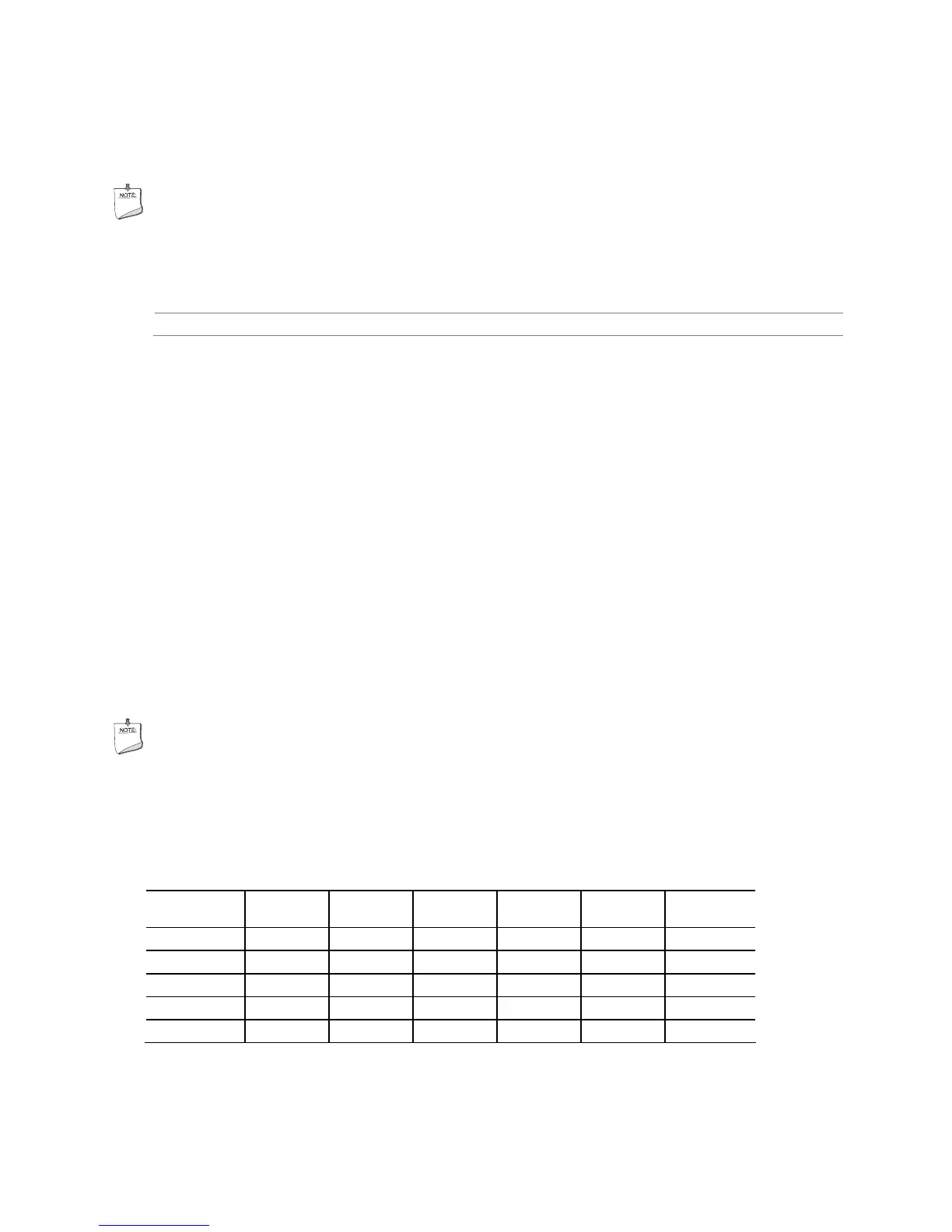
Table 4 lists the supported functions of the front panel and back panel audio jacks.
Table 4. Audio Jack Retasking Support
Audio Jack
Micro-
phone
Head-
phones
Front
Speaker
Line In
Rear
Surround
Center/
Sub
FP Green Ctrl Panel Default
FP Pink Default
Rear Blue Default Ctrl Panel
Rear Green Ctrl panel Default
Rear Pink Default Ctrl Panel





 To Next Page