Installing and Replacing Desktop Board Components
33
Installing and Removing Memory
NOTE
To be fully compliant with all applicable Intel SDRAM memory specifications, the board
requires DIMMs that support the Serial Presence Detect (SPD) data structure.
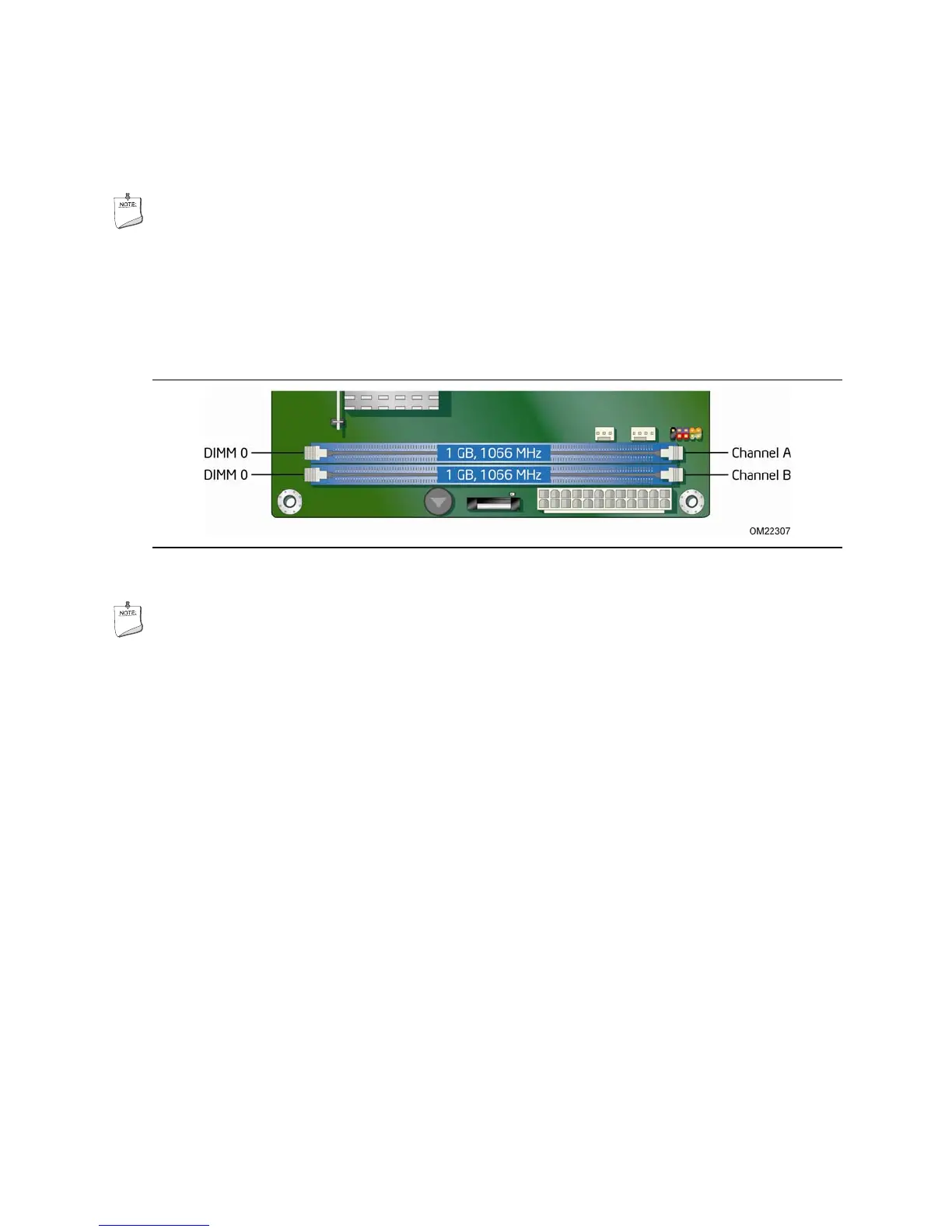
The Desktop Board has two 240-pin DDR3 DIMM sockets providing Channel A and
Channel B. For optimum dual-channel performance, install a matched pair of DIMMs
equal in speed and size (see Figure 13).
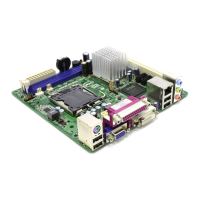
Figure 13. Dual Channel Memory Configuration Example
NOTE
All other memory configurations will result in single channel memory operation.





 To Next Page