Intel Desktop Board DG41AN Product Guide
44
Connecting Power Supply Cables
CAUTION
Failure to use an appropriate power supply and/or not connecting the 12 V (2 x 2 pin)
power connector to the Desktop Board may result in damage to the board or the
system may not function properly.
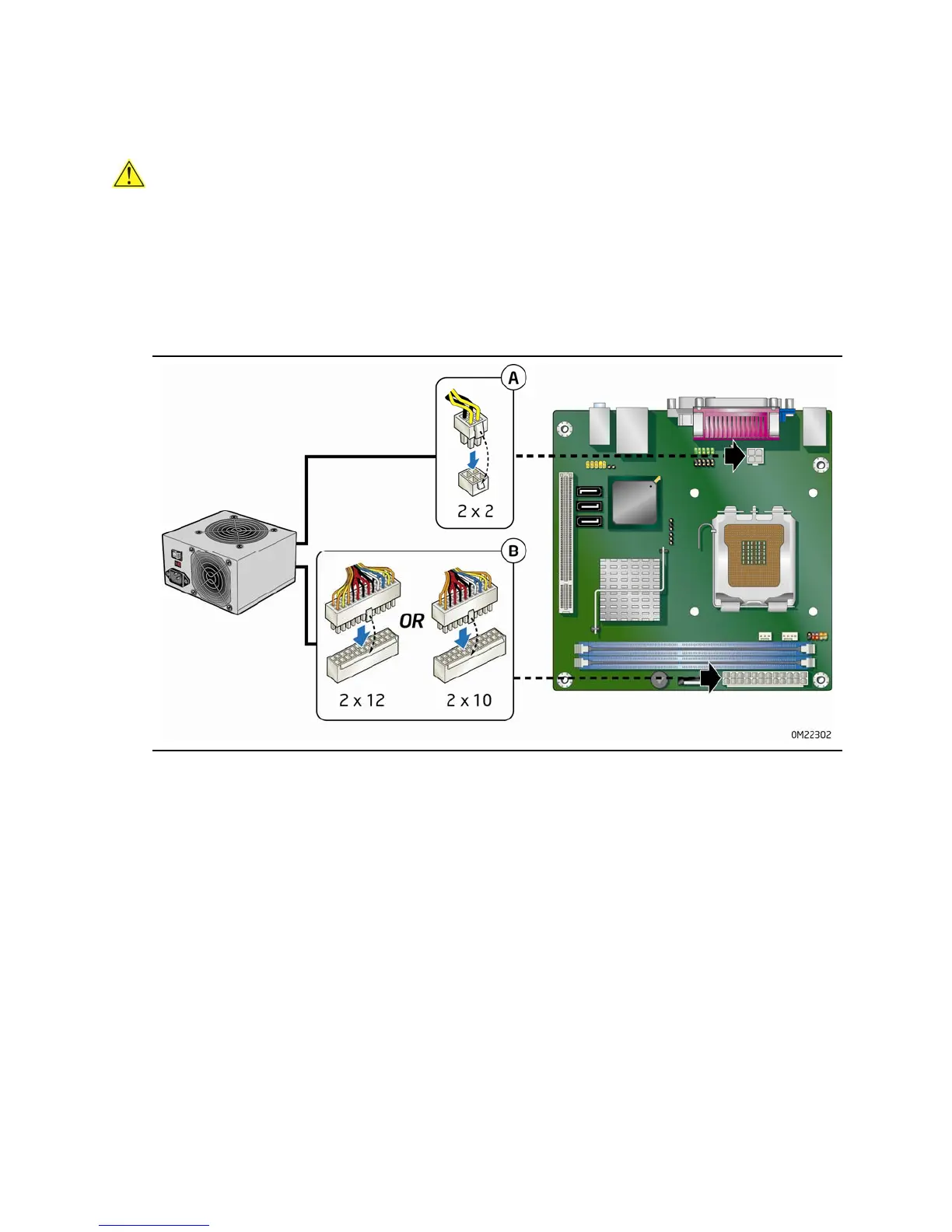
The 2 x 12 pin main power connector on the Desktop Board is backwards compatible
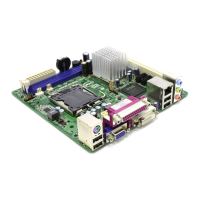
with ATX12V power supplies with 2 x 10 connectors. Figure 21 shows the location of
the
Desktop Board power connectors.
Figure 21. Connecting Power Supply Cables
1. Observe the precautions in "Before You Begin" on page 24.
2. Connect the main power supply cable to the 2 x 12 pin connector.
3. Connect the 12 V processor core voltage power supply cable to the 2 x 2 pin
connector.





 To Next Page