Need help?
Do you have a question about the Inteno DG301B-R1-AC and is the answer not in the manual?
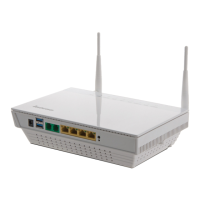
Verify all essential items are present in the DG301 start box, including the device, power adapter, and necessary cables.
Connect the broadband service to the first telephone jack in your home for optimal telephony and data service performance.
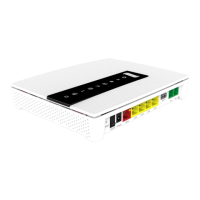
Establish the WAN connection by linking your broadband outlet to the DG301's WAN port using an RJ45 network cable.
Connect DG301 network ports (LAN 1-4) to your computer using RJ45 cables for wired network access.
Enable and connect to the DG301's wireless network (WLAN) by locating the SSID and entering the encryption code.
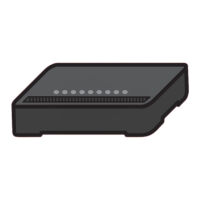
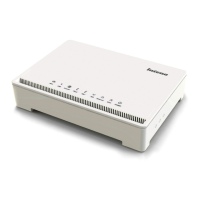
Understand the function and status of various indicators on the DG301 front panel, including Power, Broadband, and Internet.
Diagnose and resolve common problems such as no power, broadband connection failures, or Ethernet indicator issues.


 To Next Page
 General