Need help?
Do you have a question about the Inteno DG200 and is the answer not in the manual?
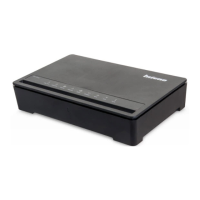
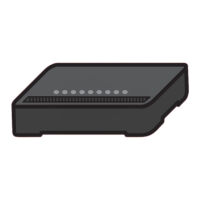
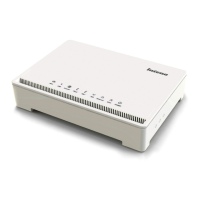
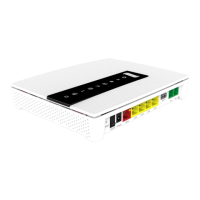
Diagram and labels for the top view of the Inteno DG200 router ports.
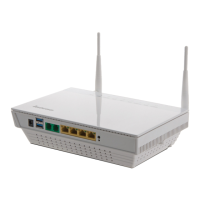
Diagram and labels for the back view of the Inteno DG200 router ports.
Connect computers to the DG200 using RJ45 network cables.
Connect wirelessly to the DG200's WiFi network using the provided SSID and password.
Connect an analog phone to the DG200 for IP-telephony service.
Explanation of the status and meaning of indicator lights on the DG200 top panel.
Steps to access the DG200's web-based configuration interface.
Guidance for resolving common problems with the DG200 setup.
Contact details for Bredband2 customer support and information.
 General
| Model | Inteno DG200 |
|---|---|
| Category | Gateway |
| Device Type | Residential Gateway |
| WAN Ports | 1 |
| WAN Interface | GPON |
| LAN Ports | 4 |
| GPON | Yes |
| USB Ports | 1 |
| Wi-Fi Standard | 802.11n |
| Wi-Fi Standards | 802.11b/g/n |
| Wi-Fi | Yes |
| Wi-Fi Frequency Bands | 2.4 GHz |
| Maximum Wi-Fi Speed | 300 Mbps |
| VoIP | Yes |
| VoIP Ports | 2 |
| FXS | 2 |
| Interfaces | Ethernet, USB |
| Power Supply | 12V |

 To Next Page