Svenska
English
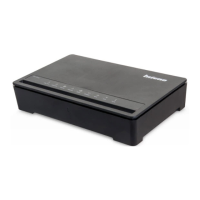
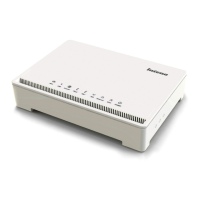
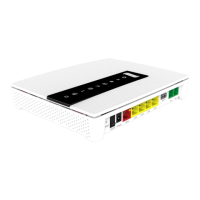
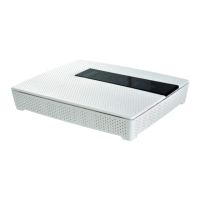
DG200
Multi WAN Residential Gateway
7
Start box
Check that the following items are included in the start box:
» 1 Inteno DG200
» 1 Power adapter
» 1 RJ45 Network cable (red, large contact)
Connecting the WAN/broadband connection
Do as follows:
1. Shut down your computer.
2. Connect a RJ45 network cable between your broadband
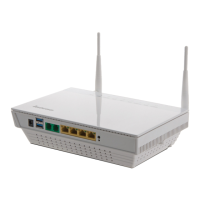
outlet and the DG200 WAN port (marked WAN).
This installation guide will help you install the
Inteno DG200. DG200 should be connected to
an Ethernet based broadband network.


 To Next Page