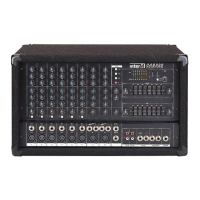
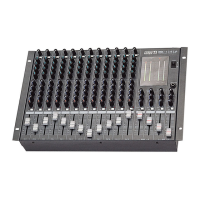
MIC LINE MIXER
7
LM-6414
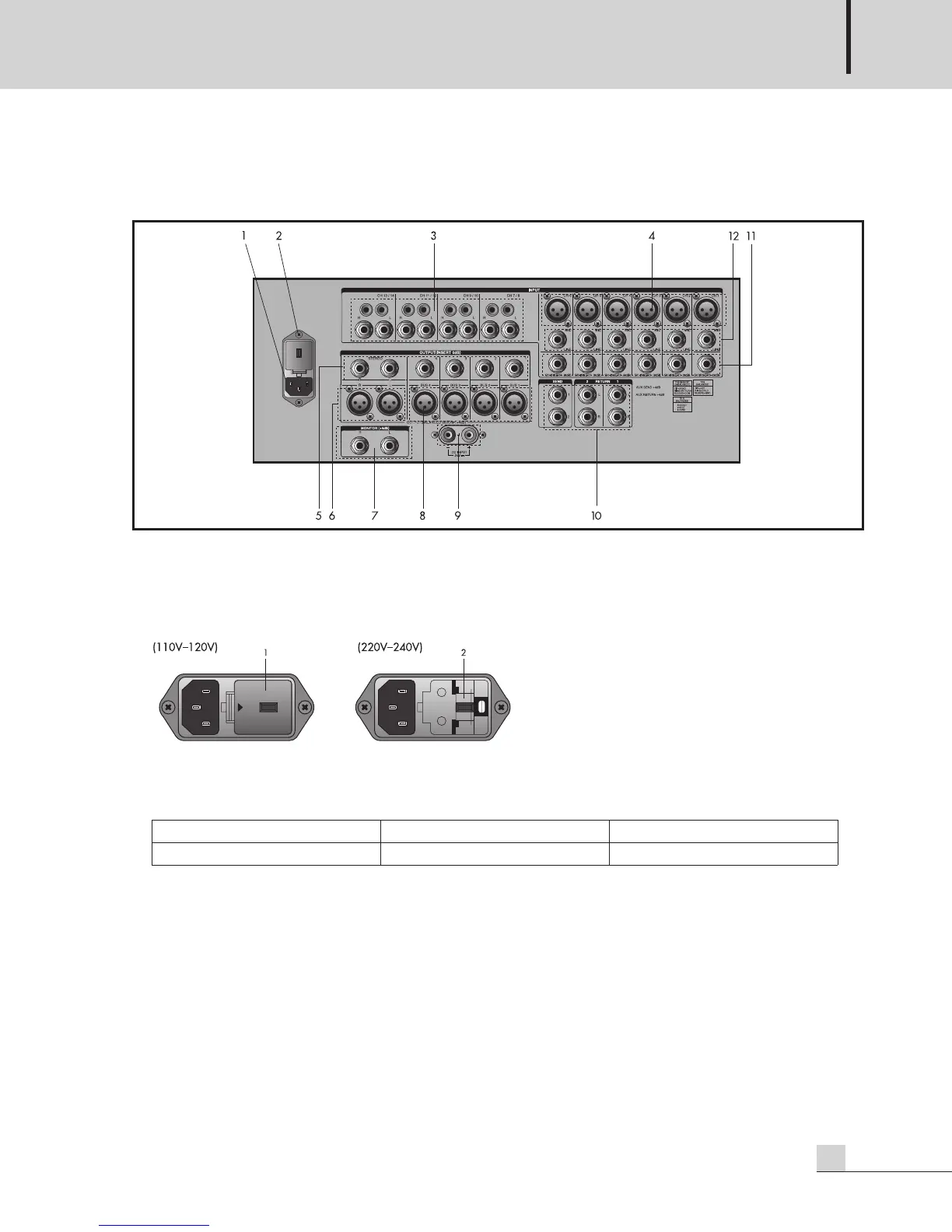
Rear Panel
Rear Panel
1. AC INPUT POWER
Connect a standard three-pin AC cable to this connector. As shown in the illustration below, if you are
connecting a 110-120VAC power source, remove the fuse over (1) and change the voltage selector tap (2)
from the 230V to 115V setting.
2. AC FUSE HOLDER
This holder contains the AC overload protection fuse. If the fuse has blown out, replace it with a fuse of the
same type and rating, as shown below.
If the fuse continues to blow, refer servicing to a qualified service technician.
3. LINE INPUTS 7-14
Line-level inputs on unbalanced 1/4” phone and RCA connectors. These are provided for input of signal
from line-level sources such as keyboards, guitar preamps, tuner, cassette or CD players, or line outputs
from an external mixer.
4. MIC INPUTS 1-6
Mic-level inputs on balanced three-pin XLR connectors.
Voltage 100VAC-120VAC 230VAC-240VAC
Fuse Rating 0.5A/250A 0.3A/250V


 To Next Page