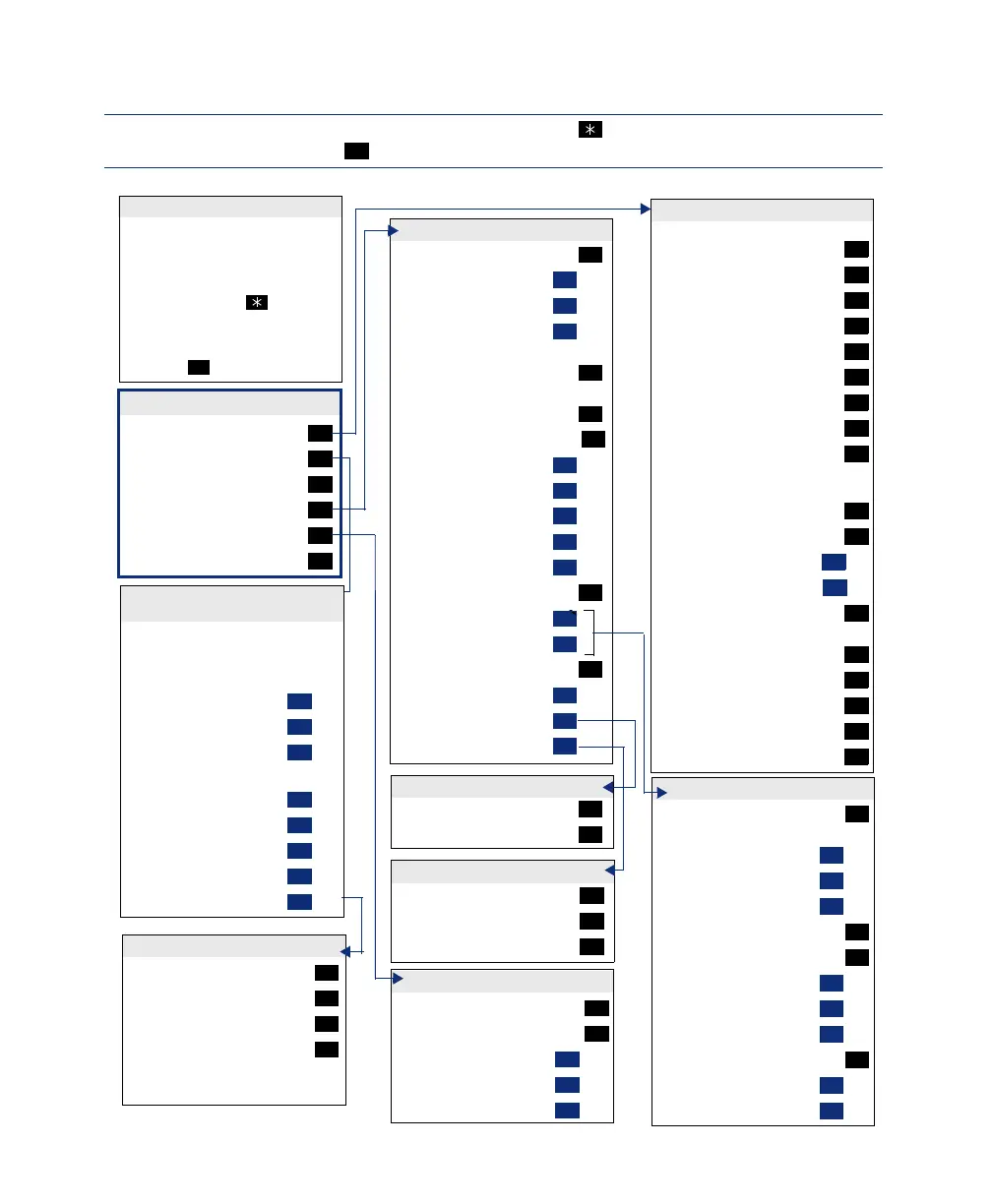
VOICE MAIL FLOWCHART (STANDARD VOICE MAILBOX)
Record “Greeting”
“Primary” Greeting
“Alternate” Greeting
“System” Greeting
(See Recording Options)
Record Directory “Name”
(See Recording Options)
Record “Password”
Change “Envelope” Settings
“Time, Date”
Message “Source”
Message “Length”
“All Options”
“None”
“Remote” Messaging
“Primary” Cascade
“Alternate” Cascade
“More” Options
Fax “Number”
Message “Order”
“Transfer” Method
1
1
2
3
2
3
4
1
2
3
4
5
5
1
2
9
1
2
5
PERSONAL OPTIONS
While the message is playing:
“Back Up”
“Pause”
Move “Forward”
“Lower” (volume)
Play the “Envelope”
“Higher” (volume
“Save” the Message
“Delete” the Message
“Skip” to the End
After the message:
“Replay” Message
“Reply” to the Message
“VoiceMail”Message
“Call Back”
“Forward” a Copy
(See Recording Options)
Go to “Previous” Message
Play the “Envelope”
Go to “Next” Message
“Save” the Message
“Delete Message”
1
2
3
4
5
6
7
9
#
1
2
1
2
3
4
5
6
7
9
LISTENING TO MESSAGES
Program Cascade “Level”
Enter cascade level number, then:
“Change”
“Personal” #
“Pager” #
Enter “Time” of Day
Set “Days” of Week
“Weekdays”
All “Days”
Individual “Day” 1-7
Select Message “Category”
“All Messages”
“Priority” Messages
1
1
2
3
2
3
1
2
3
4
1
2
REMOTE MESSAGING
“New” Messages
“Saved” Messages
1
2
MESSAGE ORDER
OTE: At any menu level, you can say “Cancel” or press to cancel or return to the previous
enu or say “Accept” or press to accept.
#
“New” Message
“Record”
“Saved” Messages
“Personal” Options
“Message” Options
“Disable” ASR
1
2
3
4
5
8
MAILBOX ACCESS
• EITHER, Press the Mes-
sage button to respond to a
message from voice mail.
OR, Call the voice mail
extension number, say
“Login” or press , and
say or enter your mailbox
number.
• Enter your password
(press ).
#
SUBSCRIBER MAILBOX MENU
“Private”
“Certified”
“Priority”
“Send”
Send and Exit Hang Up
1
2
3
#
DELIVERY OPTIONS
“Unannounced”
“Screened”
“Announce” Only
1
2
3
TRANSFER METHOD
Cancel “Unheard” Messages
“Recover”Deleted Messages
“Listen”
“Recover” All
“Purge” All
1
2
1
2
3
MESSAGE OPTIONS
RECORDING A MESSAGE
• Dial the mailbox number,
reply to a message, or for-
ward a message.
• “Record” your message.
Pause
“Continue”
Erase
• After recording:
“Replay”
“Append”
“Erase,” re-record
“Copy”
Delivery “Options”
2
#
3
1
2
3
4
9
8520.book Page 109 Friday, December 2, 2005 2:59 PM



 To Next Page