66
Inter-Tel
®
Model 8520 User Guide
MOVING ON
USING CALL LOGGING
NOTE: Call Logging may or may not be available depending on your software version
and system settings.
The Call Logging feature stores a record of your missed, received, and dialed calls. A
maximum of 20 entries can be stored in each of the three call logs. Use Call Logging
to:
• View missed, received, and dialed calls.
• View caller ID information.
• Return or redial intercom calls.
To use Call Logging:
NOTE: At any menu level, you can press to cancel or return to the previous menu,
or press to accept the menu option.
1.
Dial .
2. Select one of the following options:
• Press
(MISS) for missed calls.
• Press
(RCV) for recieved calls.
• Press
(DL) for dialed calls.
• Press
(CLR) to clear all Call Logging entries.
3. Press the high/low end of the Volume button to scroll through the entries.
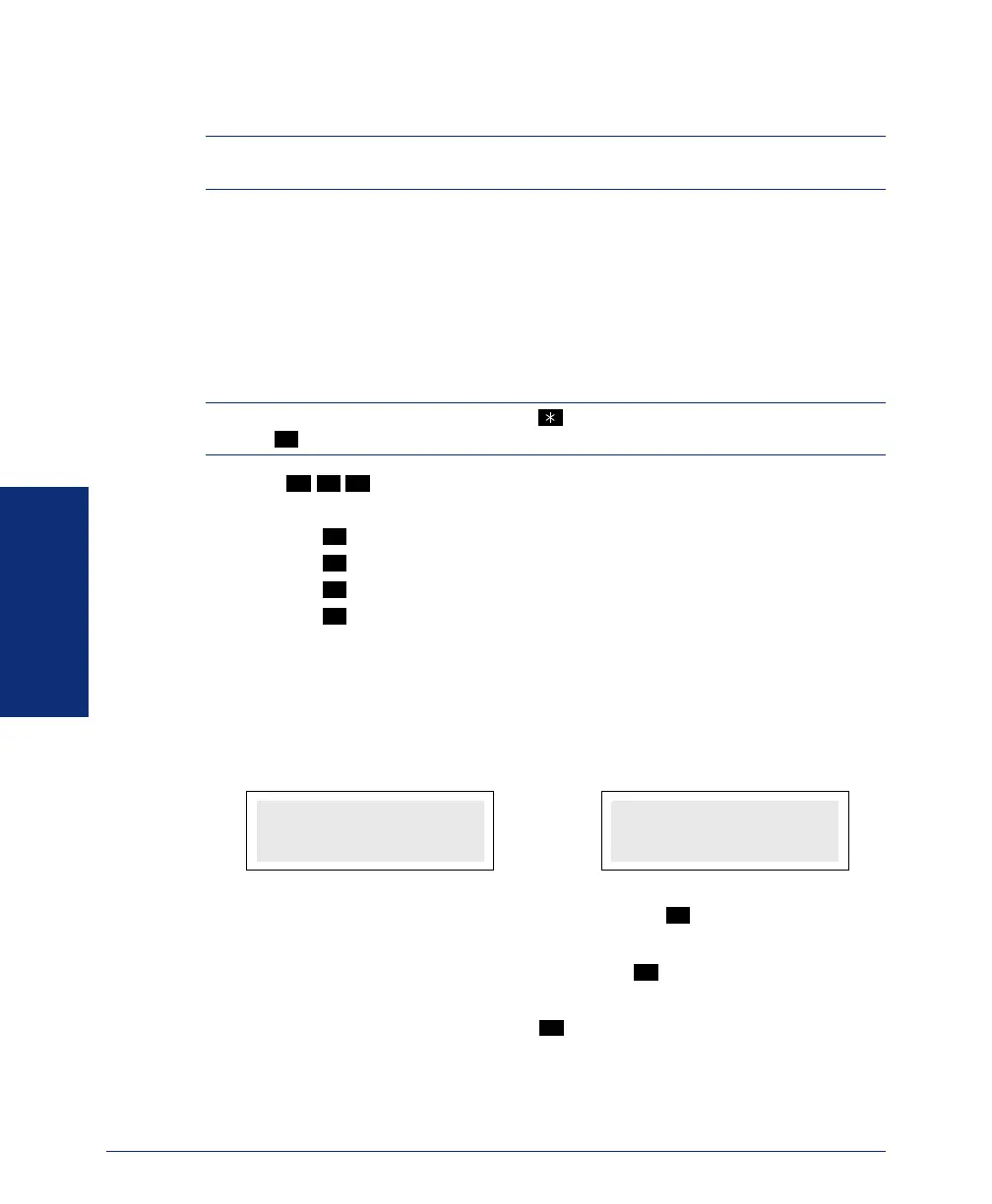
Call Logging displays the intercom party’s extension number and name (or out-
side number and as much of name as possible) on the first line, followed by the
date and time on the second line (see the following examples).
To redial an intercom number listed in a call log: Press
while the intercom
number is displayed.
To return an intercom call listed in a call log: Press
while the intercom number
is displayed.
To delete an entry from a call log: Press while the entry is displayed.
#
3 3 3
1
2
3
4
INTERCOM CALL
67890 JOHN SMIT
TU OCT 23 08:23A
OUTSIDE CALL
4809619000 SUSA
WE OCT 24 10:30A
#
#
0
8520.book Page 66 Friday, December 2, 2005 2:59 PM



 To Next Page