29
Inter-Tel
®
Model 8520 User Guide
GETTING STARTED
DISPLAYING INFORMATION ON YOUR ENDPOINT
Your Model 8520 has two lines of display where you can view information, such as
the date and time or the outside party’s name/number.
Date, Time, Name, and Extension Number
You can temporarily display the system date and time, your username, and your
extension number at any time.
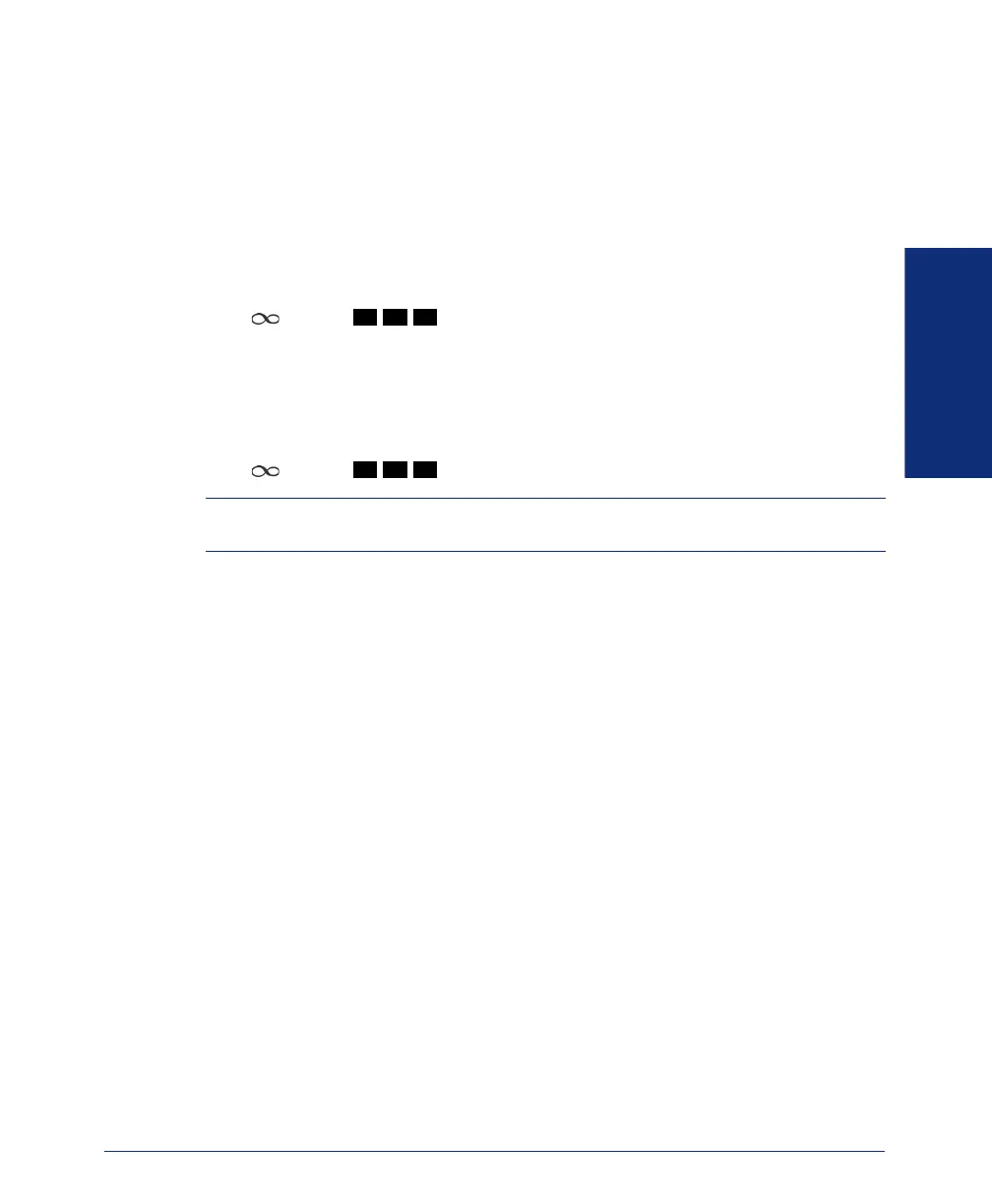
To show the date and time display (while on a call, in DND, etc.):
Press and dial
.
Outside Party’s Name/Number
If you are currently connected to an outside caller with Caller ID, you can toggle
between displaying the caller’s name and number.
To show the outside party’s name/number:
Press and dial
.
NOTE: If there is no outside party name available, the display shows CANNOT
ACCESS FEATURE.
3 0 0
3 7 9
8520.book Page 29 Friday, December 2, 2005 2:59 PM



 To Next Page