84
Inter-Tel
®
Model 8520 User Guide
USING E-MAIL READER
To enter your e-mail password:
NOTE: To repeat menu instructions, say “Help” or press at any time.
ALSO: If you enter an incorrect password, or if you choose to skip setting a new E-Mail
Reader password, the Main Menu E-Mail Reader Count option (see page 87) is auto-
matically disabled to prevent having to hear the invalid password prompt for each sub-
sequent login and to protect against being locked out of your e-mail account.
1. Access your mailbox as described on page 34. The system announces that it was
unable to retrieve your e-mail and fax messages, and gives you the following
options:
• Say “Continue” or press to access your mailbox without access to your e-
mail messages.
• Say “Password” or press to enter your new e-mail password.
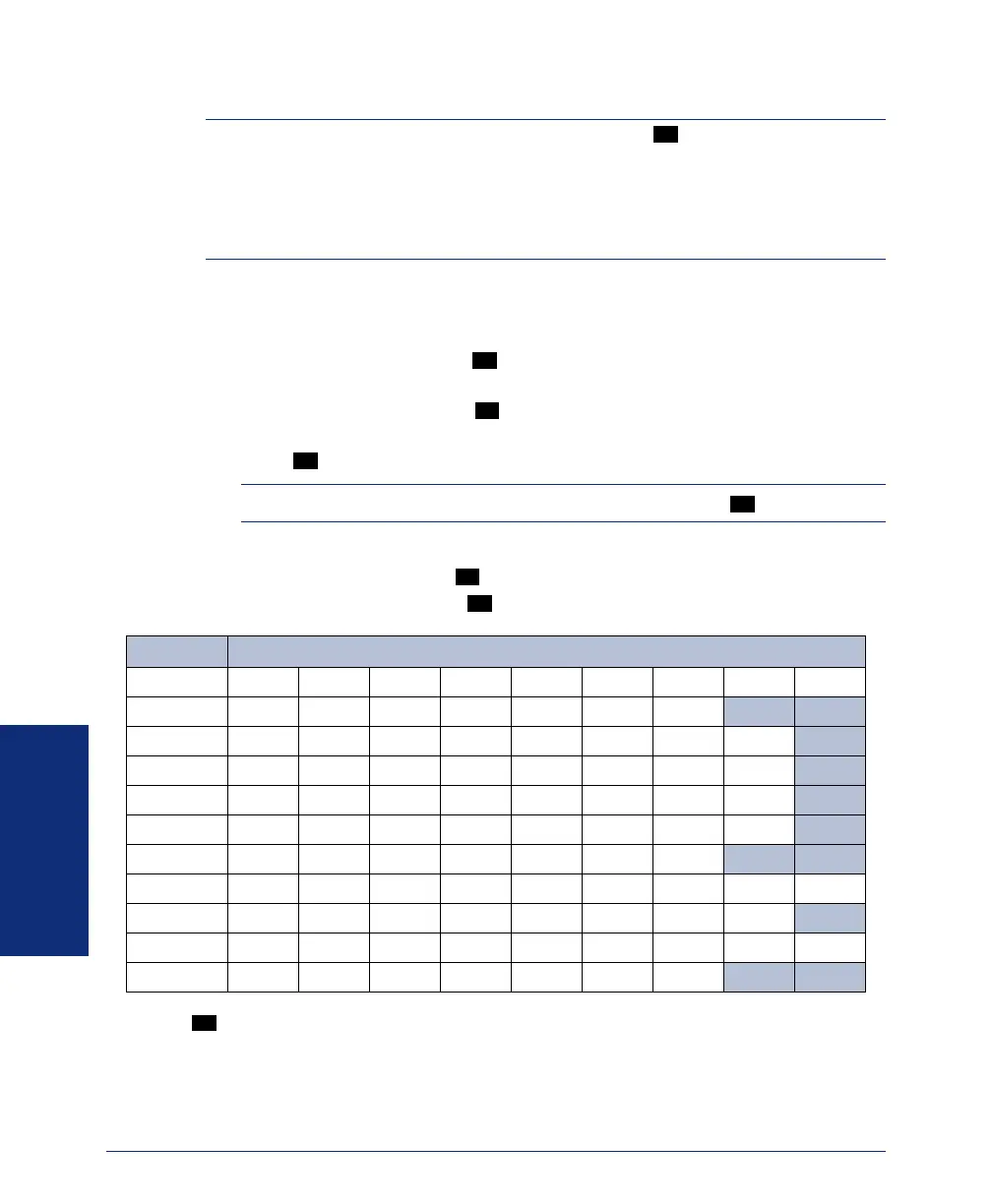
2. When prompted, enter your e-mail password using the dialpad digits, and then
press . (Refer to the table below for dialpad digit descriptions.)
NOTE: For a description of special character locations, press .
3. Your new password is played. You have the following options:
• Say “Accept” or press to accept the password.
• Say “Re-enter” or press to erase and re-enter the password.
*Press seven times for a blank space.
0
#
1
#
2
#
3
NUMBER OF TIMES BUTTON IS PRESSED
BUTTON123456789
1 1-&()_space*
2 abc 2‘ ABC
3 def3!DEF
4 ghi 4* GHI
5 j kl 5#JKL
6 mno6MNO
7 pqr s7PQRS
8 t uv8?TUV
9 wxyz9WXYZ
0 0@:.,/+
1
8520.book Page 84 Friday, December 2, 2005 2:59 PM



 To Next Page