.
CONFERENCE CALLS
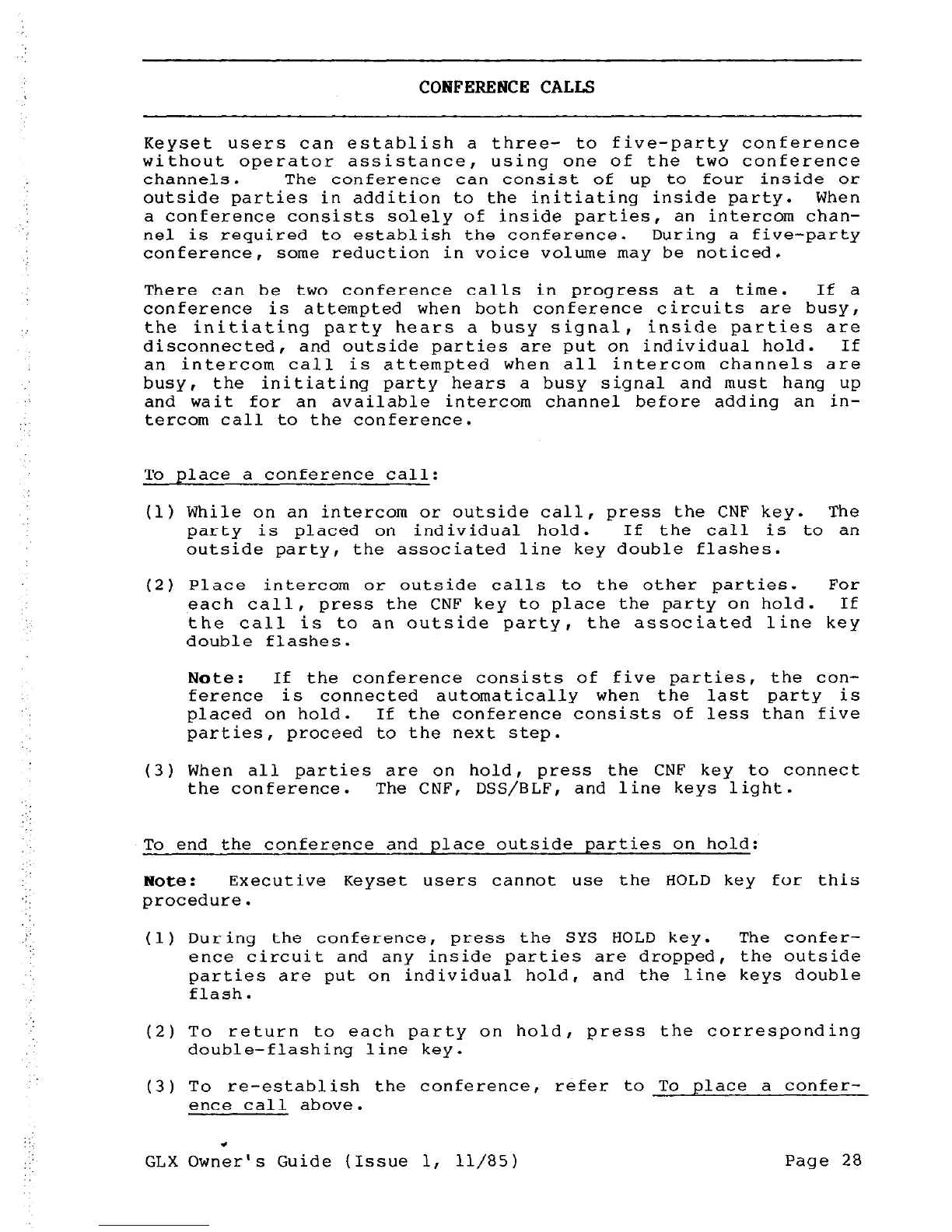
Keyset users can establish a three- to five-party conference
without operator assistance, using one of the two conference
channels. The conference can consist of up to four inside or
outside parties in addition to the initiating inside party.
When
a conference consists solely of inside parties, an intercom chan-
nel is required to establish the conference.
During a five-party
conference, some reduction in voice volume may be noticed.
There can be two conference calls in progress at a time. If a
conference is attempted when both conference circuits are busy,
the initiating party hears a busy signal, inside parties are
disconnected,
and outside parties are put on individual hold. If
an intercom call is attempted when all intercom channels are
busy,
the initiating party hears a busy signal and must hang up
and wait for an available intercom channel before adding an in-
tercom call to the conference.
To place a conference call:
(1) While on an intercom or outside call, press the CNF key. The
party is placed on individual hold. If the call is to an
outside party, the associated line key double flashes.
(2) Place intercom or outside calls to the other parties. For
each call, press the CNF key to place the party on hold. If
the call is to an outside party, the associated line key
double flashes.
Note :
If the conference consists of five parties, the con-
ference is connected automatically
when the last party is
placed on hold. If the conference consists of less than five
parties,
proceed to the next step.
(3) When all parties are on hold, press the CNF key to connect
the conference. The CNF, DSS/BLF,
and line keys light.
To end the conference and place outside parties on hold:
Note :
Executive Keyset users cannot use the HOLD key for this
procedure.
(1) During the conference, press the SYS HOLD
key.
The confer-
ence circuit and any inside parties are dropped, the outside
parties are put on individual hold, and the line keys double
flash.
(2) To return to each party on hold, press the corresponding
double-flashing line key.
(3) To re-establish the conference, refer to To place a confer-
ence call above.
GLX Ownir's Guide
(Issue 1,
11/85 )
Page 28



 To Next Page