Aqua Stim Water Irrigator Instructions for Use - EN Page 7
2.4 Connection Panel Dictionary
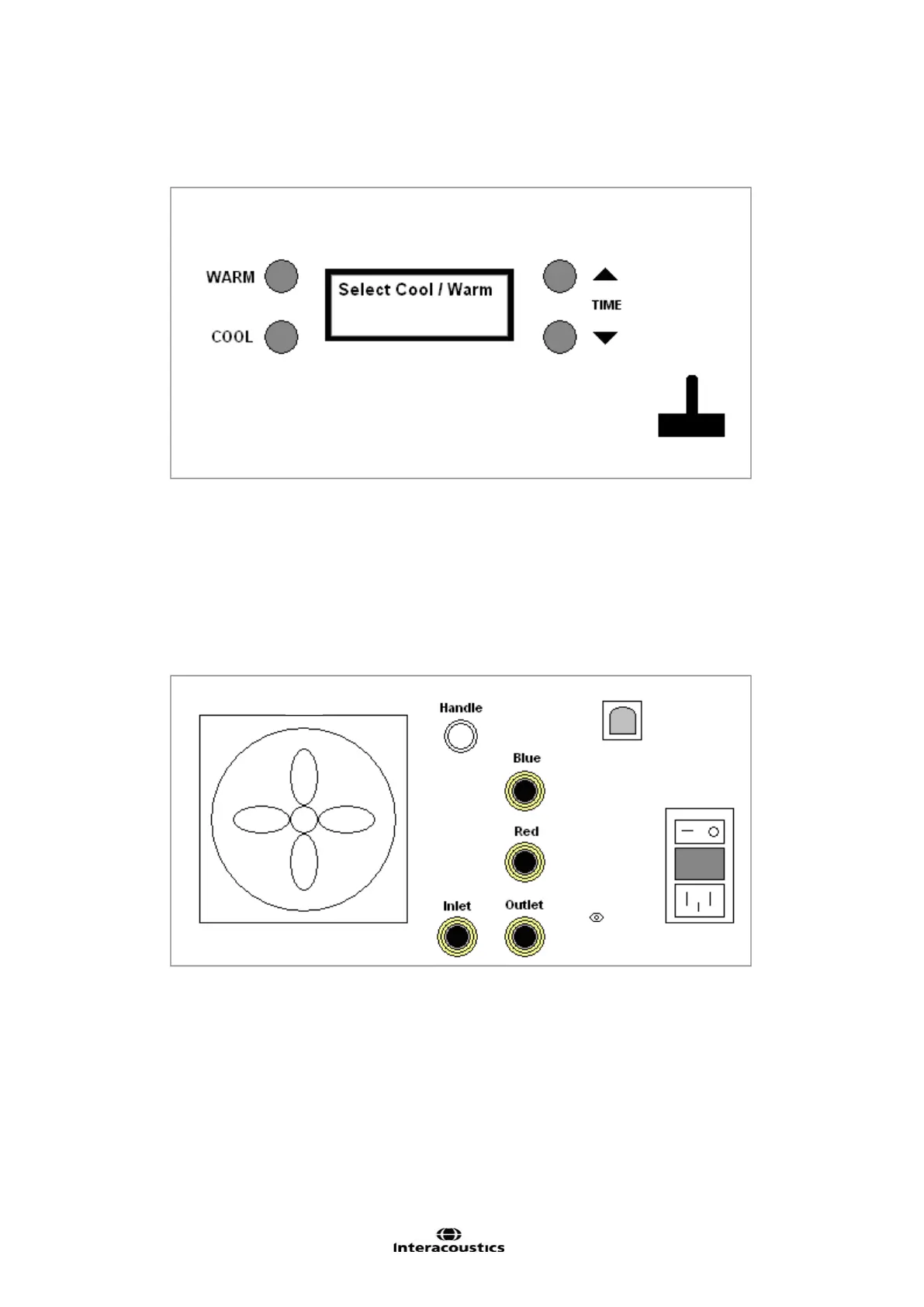
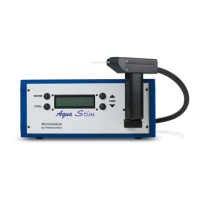
Figure 1 Front Panel Diagram
A Selects Warm Irrigation (2
nd
press to cancel)
B Selects Cool Irrigation (2
nd
press to cancel)
C Increase irrigation time by 1 sec per press (30 seconds max.)
D Decrease irrigation time by 1 sec per press (15 seconds min.)
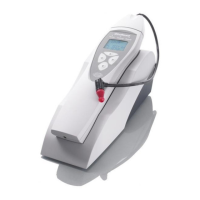
E Handle Rest
F Irrigator status display
Figure 2 Rear Panel Diagram
A Exhaust fan and filter F Power Switch
B Handle electrical connector G Fuse Holder
C USB (B-size) connector H AC Power Cord Connector
D Handle Blue tube disconnect I Water Tank Inlet Disconnect
E Handle Red tube disconnect J Water Tank Outlet Disconnect
K Ground lug






 To Next Page