Aqua Stim Water Irrigator Instructions for Use - EN Page 17
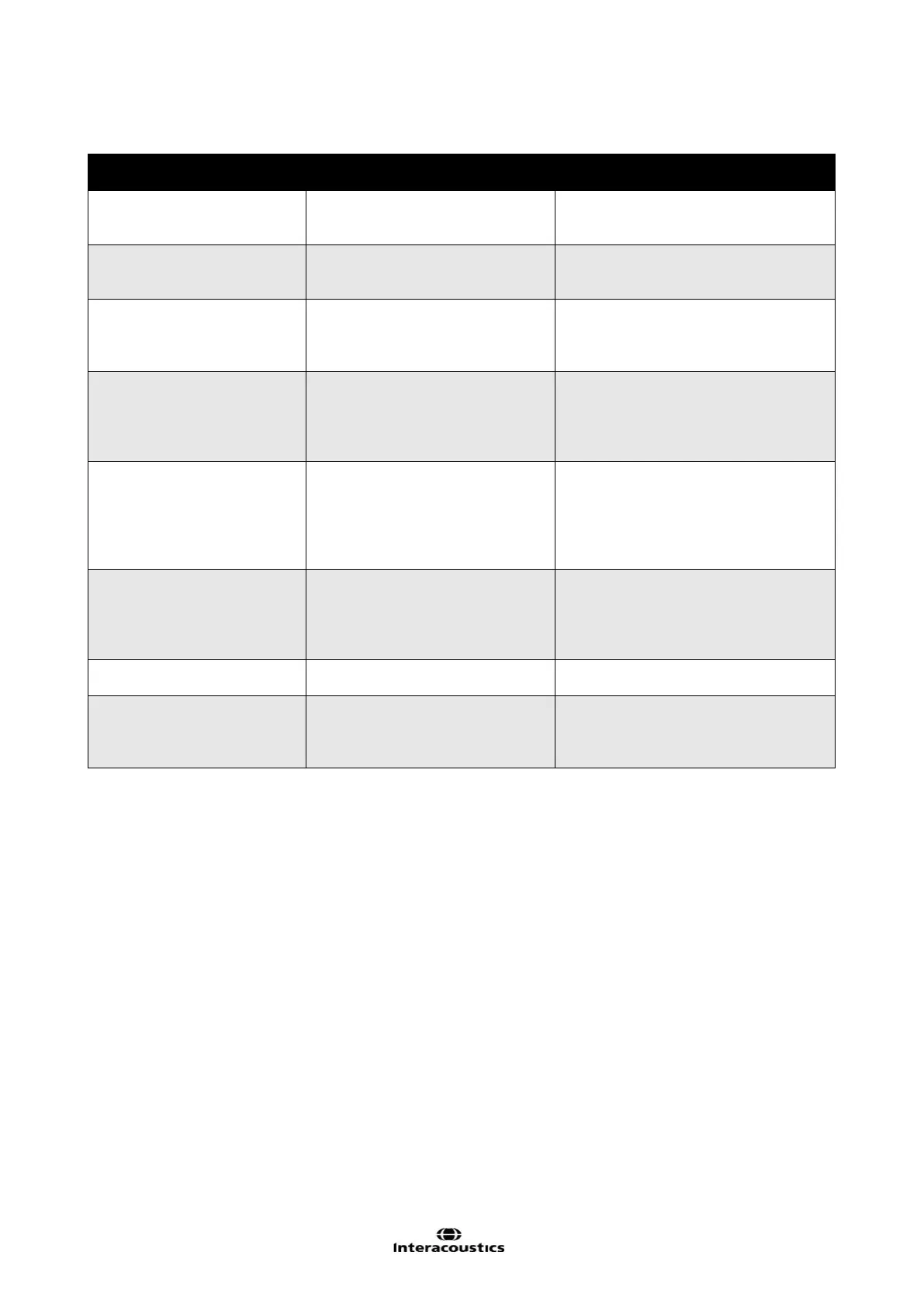
3.8 Trouble Shooting
LCD Display or Problem
Observed
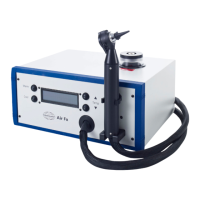
External water tank empty
Refill water tank with water at less
than 75°F (24°C)
Select Cool / Warm to retry operation
Water in external tank is warmer
than the desired irrigation
Add cooler water to the external water
tank
Select Cool / Warm to retry operation
Irrigator left on for 10 minutes
without performing another
irrigation, will return to Standby
Press Cool or Warm to initiate
irrigation procedure, otherwise none
Select Cool / Warm to retry operation
No water comes out of the
irrigator handle after irrigator
displays “Ready” and
pressing the irrigation button.
Possible blockage in the irrigator
handle.
Disconnect the handle from the
irrigator. Push air with a syringe into
the blue tube to flush out water and
impurities. Discard water coming out
Water dribbles out of the
irrigation handle when the
irrigator is running in Cool or
Warm mode. This happens
before “Ready” state is
Fault in the electronics power
module for the handle.
Check the handle’s electrical
connector on the back panel is
properly connected.
Residual warm water in the
irrigator preventing reaching the
desired temperature
Stop current operation by pressing
Cool / Warm. Then retry desired
temperature Cool / Warm. Aqua Stim
will purge the internal water by filling
from the external water tank.
Handle does not light or
respond to button press.
Electrical connector not making
good contact.
Power-down irrigator then check
connections on back.
(note additional error
message)
Internal problem requiring
technical support for assistance
Call Interacoustics Technical Support
with the additional error message
on the display (e.g. “Level Sense






 To Next Page