15
o
Coil Nailer
Drives Plastic Sheet Nails (1¼" to 2½" / 32 to 65mm)
or Wire Weld Nails (1¾" to 2½" / 45 to 65mm)
Model No. CN565-15
Item No. 65555
14
Interchange Brands Operator’s Manual
Testing The Nailer
Before using the nailer, test it by using the check list below.
If abnormal tests occur, stop using the nailer and contact an authorized service center
immediately.
Conduct the test in the following order.
1. Adjust the air pressure to 70 psi and connect the air hose.
2. Without touching the trigger, depress the contact arm against the work piece. Pull
the trigger. ﹙The tool must fire the fastener.﹚
3. With the tool off the work piece, pull the trigger. Depress the contact arm
against the work piece. ﹙The tool must fire the fastener.﹚
4. Adjust the air pressure to the lowest setting possible according to the diameters
and length of fastener and the hardness of work piece.
WARNING!
■ Always follow the tool manufacturer’s safety and
maintenance instructions.
■ Always wear safety glasses with side shields when
operating or servicing tools.
■ Always disconnect the air supply from the tool and empty
the magazine when servicing tools.
!
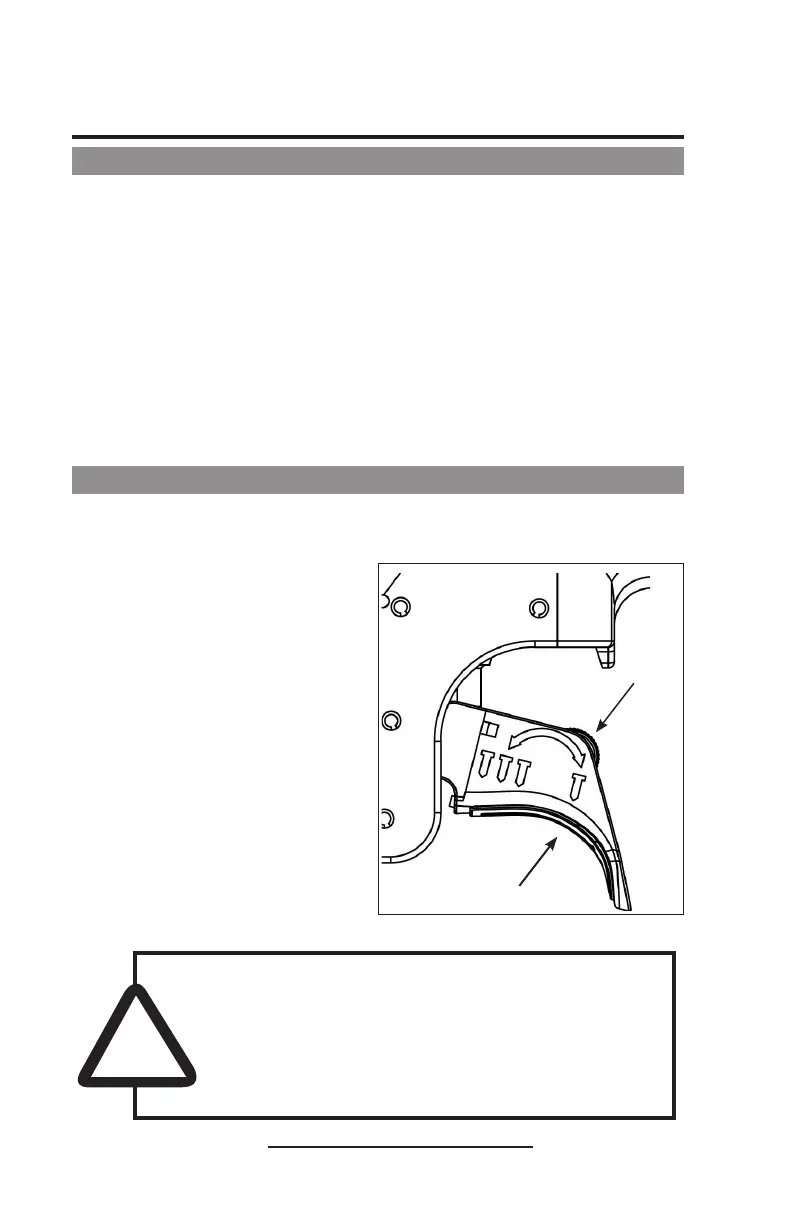
■ Single Fire
The switch location is shown in
the illustration at the right.
For single fire operation,
depress the contact arm against
the work surface and pull the
trigger. Tool cannot fire a second
nail until the trigger is released
and tool can cycle.
■ Bump Fire (Multi-Fire)
The switch location is shown in
the illustration at the right.
For bump fire operation, hold the
trigger and depress the contact
arm against the work surface.
Turn Switch
to the right
for single fire
operation.
Switch
Turn Switch
to the left for
bump fire
operation.
Trigger
Methods of Operation
Explanation of the two nailing operations (on some models)



 To Next Page