13
USER’S GUIDE
Transporting
RemotePoint
Presenter
Low batteries in the RemotePoint Presenter Remote may
also reduce the operating distance. Always ensure that
you have replacement batteries available.
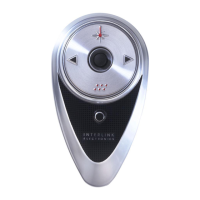
When transporting the RemotePoint Presenter Remote,
always remove the batteries from the unit. Although the
transmitter automatically goes into a low power “sleep”
mode after a period of non-operational use, we
recommend that you remove the batteries to avoid battery
drain caused by accidental button activation during
transportation.
The carrying case provides protection for the
RemotePoint Presenter during transportation and storage.


 To Next Page