15
USER’S GUIDE
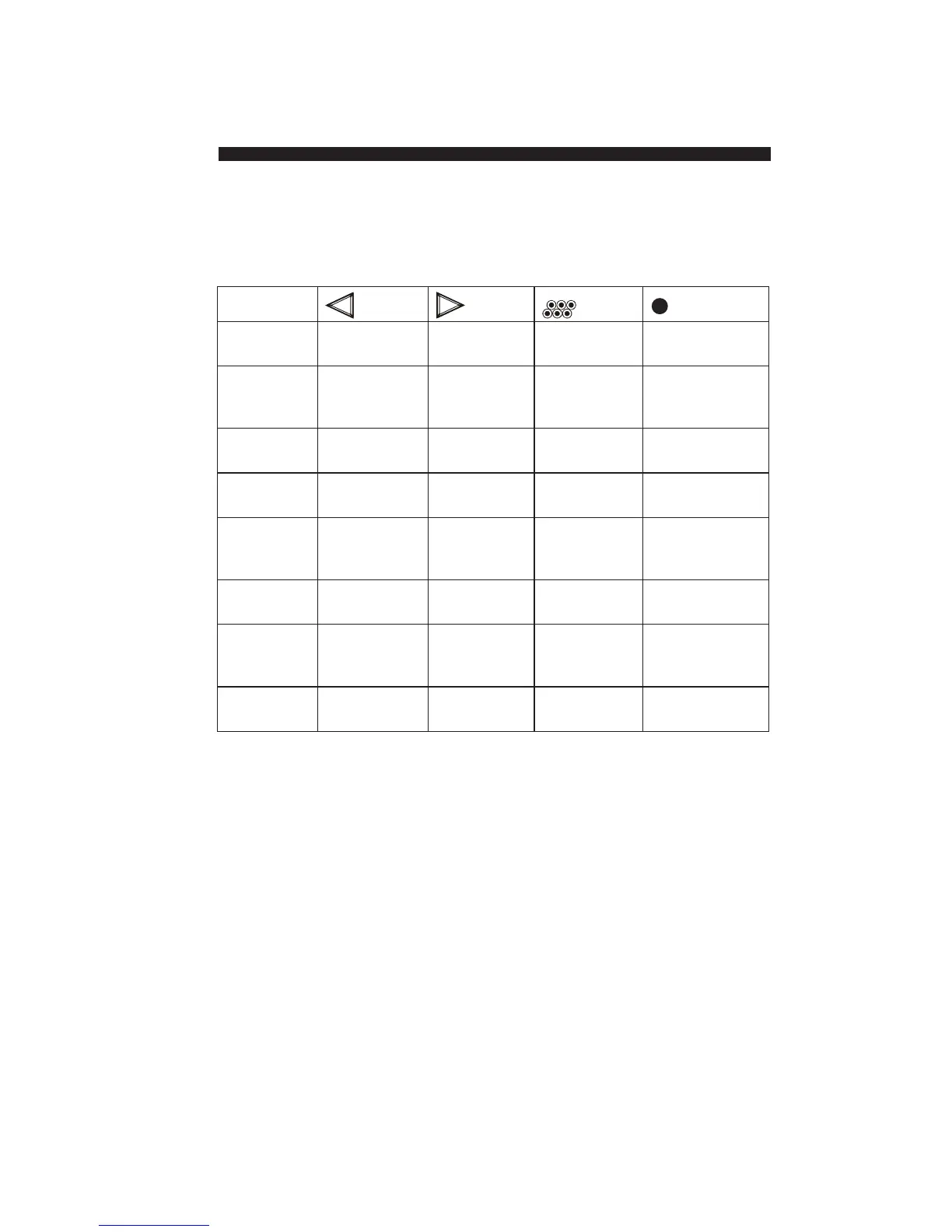
The preset profiles and their button assignments are:
To change to a different profile:
1. Open the RemotePoint Presenter software.
2. Click the profile in the list on the left side of the
window.
You can change the tool assigned to any button (for
example, from a Zoom tool to a Clock).
To assign a tool to a button using drag-and-drop:
1. Open the RemotePoint Presenter software.
Changing
Individual Button
Functions
Profile
Business Page Up Page Down Black Screen F5 Keystroke
Presentation
Educational Page Up Geometric Black Screen Countdown
Presentation Pointer – Timer
Right Arrow
Internet Browser – Back Right Click Browser – Activate
Browsing Page Down Browser
Keynote Page Up Page Down Black Screen F5 Keystroke
Speech
Lecture Page Up Geometric Black Screen Ticker Tape
Pointer –
Right Arrow
Standard Left Click Right Click Display Wheel –
Mouse Configurations Autofocus
Training Page Up Geometric Highlighter Zoom
Session Pointer –
Right Arrow
Factory Page Up Page Down Black Screen Start Slideshow
Default


 To Next Page