23
USER’S GUIDE
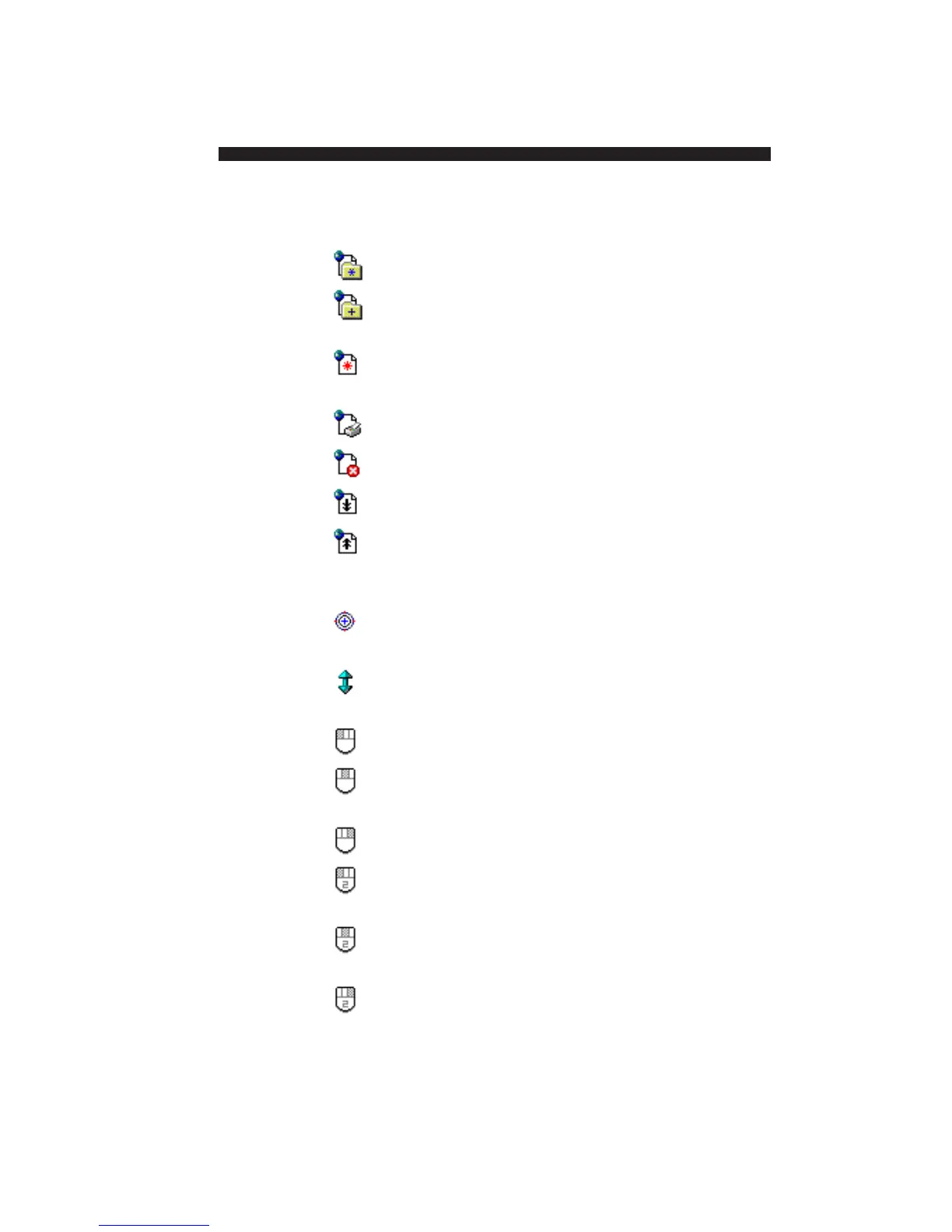
Favorites Opens your browser’s Favorites menu.
Add to Opens your browser’s Add Favorite
favorites dialog.
New Opens a new browser window.
Window
Print Opens your browser’s Print dialog.
Stop Clicks your browser’s Stop button.
Page Down Clicks your browser’s page down button.
Page Up Clicks your browser’s page up button.
Mouse Tools
Center Moves the cursor to the center of the
Cursor active monitor.
Wheel Uses the mouse to scroll the active
window.
Left Click Clicks the left mouse button.
Middle Clicks the middle mouse button.
Click
Right Click Clicks the right mouse button.
Left Double Double-clicks the left mouse button.
Click
Middle Double-clicks the middle mouse button.
Double Click
Right Double-clicks the right mouse button.
Double Click


 To Next Page