27
USER’S GUIDE
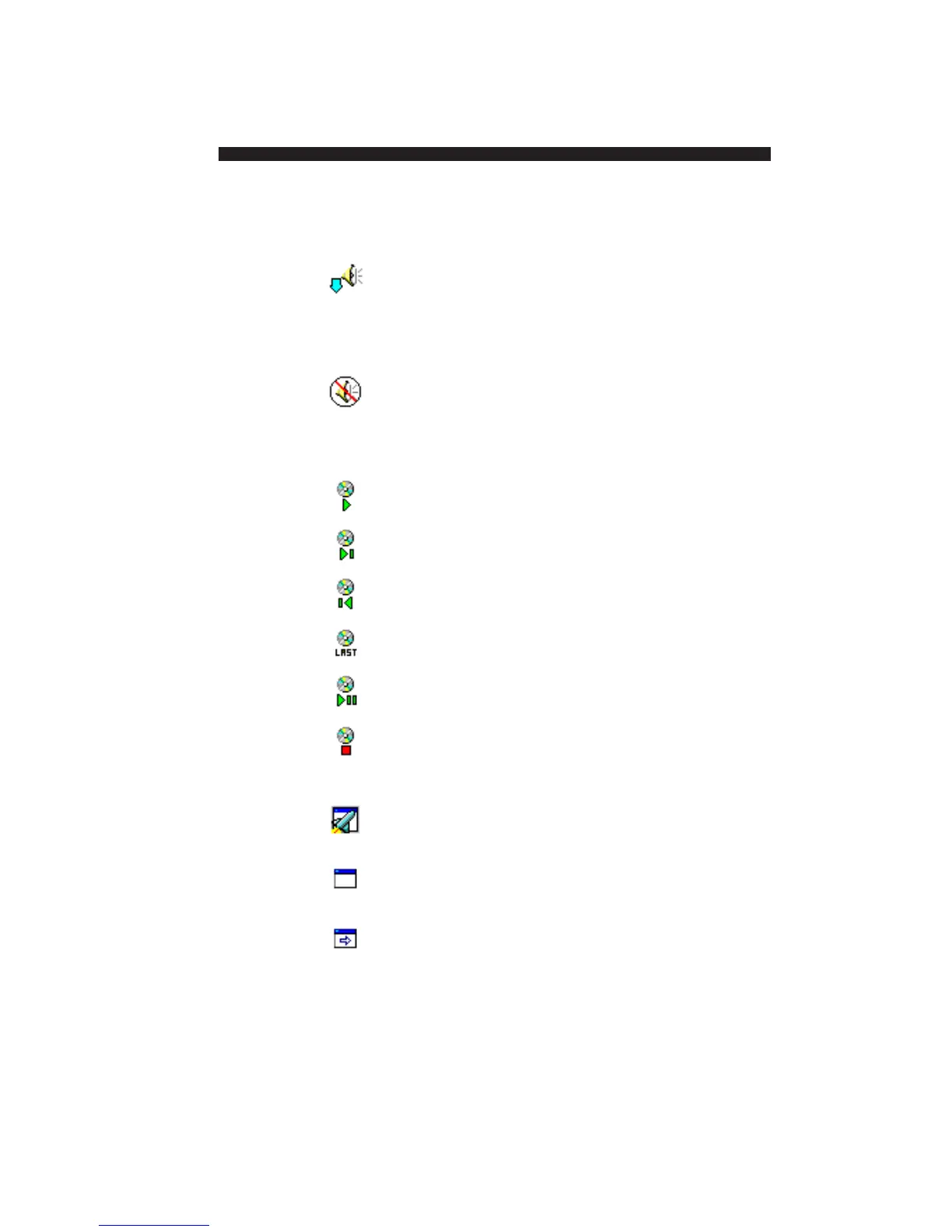
Volume Decreases the sound volume.
Down
You can select the device, and choose to
make the sound volume go up, down, or
mute.
Mute Mutes the sound.
You can select the device, and choose to
make the sound volume go up, down, or
mute.
Play Plays a CD
Next Plays the next track on a CD.
Previous Plays the previous track on a CD.
Last Plays the last track.
Pause Pauses the CD player
Stop Stops the CD player.
General Tools
Launch Starts a selected application.
Program
Display Toggles the display of the RemotePoint
Configuration Presenter Control Panel.
Change Changes to a selected RemotePoint
Profile Presenter profile.


 To Next Page