8
move the ZOOMED area up or down. The ZOOMED
area is the area between the two horizontal lines on the
normal downlooking display on the left.
Data Display
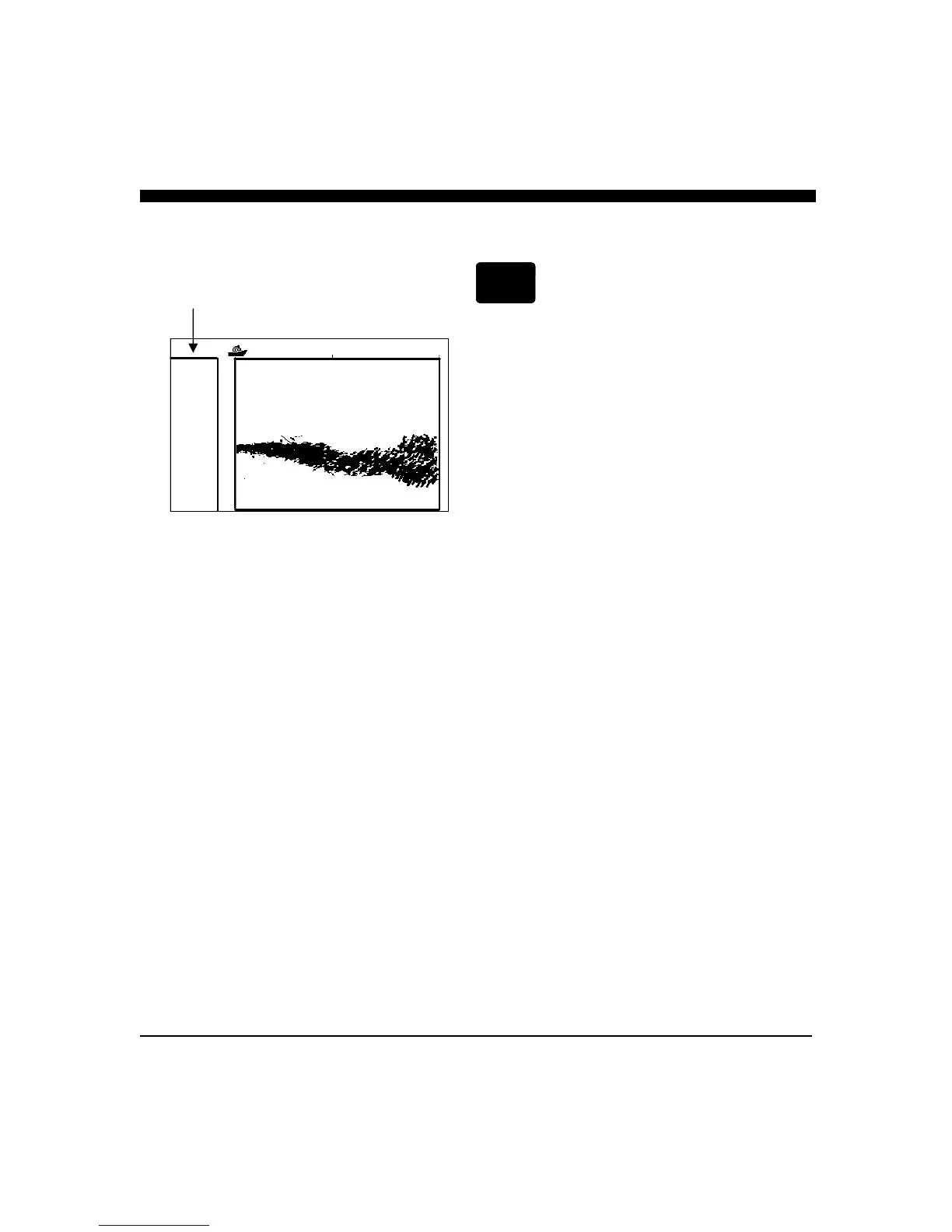
Press the button labeled DATA and the display will split
to show the current depth, speed* and Lat/Lon
coordinates* in large digits on the left side of the display
(see drawing at left).
*In order for the SE-200 to show the speed, and Lat/Lon
coordinates, the unit must be connected to an NMEA
source of this data - such as an active or “smart” NMEA
speed/temp transducer and/or a GPS (for example, the
Interphase Chart Master Series) or other acceptable
source of NMEA data. Please see NMEA INPUTS on
page 32 for more details.
13.2 Ft
18
37
25
12.5
22.4 KTS
72.6 F
36:52.951 N
121:58.05W
DATA



 To Next Page