9
SETTING THE LCD DISPLAY CONTRAST
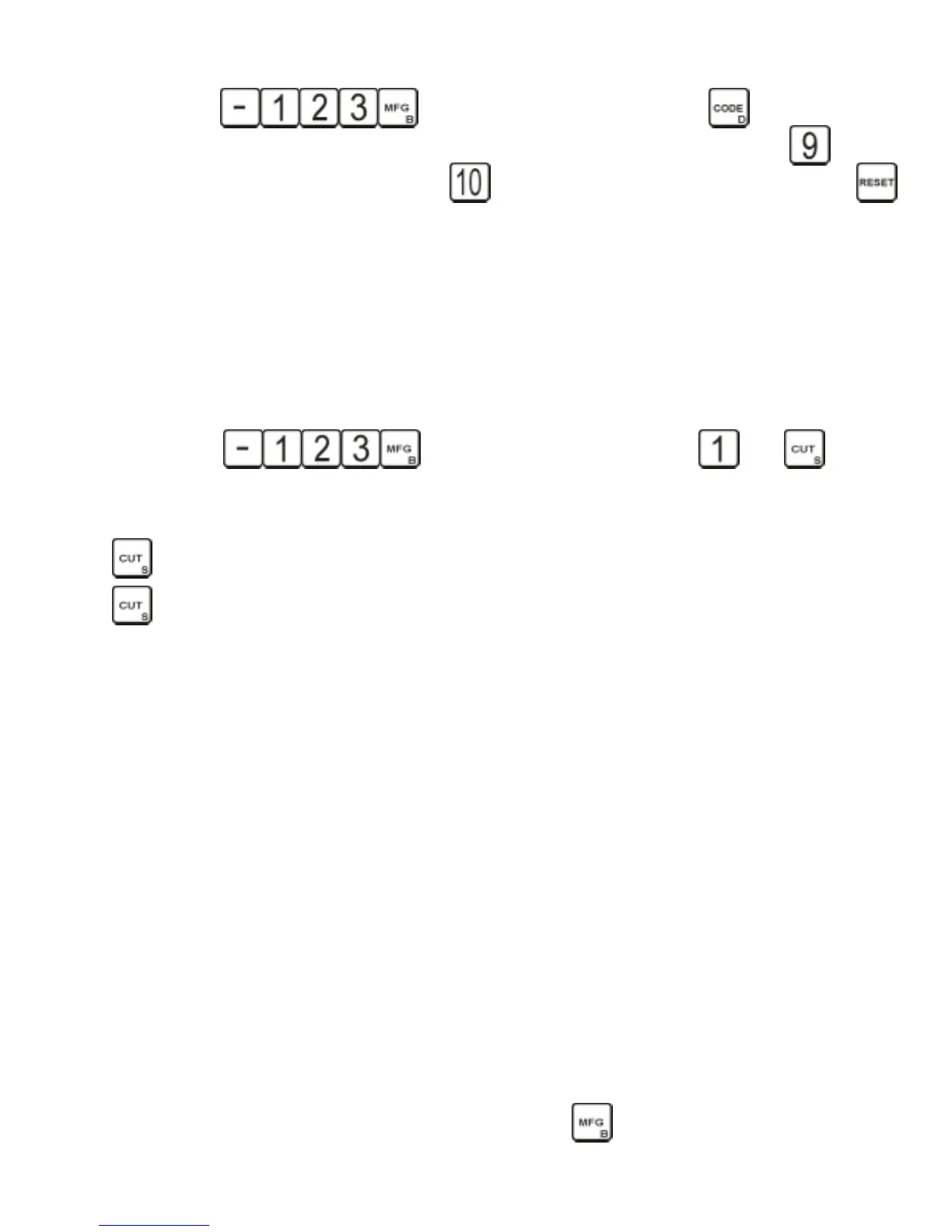
Press to enter the EDIT mode. Press the key six times and
the display will read SET LCD CONTRAST 9=DARK..10=LIGHT. Press and hold the key and
the display will darken. Press and hold the key and the display will lighten. Press the
key twice and follow the display instructions.
RESET CODE (for factory use)
SETTING CUSTOM FLAT WIDTHS
The flat width determines the width at the bottom of a cut. There are 10 possible flats to
choose from and they are all user definable. The following section describes how to set your own
flat width.
** CAUTION ** FLAT WIDTHS 1 THRU 8 ARE USED WITH THE MANUFACTURER ID’S AND
CHANGING THESE FLAT WIDTHS WILL CAUSE WRONG FLAT WIDTHS TO BE CUT.
Press to enter the EDIT mode. Press and and the
display will show FLAT 1 = 014. NOTE: Flat 1 is the flat width of the installed cutter and when
cutters are changed, flat 1 must be changed to match the flat width of the new cutter. Pressing
will step through all the 10 flats. To change a flat, enter the desired flat width and press
. For a table of flat numbers and widths refer to the table below.
FLAT WIDTH TABLE
FLAT WIDTH EQUIVALENT CUTTER
1 0.014 INCH CW1012
2 0.024 INCH 37MC USE FOR ASSA
3 0.044 INCH CW1011
4 0.048 INCH 14MC
5 0.036 INCH 4711
6 0.032 INCH Assa
7 0.070 INCH 20MC
8 0.090 INCH CC100
9 INCH USER DEFINED WIDTH
10 INCH USER DEFINED WIDTH
Note: If a CW1011 cutter is installed, and the manufacture selected calls for a #1 or #2 flat
the display will read the warning FLAT LESS THEN CUTTER INSTALLED.
CREATING A CUSTOM ID TABLE
There are 160 custom IDs you can change yourself the range is 801 to 960. They support
the same features as the fixed IDs. The following sections explain how to create or edit your own
custom ID. The last page of the manual contains a form that should (MUST) be completed before
starting to create a new ID. Photocopy the last page there is only one.
NOTE: The following instructions are set to be followed in a consecutive manner and will
not work properly on an individual basis. Pressing repetitively will cycle you to an
individual function.


 To Next Page