Da Vinci Firefly Imaging System User Manual Addendum 552064-10 Rev. A
Surgeon Console Touchpad - Endoscope Arm Pod
1. In the Firefly section of the Settings tab, scroll down and touch the Show Controls button in the
Sensitive Mode option.
2. On the Instrument tab endoscope arm pod, touch the Firefly button to cycle among OFF (turn
off Firefly and revert to visible light imaging), Standard mode, and Sensitive mode.
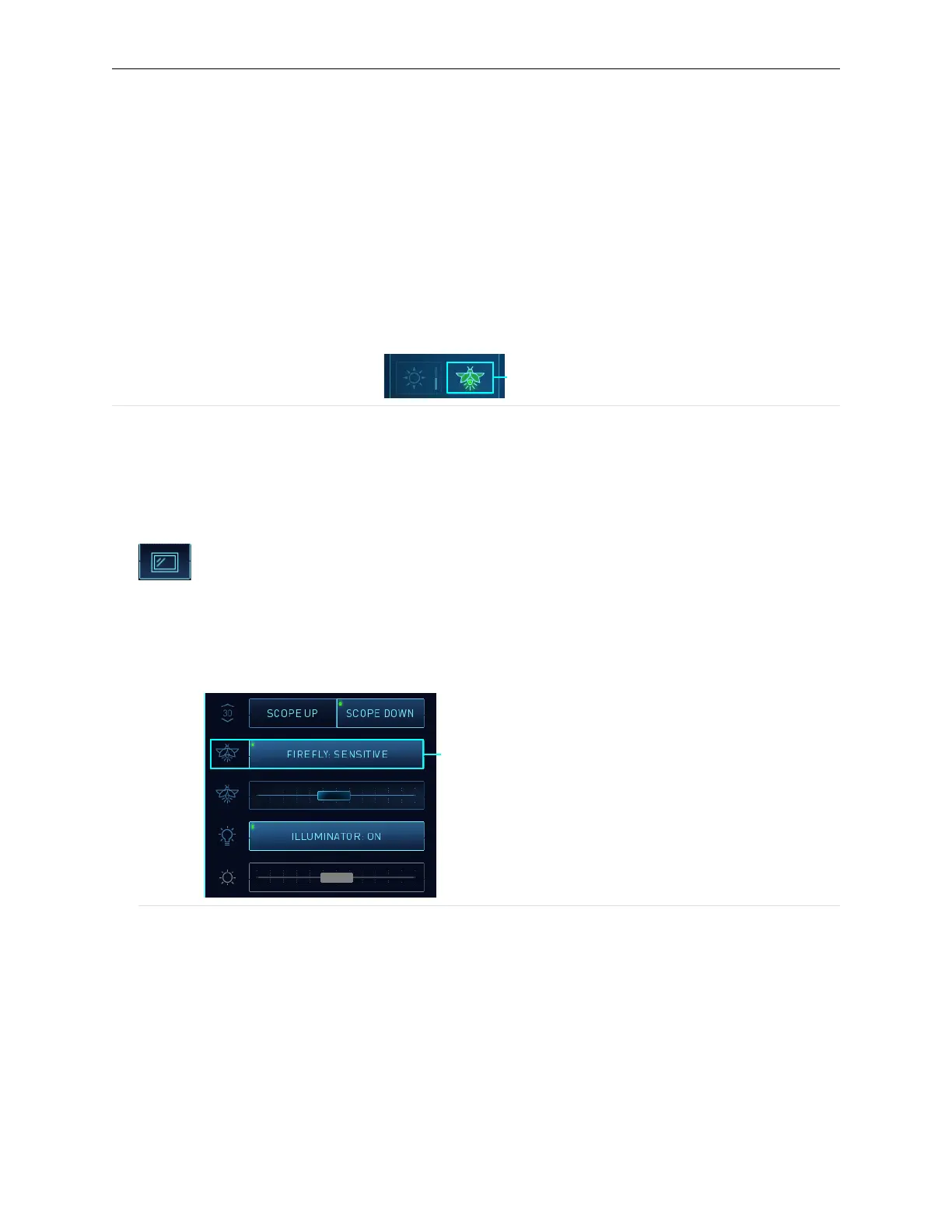
In Sensitive mode, the Firefly button icon is completely lit green (Figure 26), and the Brightness
button is disabled. The following example shows the Surgeon Console Firefly button while in
Sensitive mode (on endoscope arm pod).
Figure 26 Firefly button — completely lit green in Sensitive mode
1. Firefly button
Activate Sensitive Mode at Vision Cart
1. On the Surgeon Console touchpad, in the Firefly section of the Settings tab, scroll down and
touch the Show Controls button in the Sensitive Mode option.
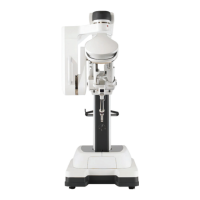
2. Touch the Display tab on the Vision Cart touchscreen.
3. Touch the Firefly button to cycle among OFF (turn off Firefly and revert to visible light imaging),
Standard mode, and Sensitive mode. In Sensitive mode, the Brightness slider is disabled.
Figure 27 Vision Cart Firefly button, in Sensitive mode (example)
1. Firefly button
Activate Sensitive Mode Using Hand Controls
Firefly Fingerswitch
The ability to use the hand control finger clutches to cycle between visible light and the Firefly
modes is set at the Surgeon Console touchpad.
Sensitive Mode Operation | Select Sensitive Mode
27


 To Next Page