Part No. 1122140 8-11 MK5
™
NX
™
- 80 ELECTRONICS
PERFORMANCE MENU DESCRIPTIONPERFORMANCE MENU DESCRIPTION
PERFORMANCE MENU DESCRIPTIONPERFORMANCE MENU DESCRIPTION
PERFORMANCE MENU DESCRIPTION
The performance adjustment menu is listed with its display mnemonic and a description
of its function.
SPEED AND RESPONSE SCREEN
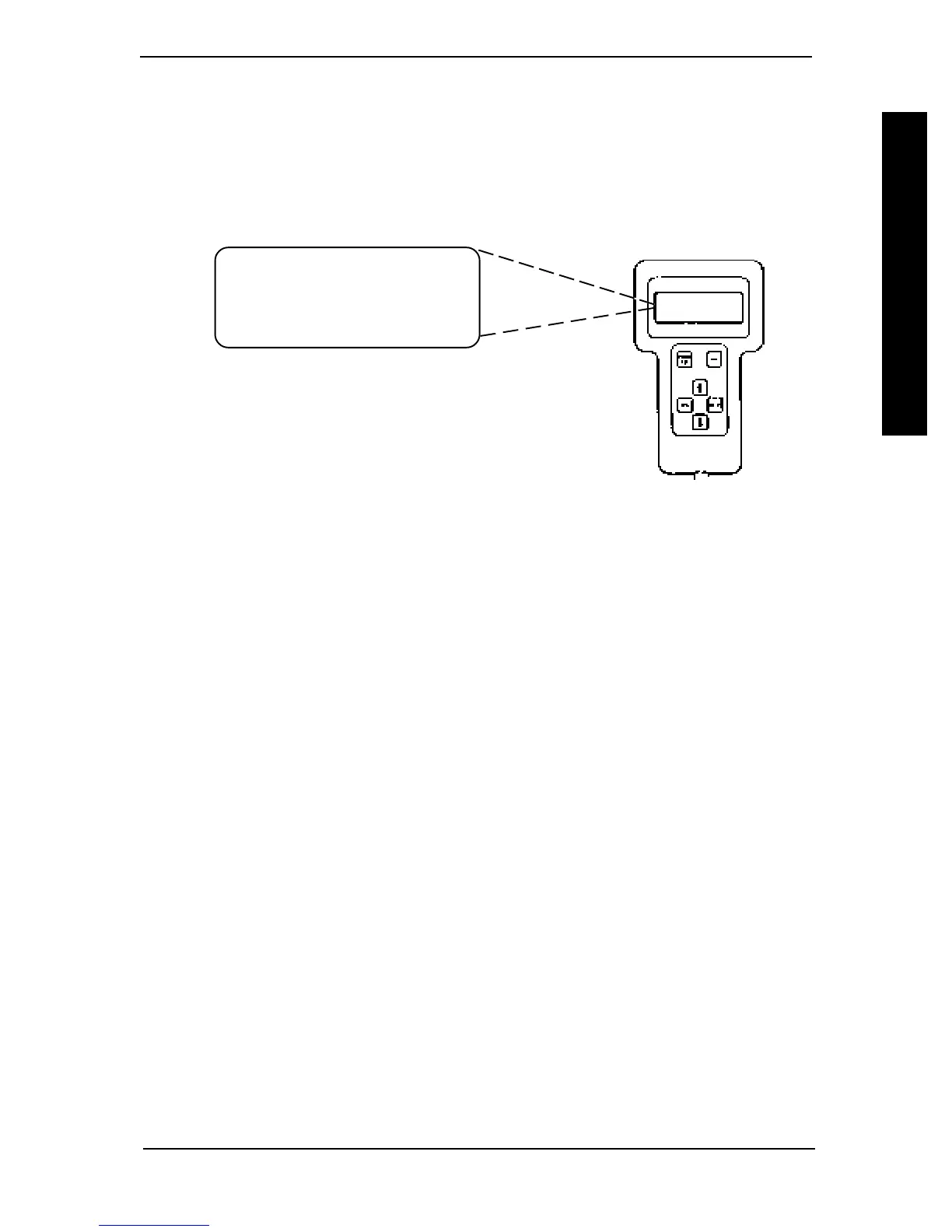
The first display screen shown after powering on the Remote Programmer is the Speed
and Response screen.
The first line shows the current drive. The second line
shows the forward speed. The third line shows the
responsiveness of the chair to changes in drive commands.
The fourth line is the entry point to the Main Menu.
SPEED - Adjusts the speed of the chair. It affects forward speed, turning speed and
reverse speed simultaneously and uniformly. The fastest speed setting is 100%. Use
the and to increase or decrease the speed of the chair.
RESPONSE - Adjusts the responsiveness or quickness of the chair to changes in drive
commands. It affects acceleration, turn acceleration, turn deceleration, braking,
torque and turning speed. The value of the Response parameter is set to 50% when-
ever a Standard Program is selected. It is good practice to first select a standard
program that is close to the desired performance and then use Response to indi-
vidualize the driving performance to the user. The Response parameter will be
ineffective in making large changes in chair responsiveness, e.g. changing a fast/
responsive drive into one suitable for users needing tremor dampening. Use the
and to increase or decrease the responsiveness of the chair.
ADVANCED MENU - Allows entry into the Main Menu where the Performance
Adjust menu, Standard Programs menu, Calibrations menu and Current Status menu
are displayed. Press the SELECT key to display the Main Menu.
FORWARD SPEED
Sets the maximum forward speed. The fastest speed setting is 100%. Use the
and keys to change the value.
TURNING SPEED
Sets the TURNING SPEED as a percentage of the maximum forward speed. The
turning speed is independent of the forward speed setting so that the turning speed
can be greater than the forward speed. The fastest turning speed setting is 60%. Use
the and keys to change the value.
ACCELERATION
ACCELERATION sets the time that it takes the chair to accelerate to its maximum
speed. A value of 100% is the quickest acceleration. Use the and keys to
change the values.
DRIVE 1
SPEED 95%
RESPONSE 50%
ADVANCED MENU
TS
SERVICE SECTION IIPERFORMANCER ADJUSTMENTS
PERFORMANCE ADJUSTMENTS



 To Next Page