MK5
™
NX
™
- 80 ELECTRONICS 8-10 Part No. 1122140
SERVICE SECTION II
PERFORMANCE ADJUSTMENTS
PERFORMANCE ADJUSTMENTS
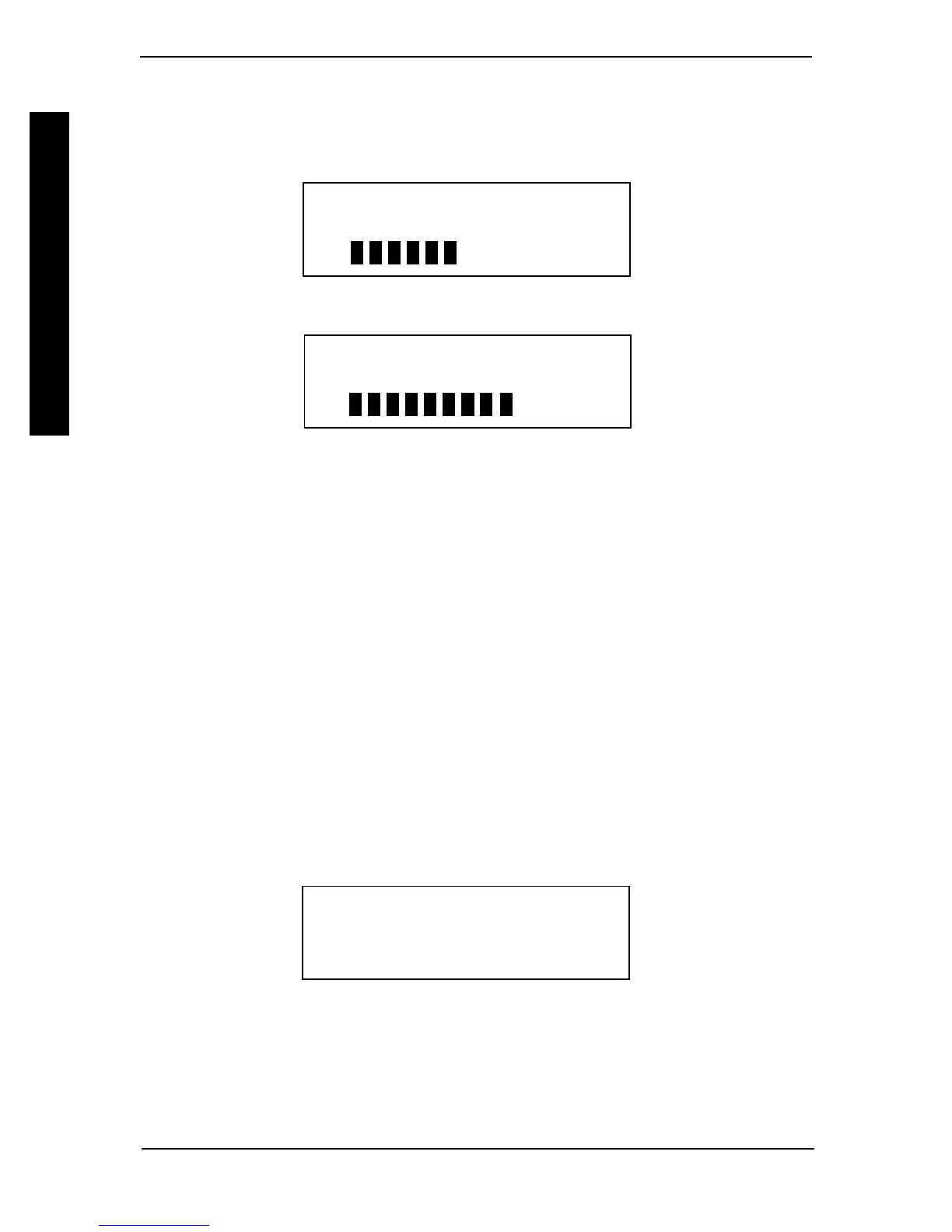
Press the SELECT key. The display screen changes to the adjustment screen. The top
line shows the function. The second line shows the value. At the bottom is a bar graph
which shows the relative position of the current value to the total adjustment range.
Pressing the or key will adjust the value.
TURN ACCELERATION
35%
LESS MORE
Pressing the key causes the value to increase and the bar graph to move toward
MORE.
TURN ACCELERATION
70%
LESS MORE
If another change is needed, press the MENU key to change the screen back to the
performance menu and move the selection arrow to a new function. To save this
change, press the SAVE key.
To store the program into DRIVE 1, press the SAVE key again. The display screen
changes to show that the command is being executed.
SAVING CHANGES TO
DRIVE 1
When saving to the drive program is complete, the screen will change to display:
CHANGES SAVED TO
DRIVE 1
CONTINUE? PRESS MENU
QUIT? PRESS POWER
Pressing the MENU key allows the adjustment sequence to be repeated for other drive
programs or the new program can be test driven by pressing the POWER key to turn
OFF the display screen (The chair cannot be driven while the display screen is ON.).
PERFORMANCE ADJUST
STANDARD PROGRAMS
CALIBRATIONS
CURRENT STATUS



 To Next Page