• All: Playback will cycle through all available audio files, then repeat the cycle
continuously.
SETTING UP THE FRAME
BE SURE to turn the Digital Picture Frame OFF before installing or removing a memory card
or other memory device. Installing or removing a memory card with the power ON may
damage the card or the frame.
4. Press the EXIT button twice to close the menu.
Enabling Slide Music
Installing the Memory Card
The Slide music feature lets you enable or disable audio playback while viewing photos
in “Slideshow” display mode. The Slide music feature is not available when the Setup
Menu is accessed from an audio “directory” screen, or when the frame is in “Single
Photo” display mode.
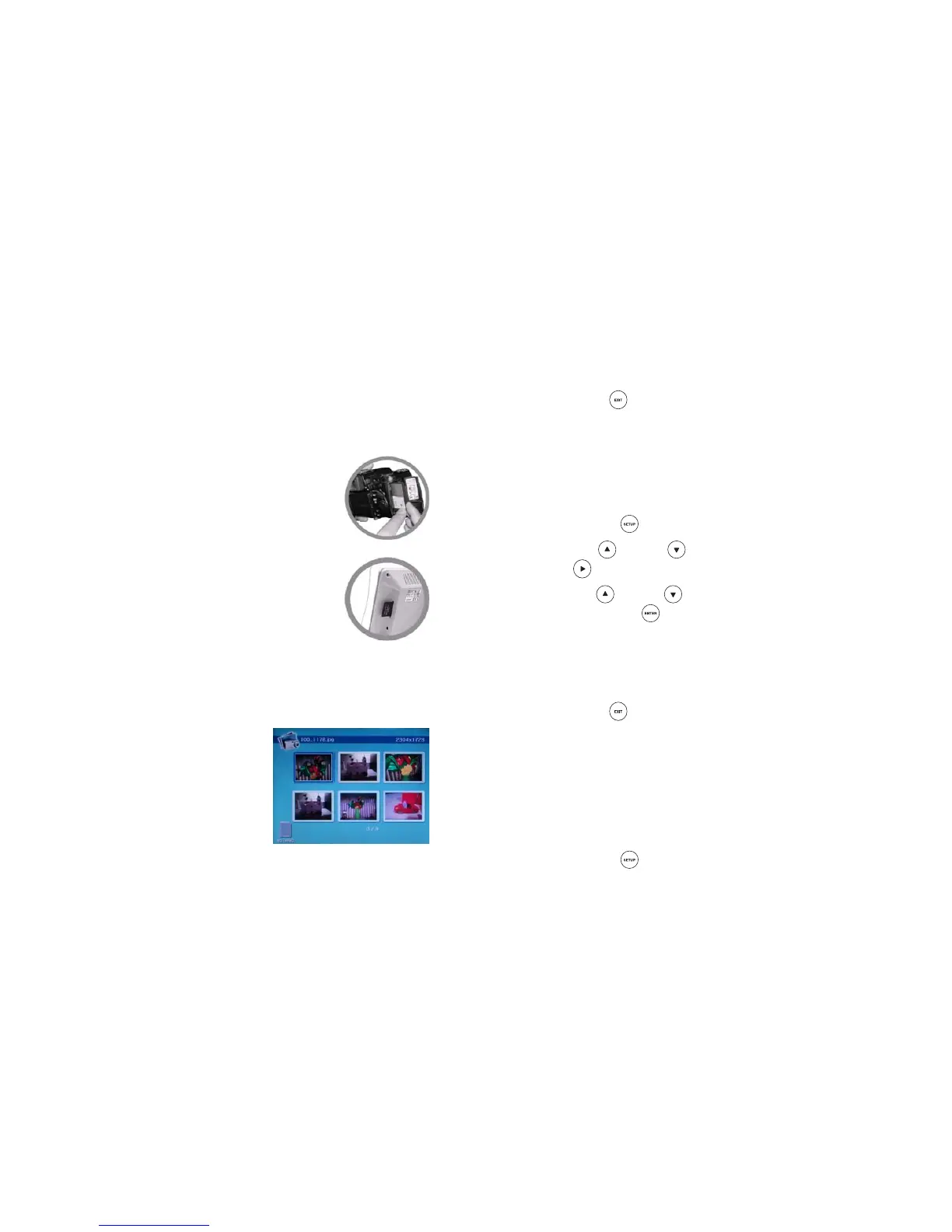
1. Remove the memory card from your digital camera. Refer to the
User’s Guide for your digital camera for instruction to safely
remove the memory card from the camera.
2. Insert the memory card or memory stick into the appropriate
slot in the side of the frame. BE SURE the label on the
memory card faces the back of the frame. The memory card
should slide easily into the slot. DO NOT force the memory
card into the slot, Forcing the card may damage the Digital
Picture Frame or the memory card.
When your memory card is properly installed in
the Digital Picture Frame, turn the POWER
switch ON. The Digital Picture Frame enters the
“Slideshow” mode. Press the EXIT button to
display the “thumbnails” screen.
If the memory card does not slide easily into the slot, BE
SURE you are using a supported memory card, and that the
card is oriented properly.
You can install a single digital camera memory card, or you can install a separate
memory device in each available slot. Compact Flash (CF) Cards and memory sticks
are installed in a similar manner.
1. Press the SETUP
button to display the Setup Menu.
2. Use the UP or DOWN button to highlight Slide music, then press the
RIGHT button to display the available options.
3. Use the UP
or DOWN button to highlight the desired slide music option,
then press the ENTER button to confirm your choice:
• Select On to enable audio playback when the Digital Picture Frame is in
“Slideshow” display mode.
• Select Off to disable audio playback when the Digital Picture Frame is in
“Slideshow” display mode.
4. Press the EXIT button twice to close the menu.
USING THE FRAME CONTROLS
When Slide music is enabled, your audio files will play back while the Digital Picture
Frame is in “Slideshow” display mode.
The buttons on the Digital Picture Frame provide
the controls for “basic” operation of the frame. To
access advanced feature and functions, refer to
“USING THE REMOTE CONTROL.”
If you pause the “Slideshow,” audio playback is also paused.
Resetting Options
The Reset setting feature lets you reset Setup Menu options to their factory-default
settings. The Reset setting feature is available from all Setup Menus.
1. Press the SETUP
button to display the Setup Menu.



 To Next Page