• Press the ENTER button to play the currently selected file. Press the ENTER
USING THE SETUP MENUS
button to pause the playback; press again to resume the playback.
The Digital Picture Frame includes several features that let you customize the way the
frame operates to suit your tastes. The Setup Menus can be accessed only by using the
Remote Control.
• Pres the EXIT button to stop the playback.
• Pres the MODE button to return to the photo “thumbnails” display.
Playing Selected Songs
The setup menus can be accessed while viewing
the “thumbnails” display or audio “directory, or with
the frame in “Single Photo” or “Slideshow” display
mode.
Normally, when you play back audio files, the Digital Picture Frame plays all files one
your memory card, in the listed order. If you wish, you can choose to play selected files
only.
1. Access the desired audio “directory.”
Some features are available from all Setup Menus.
Other features are available through a specific
Setup Menu only.
and DOWN
2. Use the UP
buttons to highlight the first audio file you wish to
select.
3. Press the SELECT
button to select the file.
Selecting the Display Source
• A checkmark displays to the right of the file name.
You can display photos and play back studio files from the Digital Picture Frame’s internal
memory, or from a memory device connected to the frame. The Select card feature lets
you select the source for your photos and audio files. The Select card feature is available
from all Setup Menus.
4. To unselect a file, use the UP
and DOWN buttons to highlight a selected file,
then press the SELECT button.
• The checkmark is removed.
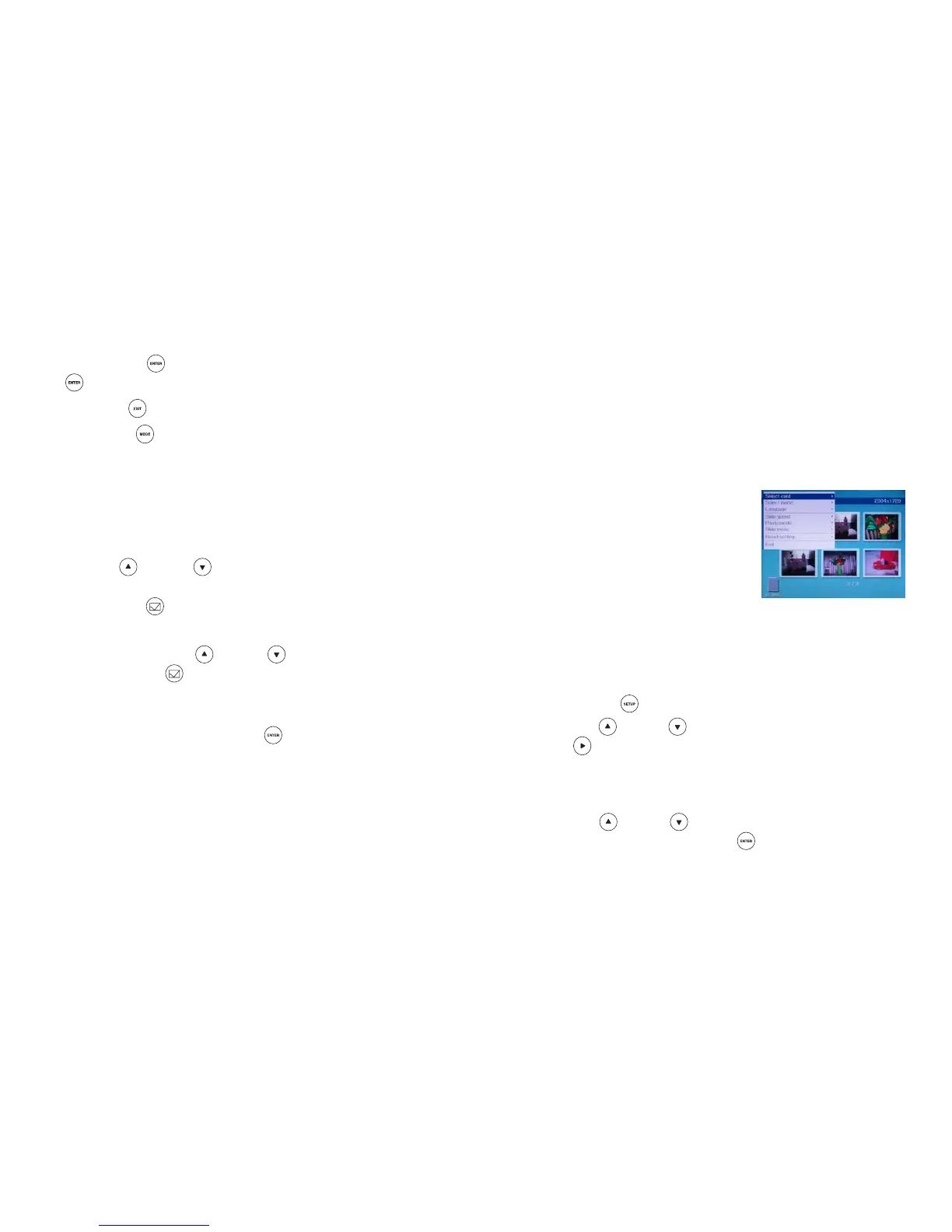
1. Press the SETUP
button to display the Setup Menu.
5. Repeat steps 2 through 4 to select or unselect additional files. When all the desired
files have been selected, press the ENTER
2. Use the UP
or DOWN button to highlight Select card, then press the
RIGHT
button to return to the playback
mode.
button to display the available options.
• The options listed depend on the memory device(s) that are currently connected
to the frame.
• The Digital Picture Frame will play back only the audio files you have selected.
• A checkmark is shown next to the currently selected source.
or DOWN
3. Use the UP
button to highlight the desired source for your
photo and audio files, then press the ENTER button to confirm your choice.


 To Previous Page