• If you select Yes, a status message displays while the photo(s)/file(s) are being
deleted. When the deletion is complete, the status message and Setup Menu
close automatically.
GETTING STARTED
PACKAGE CONTENTS
• If you select No, the photos/files are not deleted from the frame’s internal
memory. Press the EXIT
button twice to close the menu.
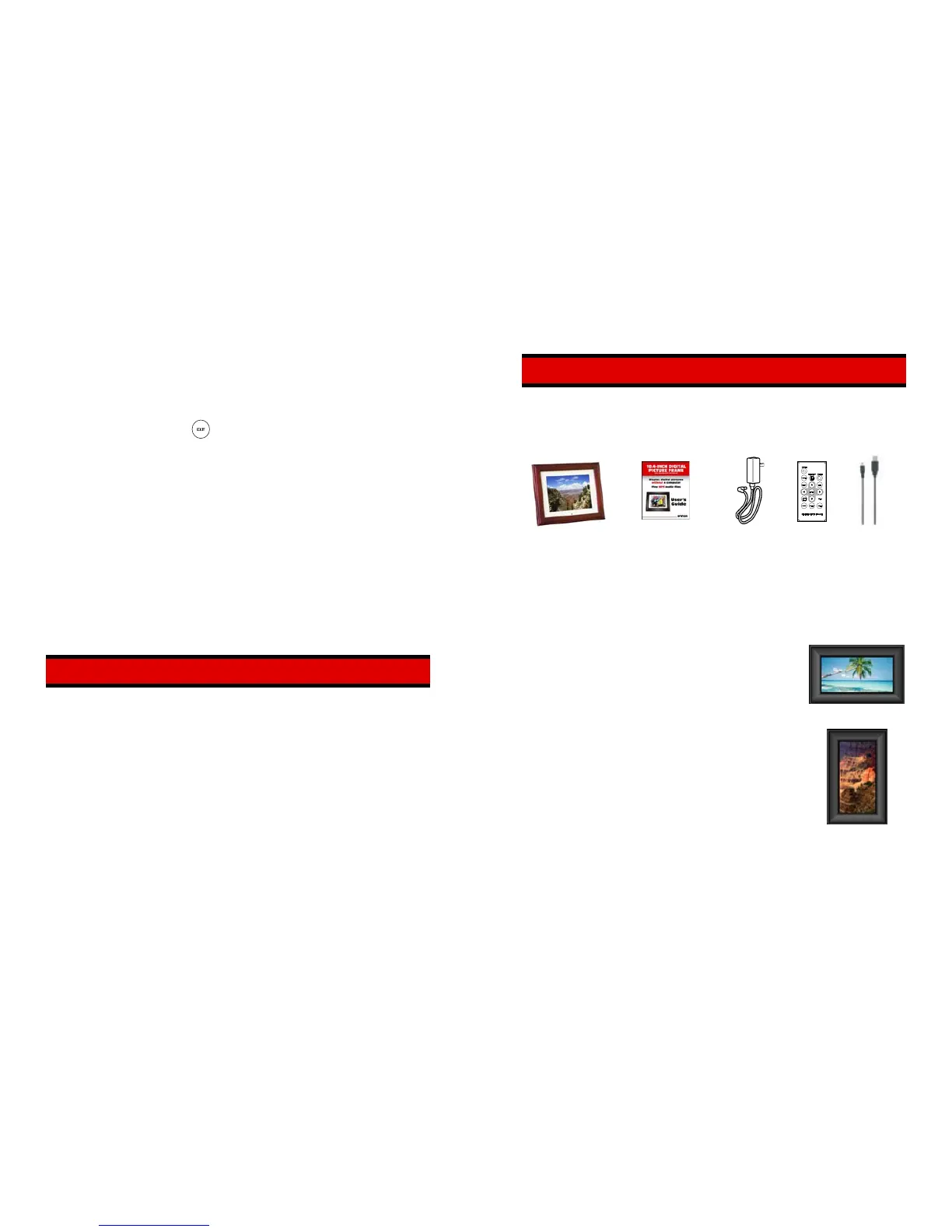
Your Digital Picture Frame includes the following items:
CARE AND MAINTENANCE
Use the following guidelines to keep your Digital Picture Frame in good operating
condition, and to avoid possible damage to the unit.
• The Digital Picture Frame is for indoor use only. DO NOT use the unit outdoors, or
place the unit where it may be affected by harsh environmental conditions (such as
near an open window, or on a “screened” patio).
• To reduce the risk of fire or electric shock; DO NOT expose the unit to rain or
moisture.
• DO NOT block the ventilation holes on the back of the Digital Picture Frame at any
time. These holes allow the heat generated by the unit when it is powered to be
Digital Picture
Frame with Support
Bracket
Remote
User’s Guide AC Adapter
Control USB Cable
UNPACKING, ASSEMBLY AND POSITIONING
Your Digital Picture Frame is easy to assemble, easy to install and easy to use!
• Remove the Digital Picture Frame, support bracket, AC
adapter and remote control from the carton.
• If you plan to display the frame on a table top, install the
support bracket on the back of the frame. Simply insert the
support bracket tabs into the slots in the back of the frame.
Horizontal Display
You can position the frame for horizontal or vertical display.
Horizontal display is recommended if you plan to use the
“slide show” feature.
• Hook holes are also provided on the back of the frame for
wall mounting (This works for Horizontal Display)..
• Plug the AC adapter into the connector in the side of the
frame, then plug the adapter into a wall outlet.
Vertical Display



 To Next Page