32
3.4 Connections in DMX mode „DMX“.
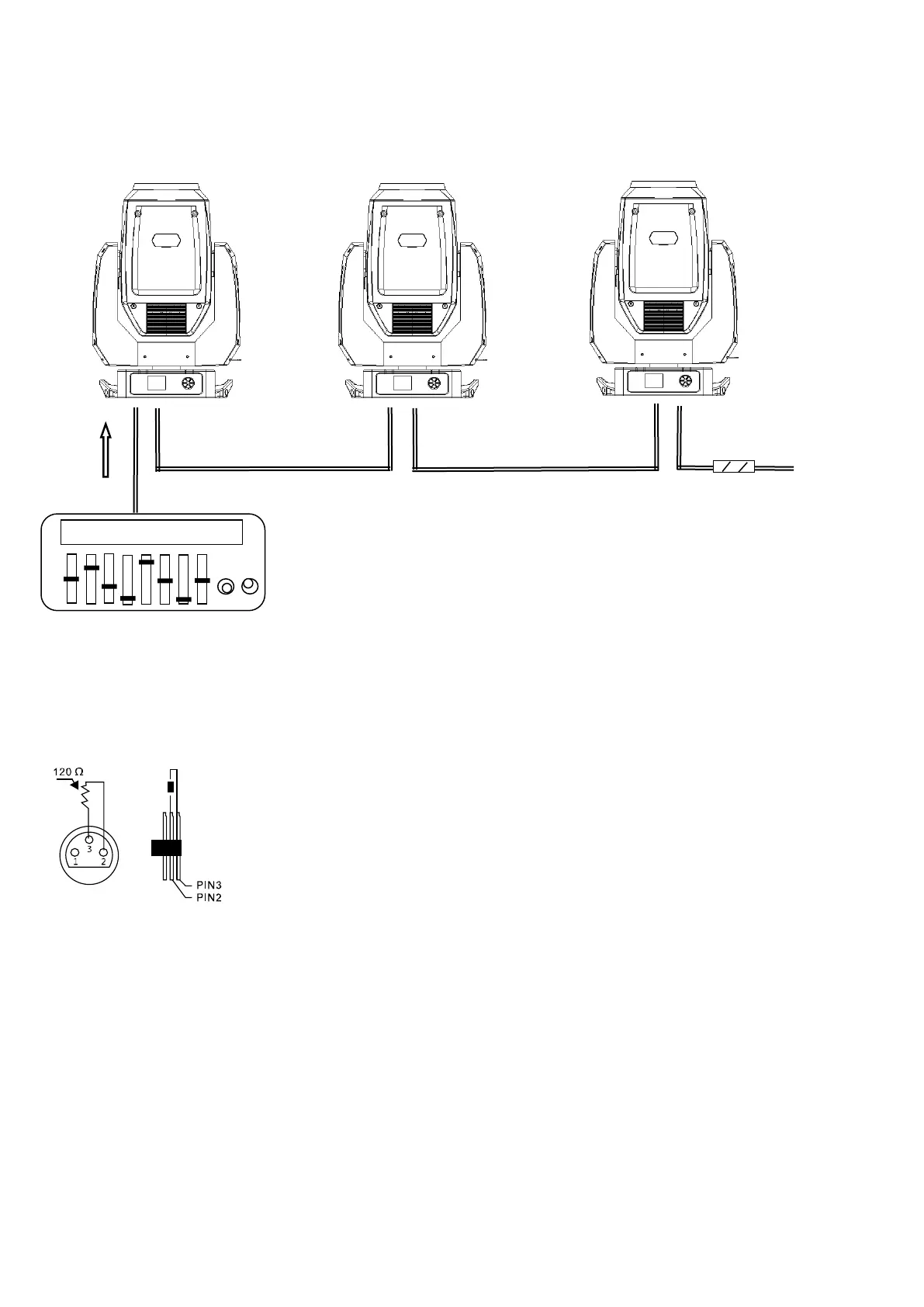
DMX stands for Digital Multiplex and allows the digital control of several DMX devices via a common control line.
Connect the DMX input of the device to the DMX output of a DMX controller or another DMX device. Connect the
output of the first DMX device to the input of the second one and so on to form a series connection.
From a cable length of 300m or to 32 connected DMX devices, the signal should be amplified by means of a DMX
splitter / repeater (eg Involight DMXS4, DMXS6 or DMXS8) to ensure error-free data transmission.
IMPORTANT: The last device in a DMX chain should have a terminator connected to terminate the chain. DMX
terminators are commercially available, but can also be built yourself. A 120 ohm resistor must be soldered in an XLR
plug between the two poles (+ and -).
3.5 Connections in "Master / Slave" mode
When you configure a group of devices in the "Master / Slave" mode, the first device controls the others and allows an
automatic or music-controlled and synchronized show. This feature is especially useful for starting a show without
great programming. Connect the DMX output of the master device to the DMX input of the first slave device. Then,
connect the DMX output of the first slave device to the DMX input of the second slave device, and so on.
3.6 Stand-alone operation.
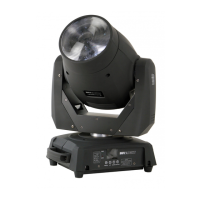
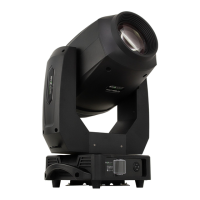
The „TRINITY200LED“ can also be used in stand-alone mode without a DMX controller. Disconnect the
„TRINITY200LED“ from the controller and call the pre programmed program.


 To Next Page