ION Audio Party Splash™ User Guide 6
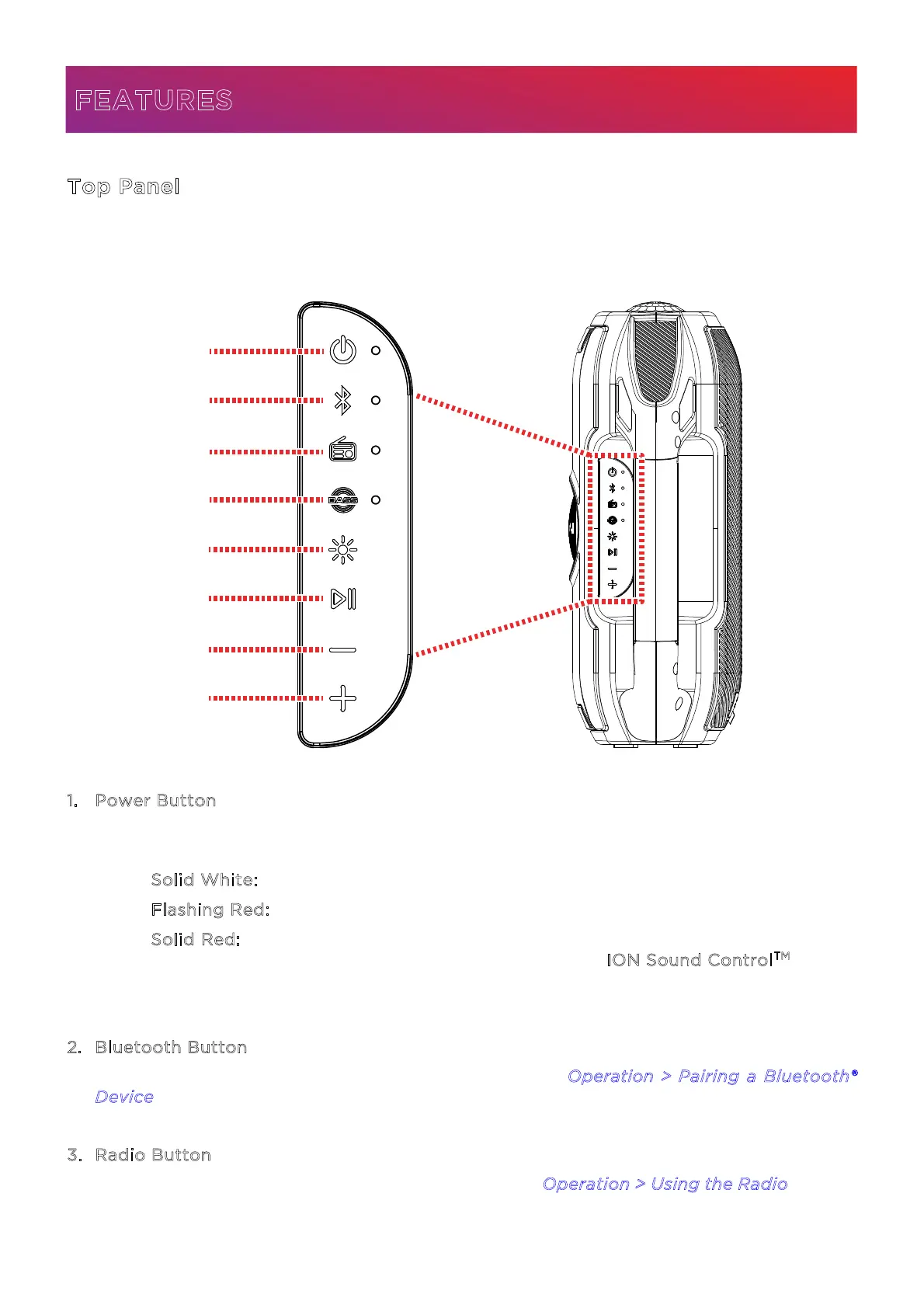
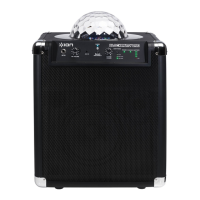
Top Panel
Click a control below to jump to that section.
1
. Power Button
Press and hold this button to power Party Splash
TM
on and o. The LED next to this button
will change based on the current status of Party Splash
TM
:
• S
olid White: Power on.
• F
lashing Red: Low battery.
• S
olid Red: Charging. If the unit is powered o, the LED will turn o once charging
is complete. Battery status can also be seen from the I
ON Sound Control
TM
app.
Double-press this button to activate or deactivate the voice prompts.
2
. Bluetooth Button
Press this button to enter Bluetooth pairing mode. See O
peration > Pairing a Bluetooth®
D
evice to learn more.
3
. Radio Button
Press this button to enter or exit FM radio mode. See Operation > Using the Radio to learn
more.
FEATURES
1
2
3
4
5
6
7
8





 To Next Page