EasyManua.ls Logo

ION PICS 2 SD - Box Contents; PICS 2 SD Features

ION PICS 2 SD
32 pages
Print Icon
To Next Page IconTo Next Page
To Previous Page IconTo Previous Page
Loading...
2
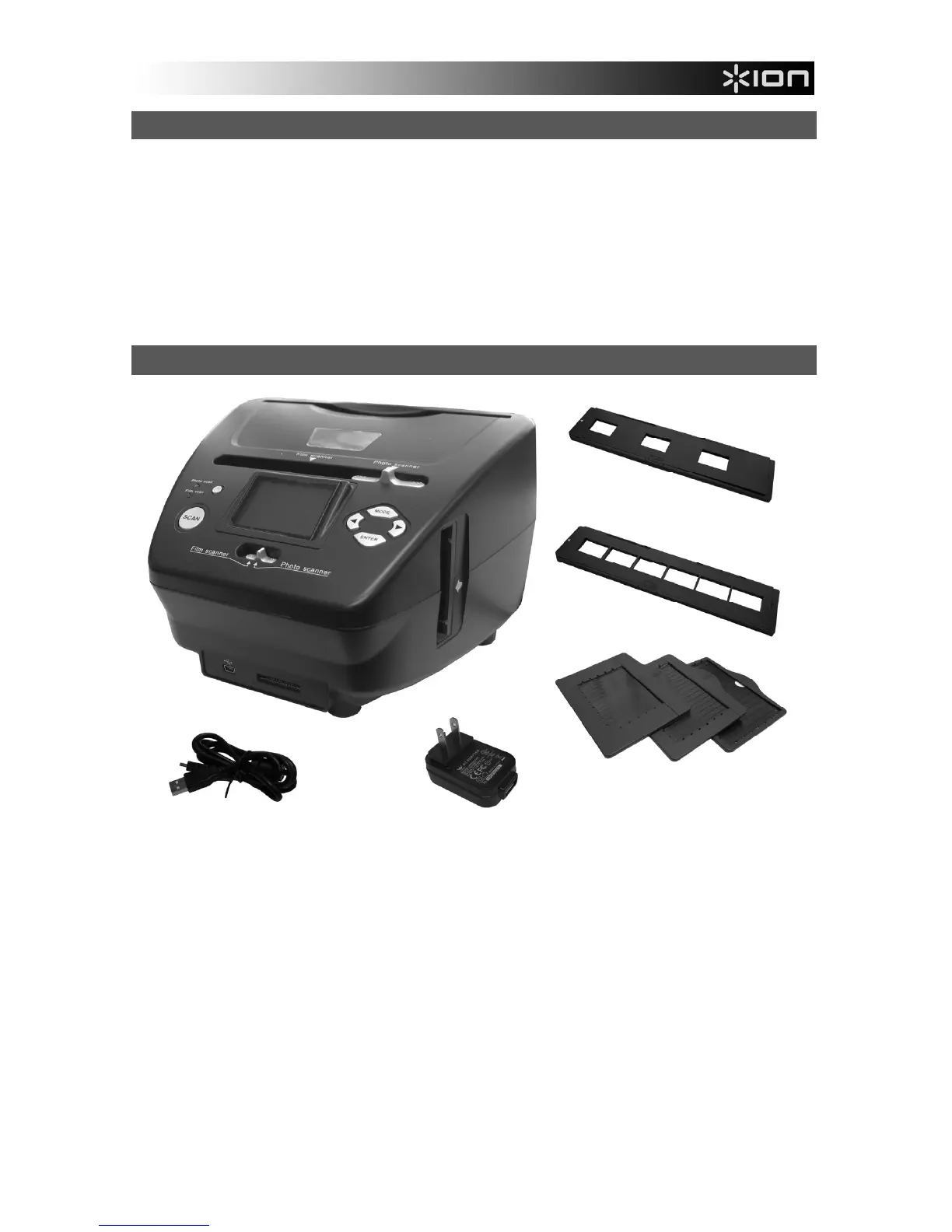
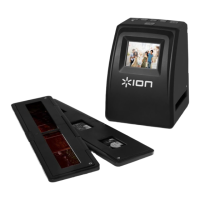
BOX CONTENTS
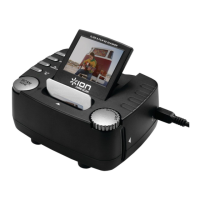
PICS 2 SD
USB cable
USB power adapter
Slide holder
Film holder
Photo holders (3)
Quickstart Guide
Safety Instructions & Warranty Information Booklet
PICS 2 SD FEATURES
1. POWER BUTTON
2. DISPLAY
3. SCAN BUTTON
4. SCANNER MODE
SWITCH
5. LEFT / RIGHT
BUTTONS
6. MODE BUTTON
7. ENTER BUTTON
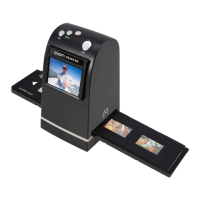
8. FILM / SLIDE HOLDER SLOT
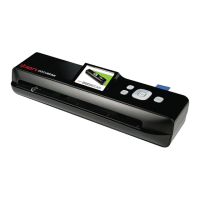
9. PHOTO HOLDER SLOT
10. USB PORT
11. SD CARD SLOT
12. USB CABLE
13. USB POWER
ADAPTER
14. SLIDE HOLDER
15. FILM HOLDER
16. PHOTO HOLDERS
3.5" x 5"
4" x 6"
5" x 7"
Note: Please make sure your film negatives/ mounted slides and cover trays are clean before inserting into
the copier. Dust or dirt will affect the quality of your scanned images.
1
2
3
4
5
12
14
15
16
4
5
6
7
8
9
10
11
13

Other manuals for ION PICS 2 SD

Related product manuals