10
TA74 0
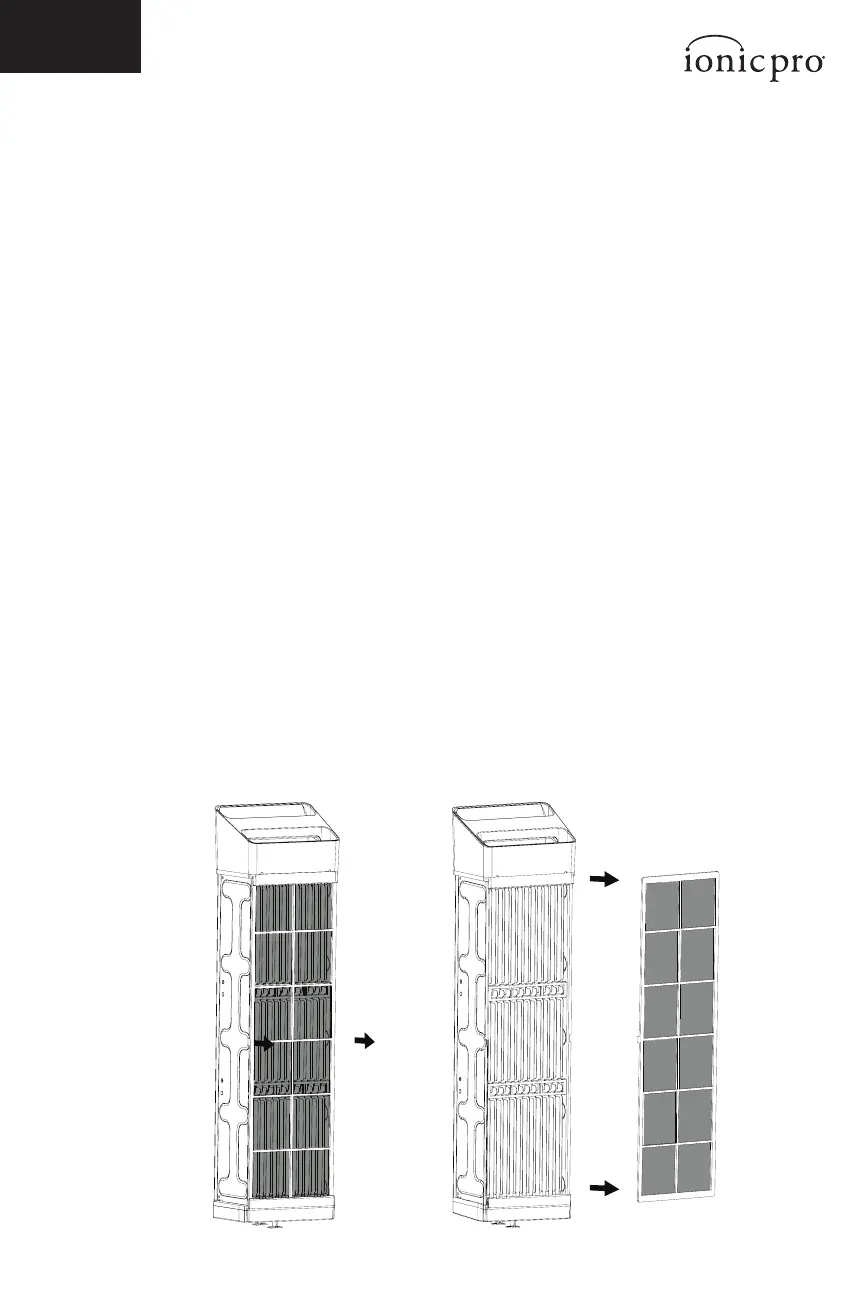
CLEANING THE PRE-FILTER:
NOTE: The pre-lter is attached to the back side of the permanent ionic lter.
See Figure 7.
1. When in use, the pre-lter removes larger particles from the air circulating
through your Ionic Pro® Elite.
2. It can either be hand-washed in cold water or vacuumed.
3. However you clean it, make sure it is absolutley dry before attempting to
vertically re-insert it into your air purier and resuming use.
4. Always make sure your air purier is turned o and unplugged before
attempting to vertically re-insert the permanent ionic lter or pre-lter.
IMPORTANT DRYING WARNING
To avoid damaging your air purier, make sure the permanent ionic lter and
pre-lter are completely dry and free of all moisture before attempting to vertically
re-insert them into your air purier and resuming use.
NOTE: If you insert a wet part, the fan will not turn on and the CLEAN FILTER light
will go on. Simply take out the part and let it dry.
Always make sure your air purier is turned o and unplugged before attempting to
vertically re-insert the permanent ionic lter and pre-lter.
CLEANING AND MAINTENANCE
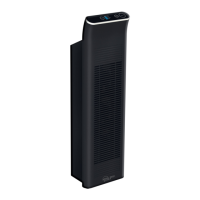
Figure 7


 To Next Page