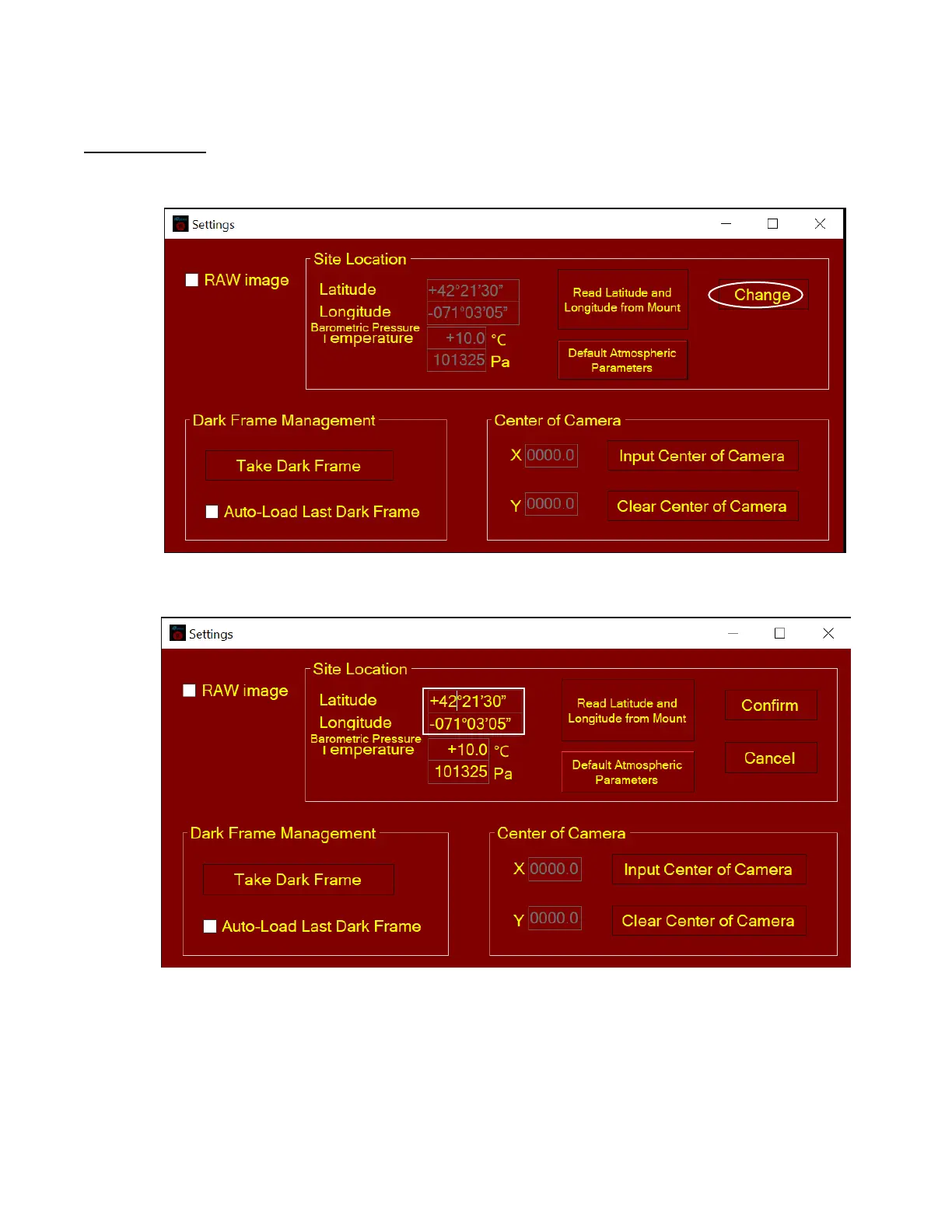
Step 4. Set Location and Atmospheric Parameters
If the observation site is near equators (lower latitude), or is at high elevation (3000 meter or higher
above sea level), please enter the barometric pressure and temperature as precise as possible.
Enter Manually
(1) Click on Change button
(2) Enter location info, i.e., latitude and longitude number (GPS coordinates). Northern hemisphere
is “+”, southern “-“ for latitude; eastern “+”, western “-“ for longitude
(3) Enter atmospheric parameters, i.e., temperature and barometric pressure. If the observation site
is near equators (lower latitude), or is at high elevation (3000 meter or higher above sea level),
please enter the barometric pressure and temperature as precise as possible.



 To Next Page