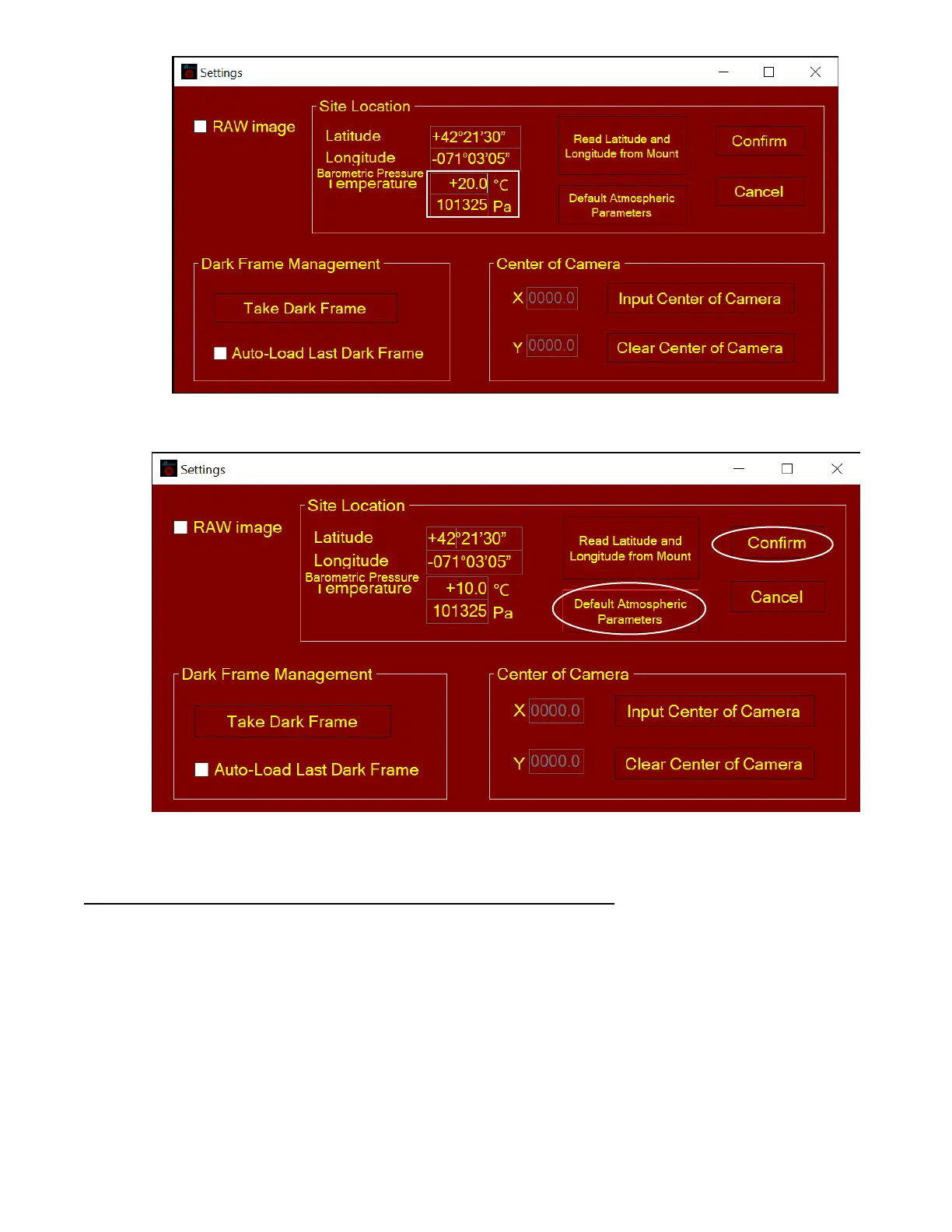
Otherwise you may choose default atmospheric settings, just click on Default Atmospheric
Parameters. The default value is 10°C and 101325Pa.
(4) Click Confirm to complete the location setting.
Read from an ASCOM Supported iOptron Mount for Location Info
NOTE: You’ll need latest firmware and iOptron Commander, as well as .NET 4.8 and beyond. Make
sure the mount is connected to the computer via ASCOM. This ONLY work for an iOptron mount.
(1) Click on Settings
(2) Click on Read Location from Mounts



 To Next Page