14
1.2 Interface and DHCP Server
1.2.1 Overview
The AC allows a maximum of 512 VLAN interfaces. On the Interface and DHCP Server page, you can
set IP addresses and DHCP servers for VLAN interfaces.
ி IP Address of VLAN Interface
Each IP address of a VLAN interface is a management IP address of the AC. You can use them to log in
to the web UI of the AC.
The IP address of a VLAN interface is also used to communicate with devices that are in the same VLAN
network with the interface. For example, a switch is connected to a VLAN interface of the AC and the IP
address of the switch is 192.168.0.1/24. To enable the AC and the switch communicate with each other,
you can set an IP address in the network segment 192.168.0.0/24 for the VLAN interface.
ி DHCP Server of VLAN Interface
You can enable the DHCP server of a VLAN interface to assign IP addresses, subnet mask, gateway,
and DNS address to APs or users connected to the VLAN interface.
1.2.2 Configuring Interface and DHCP Server
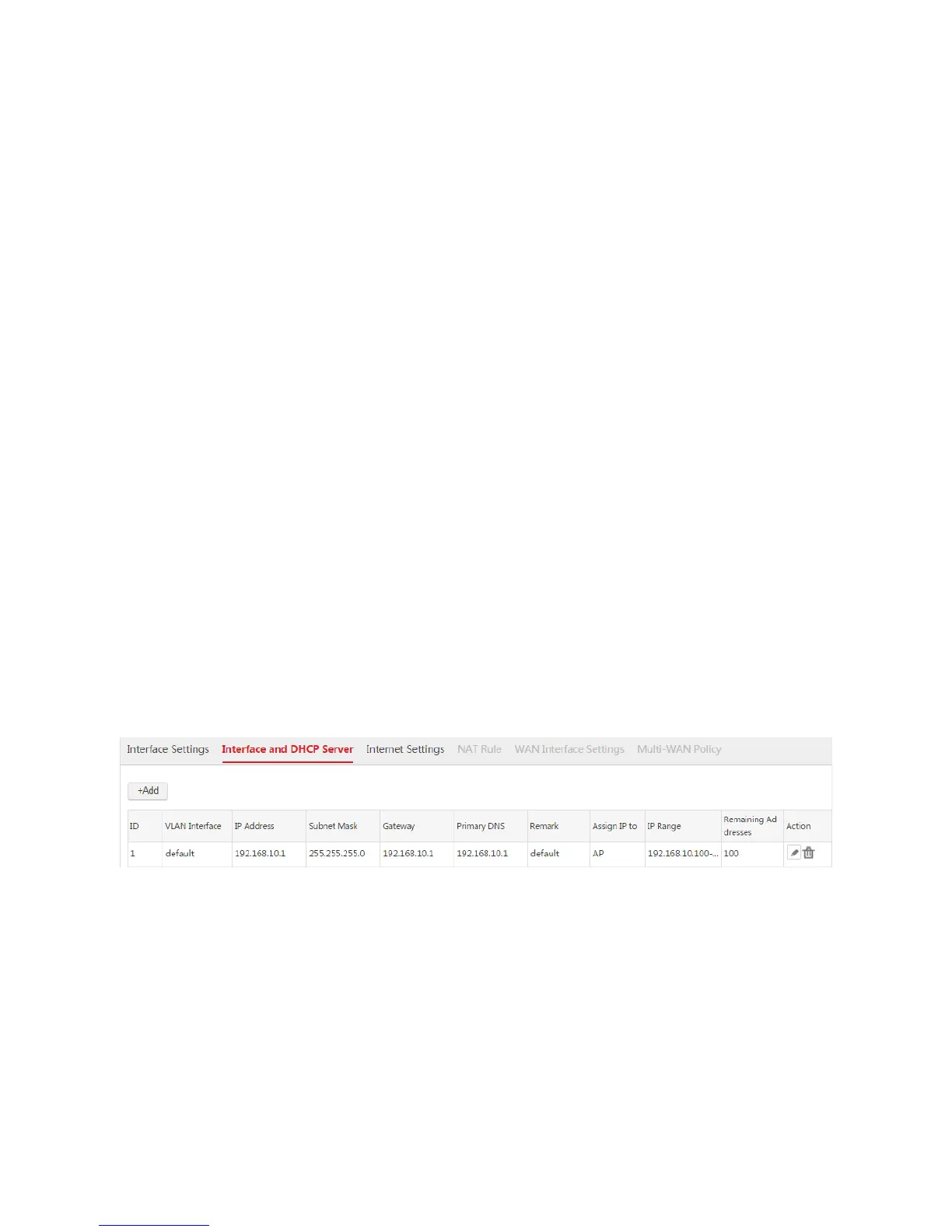
The AC provides one default interface and DHCP server rule. See the following figure.
Creating an Interface and DHCP Server Rule
1. Log in to the web UI of the AC and go to Network Setting > Network Setting > Interface and
DHCP Server.
2. Click Add.
3. Configure the parameters in the window.
4. Click Save.



 To Next Page