3
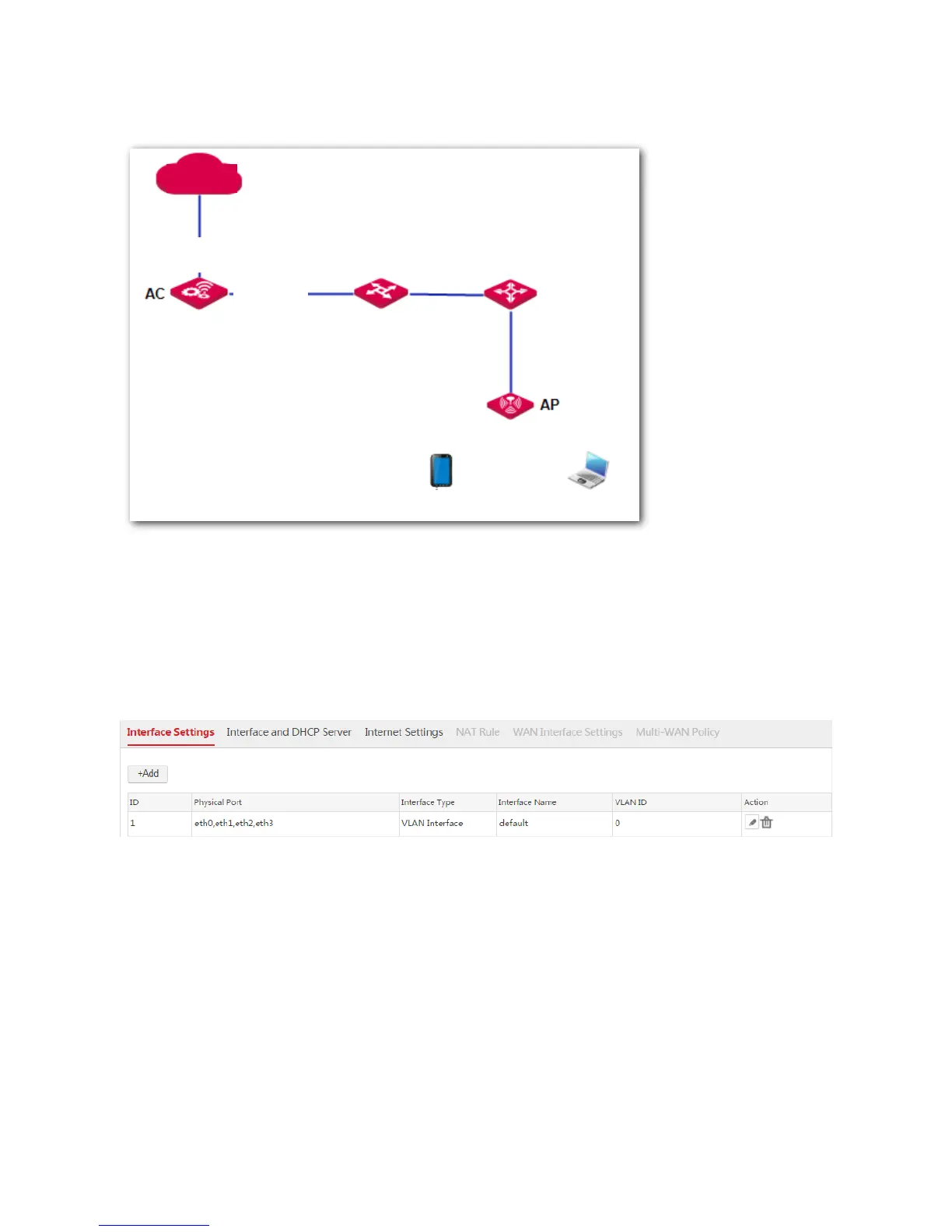
If you create WAN interfaces, the AC enables NAT function and functions as a gateway. The network
topology is as follows.
1.1.2 Configuring Interface Settings
By default, the AC provides a VLAN interface named "default". The VLAN interface contains all physical
ports of the AC and its VLAN ID is 0. See the following figure.
Creating a VLAN Interface
1. Log in to the web UI of the AC and choose Network Setting > Network Setting > Interface
Settings.
2. Click Add.
3. Configure the parameters in the window.
Interface Type: Select VLAN Interface.
Physical Port: Select one or more physical ports belonging to the VLAN Interface.
Interface Name: Set a unique name for the VLAN interface.



 To Next Page