59
2 IP Routing
2.1 Overview
On the page IP Routing, you can specify different routes for the AC to reach different destinations. The
AC supports creating a maximum of 512 routes. Through this function, you can meet the following
requirements:
The AC can access different networks simultaneously, such as the internet and enterprise
network.
Users connected to the AC can access different networks simultaneously, such as the internet
and enterprise network.
2.2 Configuring IP Routing
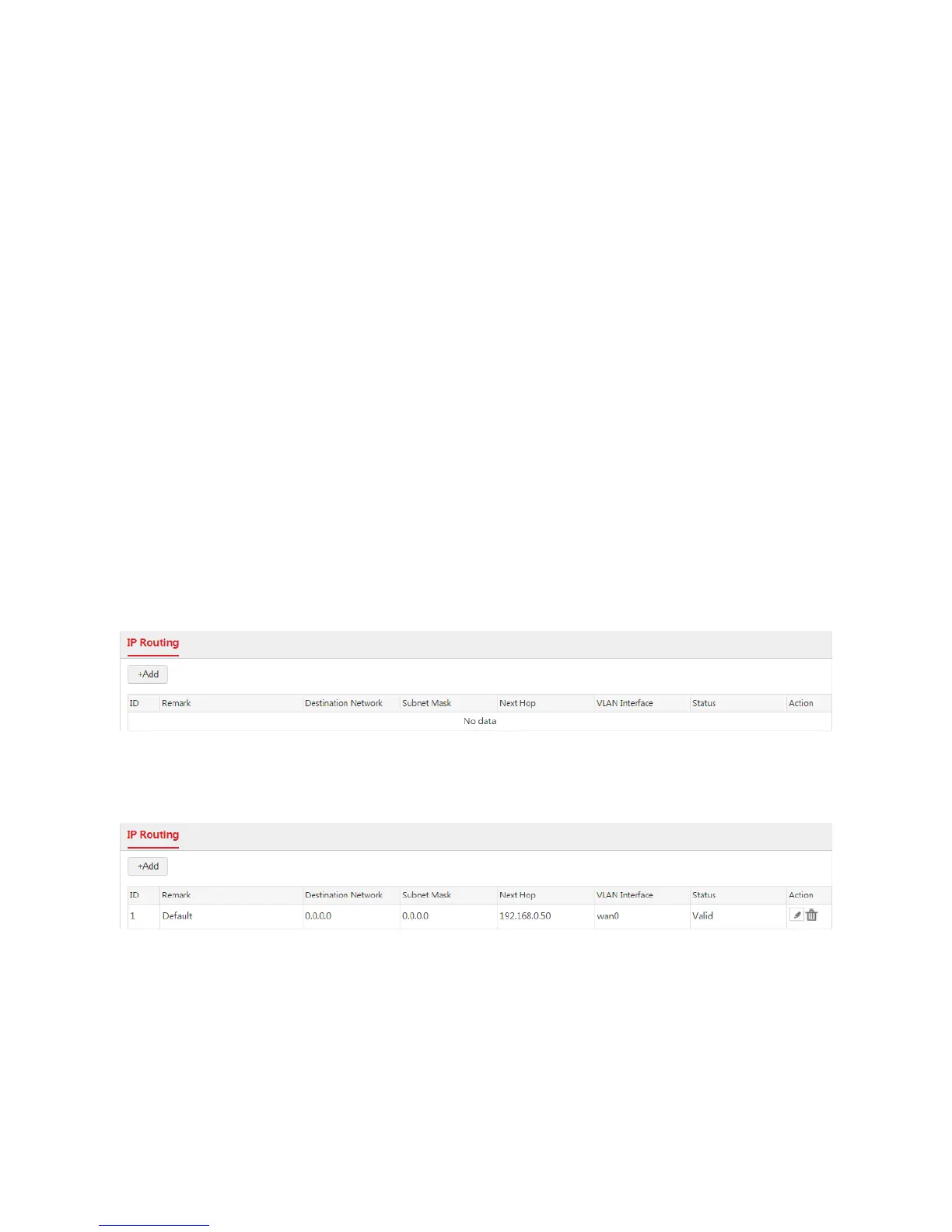
To go to the IP Routing page, click Network Setting > IP Routing. The default page is shown as
follows.
If the internet settings are configured successfully, the AC generates a default route on this page. See
the following figure.
Creating an IP Route
1. Choose Network Setting > IP Routing.
2. Click Add.
3. Configure the parameters in the window.
4. Click Save.



 To Next Page