58
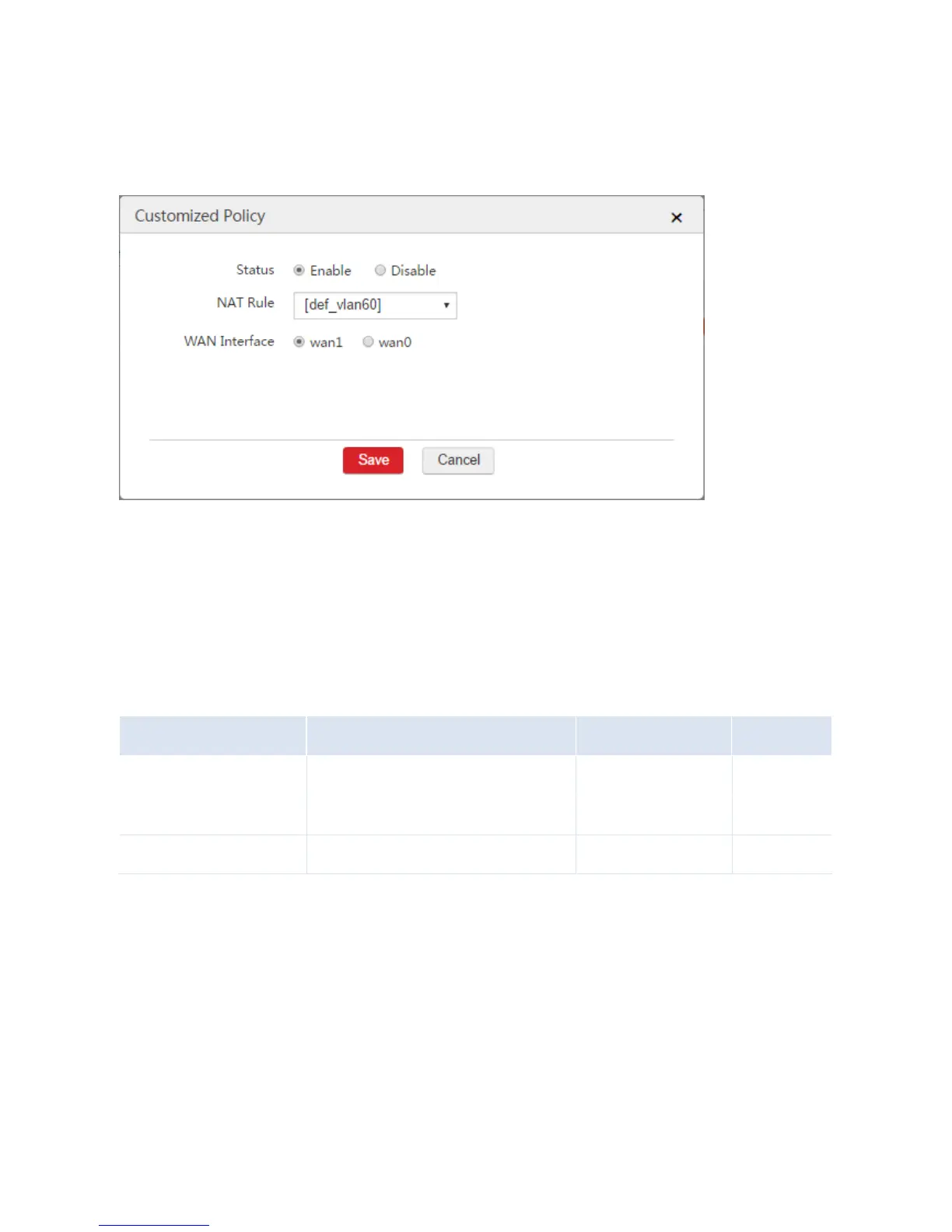
Status: Select Enable.
NAT Rule: Select the NAT rule used by computers from VLAN 60, which is "[def_vlan60]".
WAN Interface: Select "wan1".
3) Click Save.
II. Configure Switch
Configure the 802.1Q VLAN function on the switch. Set the port connected to the VLAN 50 network as
an access port and make the port to allow VLAN 50 to pass through. Set the port connected to the VLAN
60 network as an access port and make the port to allow VLAN 60 to pass through. Set the port
connected to the AC as a trunk port and make the port to allow VLAN 1,50,60 to pass through. The
details are shown as follows.
Verification
When the two internet connection lines work properly, if you connect your computer to VLAN 50 network
and perform the command tracert www.google.com, you can view that the second route is the gateway
of the wan0. If you connect your computer to VLAN 60 network and perform the command tracert
www.google.com, you can view that the second route is the gateway of the wan1.



 To Next Page