25
Step 6: Batch Group
1. Choose AP Management > Modify AP.
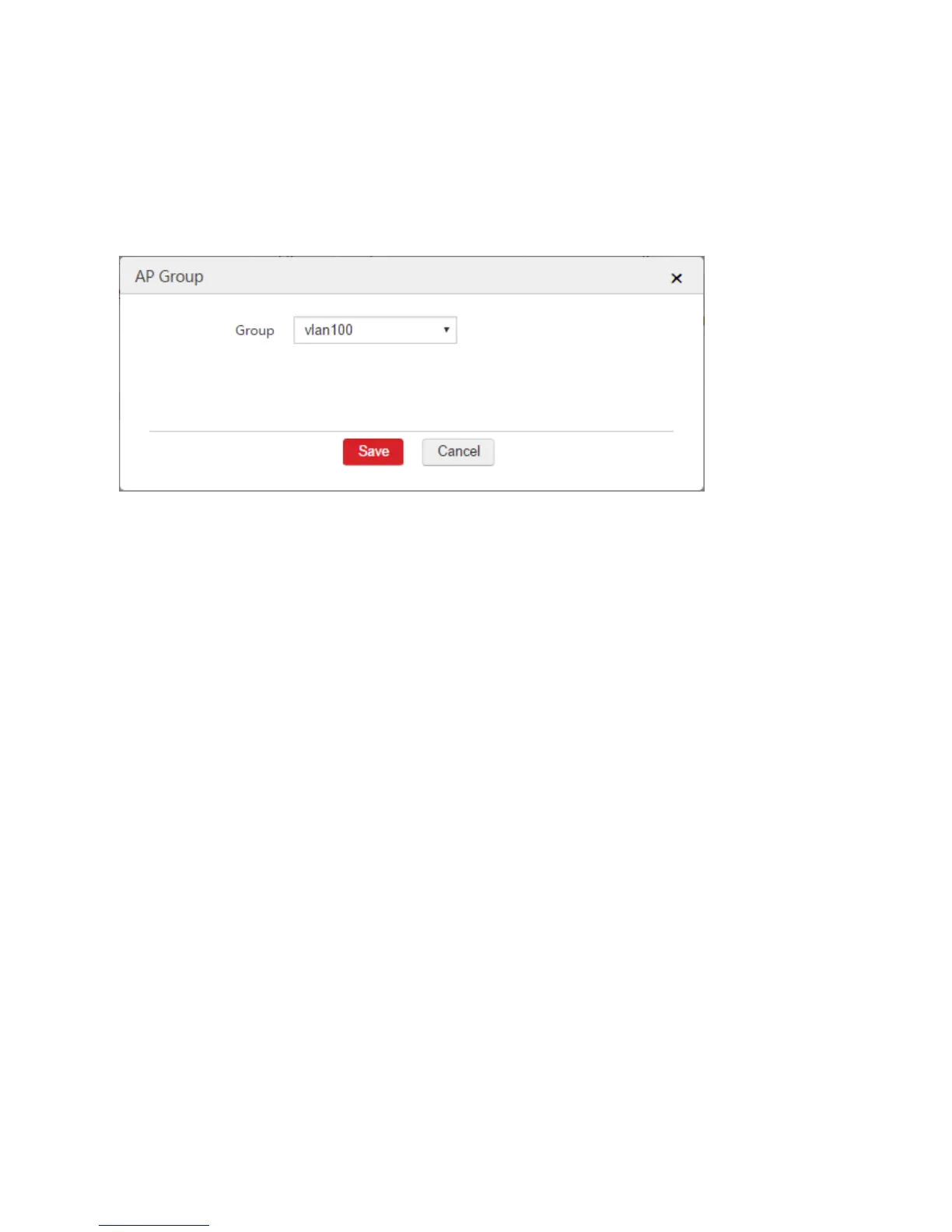
2. Select the APs that need the SSID policy and click "Batch Group".
3. Group: Select the configured AP group from Step 5, which is "vlan100".
4. Click Save.
After the configuration is complete, the AC delivers the settings of the AP group to the APs and the APs
reboot. Please wait 1 - 2 minutes for the APs to get online.
Verification
When users connect to the wireless network "vlan100", they can access the internet by obtaining IP
addresses on the network segment 192.168.100.0/24, and their gateway and DNS address are
192.168.100.50.
1.3 Internet Settings
1.3.1 Overview
Through this function, you can connect the AC to the internet. After the AC is connected to the internet, it
can:
Manage APs in the internet.
Synchronize the system time of the AC with the internet time to ensure that the time-related
functions of the AC work properly.



 To Next Page