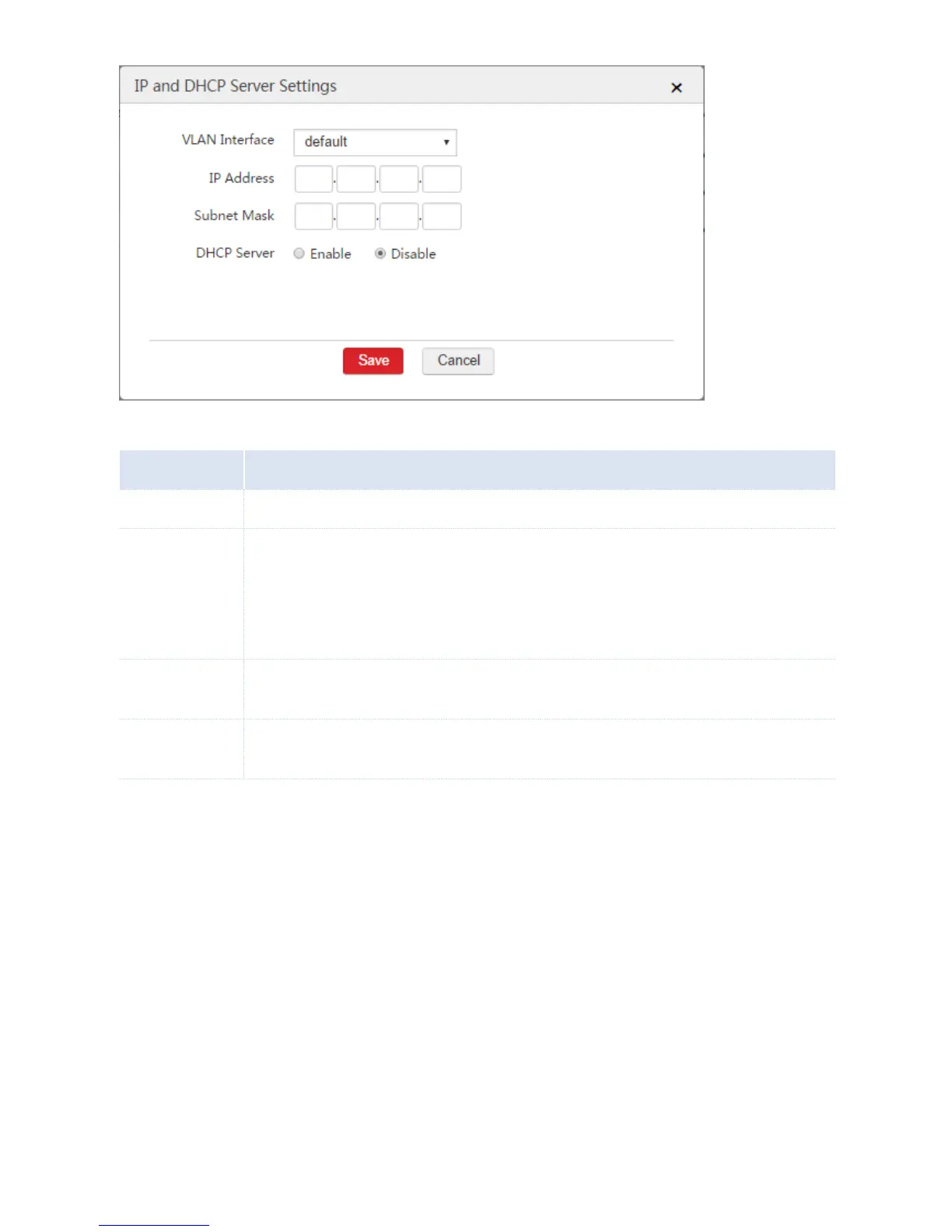
Set an IP address for the VLAN interface. The users belonging to the same VLAN network with the
interface can use the IP address to log in to the web UI of the AC to manage the AC.
The AC supports creating a maximum of 32 IP addresses for each VLAN interface. For each rule of
interface and DHCP server, you can enable the DHCP server to assign IP addresses to users or
APs, or disable the DHCP server.
Enable or disable the DHCP server of the VLAN interface. If you enable the DHCP server, set the
following parameters. When you disable the DHCP server, skip the following parameters.



 To Next Page