18
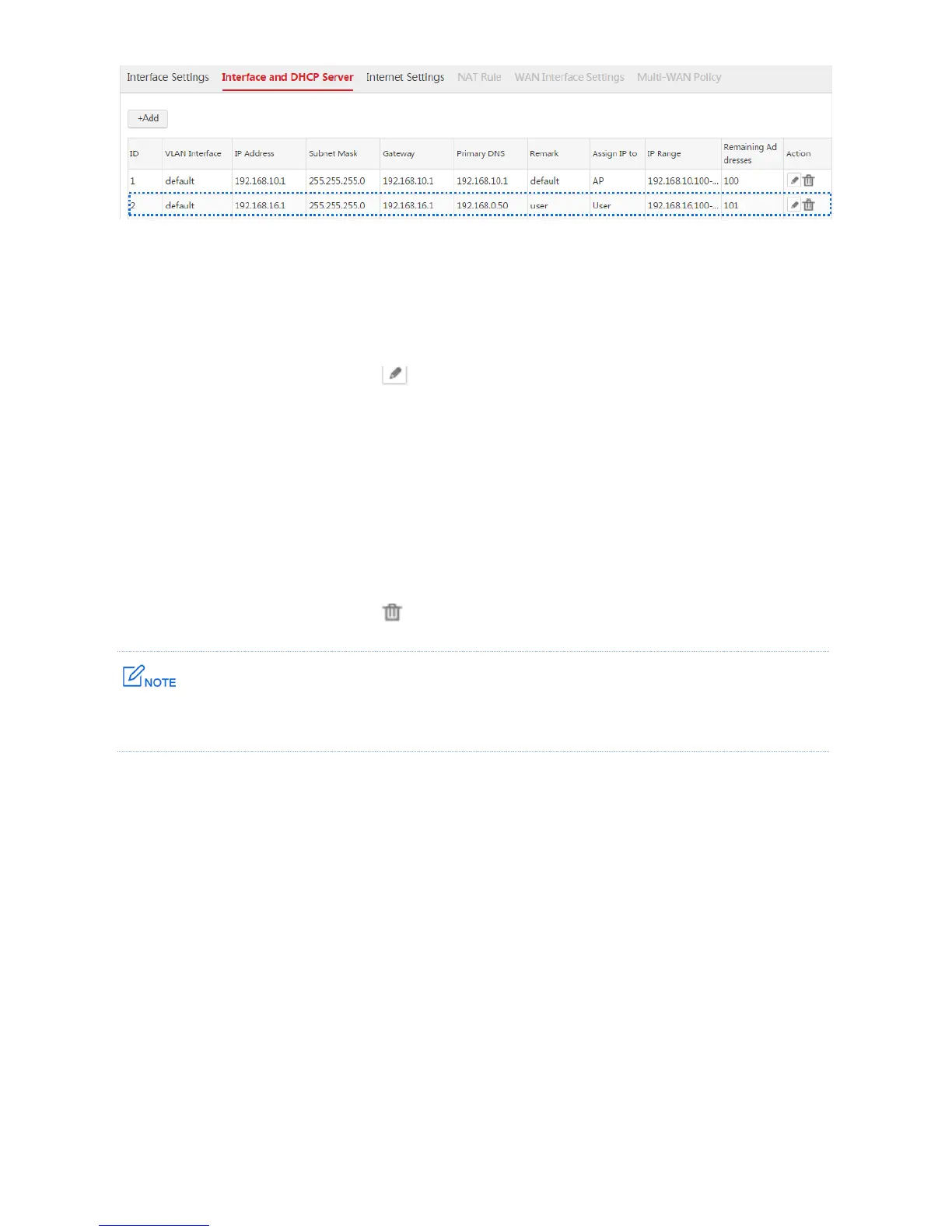
Modifying an Interface and DHCP Server Rule
1. Log in to the web UI of the AC and go to Network Setting > Network Setting > Interface and
DHCP Server.
2. Find the item to be modified, click .
3. Modify the parameters, except "VLAN Interface", in the window.
4. Click Save.
Deleting an Interface and DHCP Server Rule
1. Log in to the web UI of the AC and go to Network Setting > Network Setting > Interface and
DHCP Server.
2. Find the item to be modified, click .
The default IP address can be deleted. If you delete the default IP address, use other IP addresses to manage
the AC.



 To Next Page