23
Step 4: Create SSID Group
1. Choose AP Management > SSID Group.
2. Click Add.
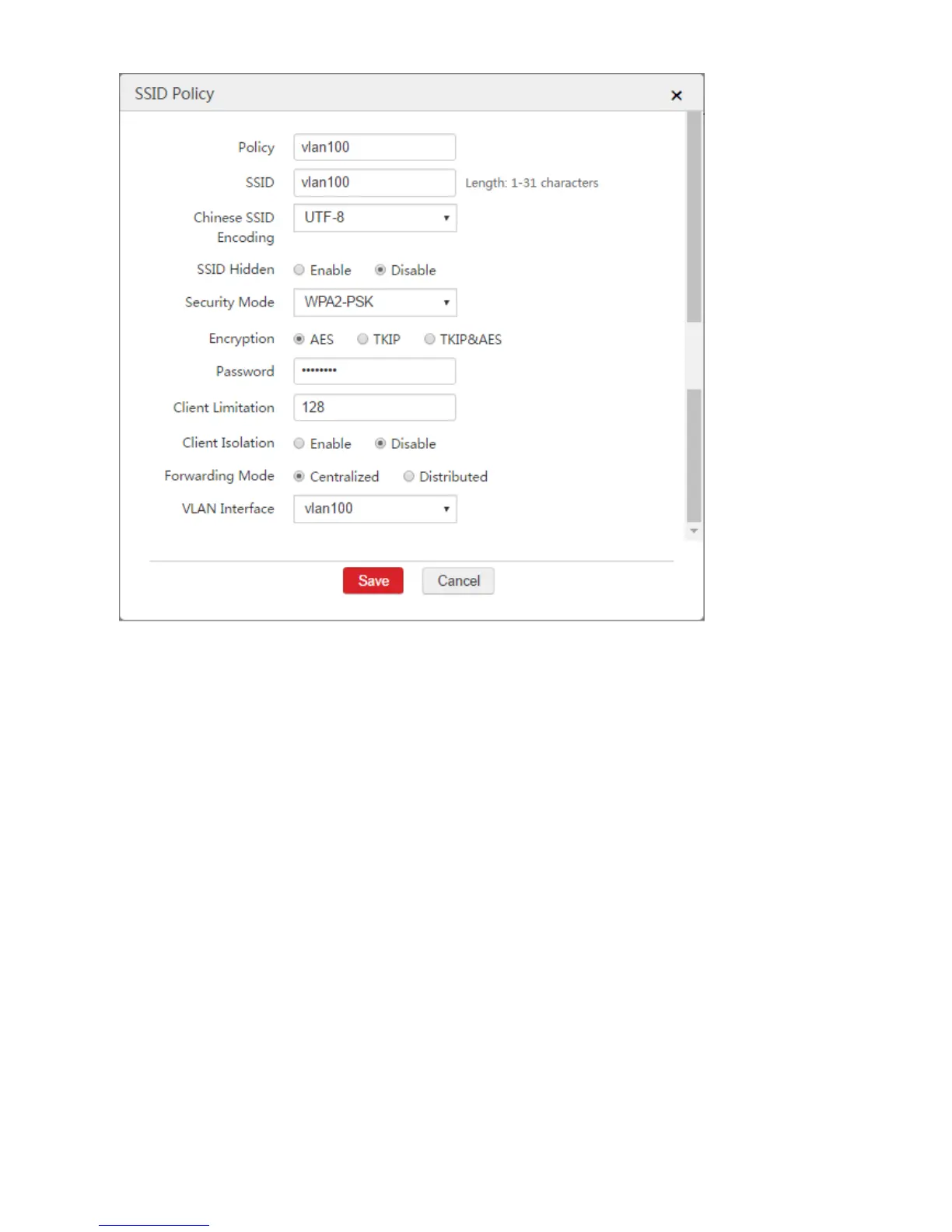
3. Configure the parameters in the window.
SSID Group: Set a name for the SSID group, such as "vlan100".
SSID Policy: Select the configured SSID policy from Step 3, which is "vlan100".
4. Click Save.



 To Next Page